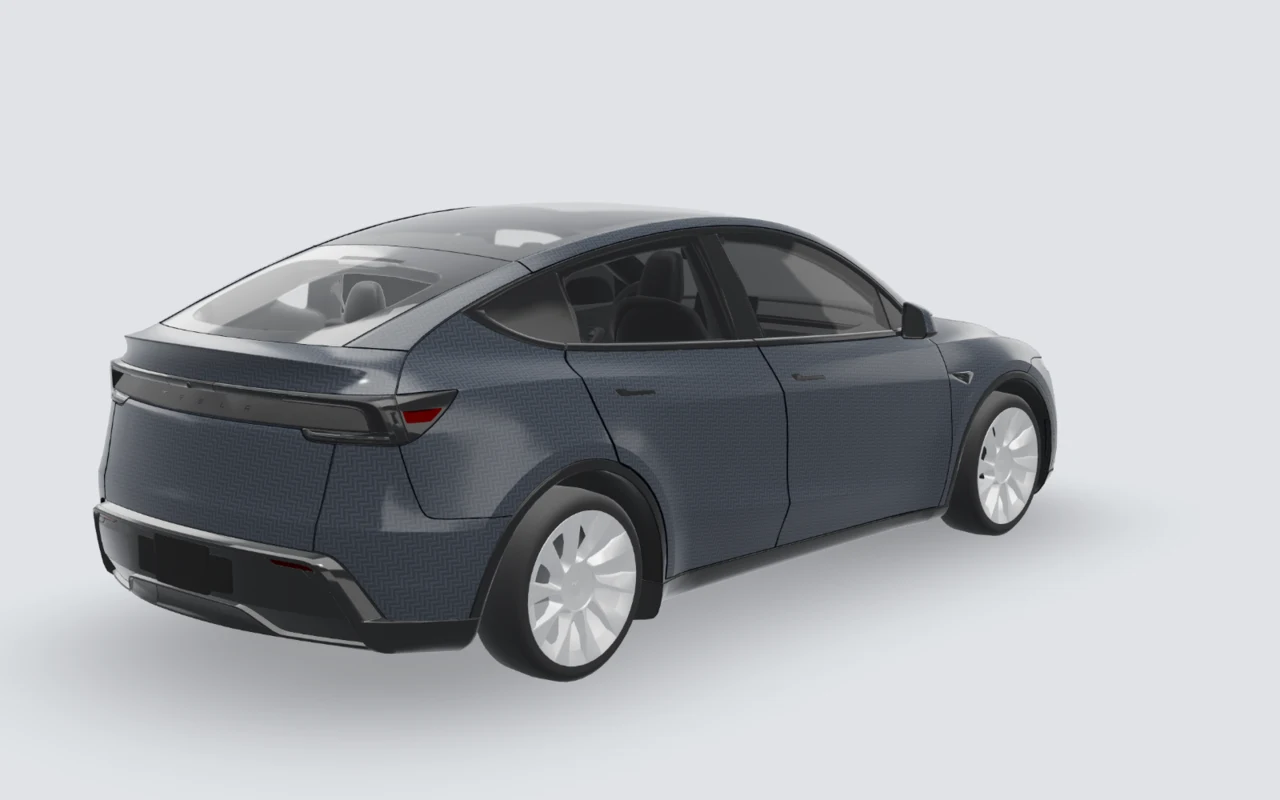
애니메이션 차량 랩핑 디자인하기
선명한 색면, 스피드 라인, 하프톤으로 애니메이션 감성의 룩을 만들어 보세요. Paint Shop용 PNG는 Tesla 템플릿을, 외관 미리보기는 지원되는 차량 사진을 사용하세요. 캐릭터를 넣는다면 사용 권리가 있는 아트워크를 쓰세요. AI 결과물 자체가 저작권이나 인쇄 권리를 보장하지는 않습니다.
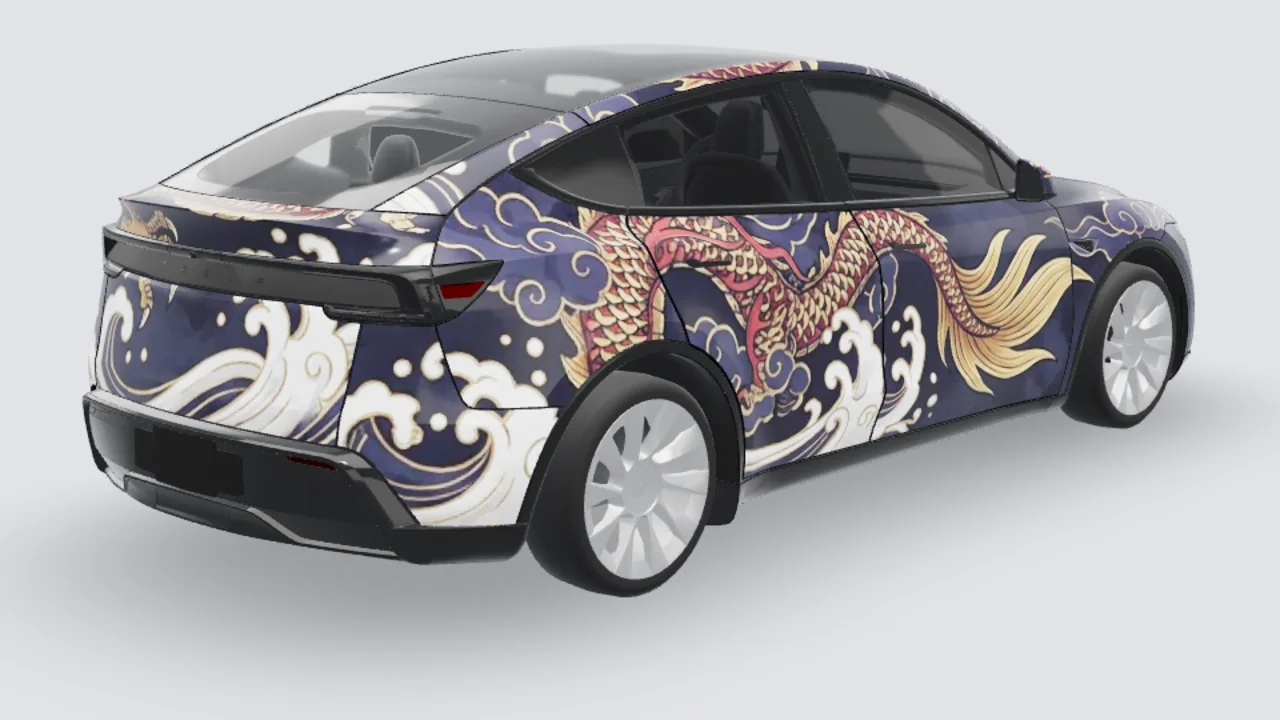
디자인 → 레이어 편집 → 3D로 확인 → 템플릿 다운로드
사용 전 확인: 3D에서 양쪽 측면, 패널 이음새, 텍스트를 확인한 뒤 PNG를 살펴보세요. 이 파일은 Tesla 화면 속 차량을 바꾸는 용도이며, 실물 랩핑 인쇄 파일이 아니에요.
디자인을 내 테슬라에 적용하기
Tesla 앱 4.59.0 이상: 크리에이션 → 랩 → 업로드. 다운로드한 템플릿 PNG를 선택한 뒤 차량에 적용하세요.
USB 방법: 드라이브 최상위에 Wraps 폴더를 만들고 PNG를 최대 10개까지 넣으세요. 차량에서 Toybox → Paint Shop을 여세요.
3D 스크린샷이 아닌 템플릿 PNG를 사용하세요. 다운로드 파일은 짧은 파일명을 유지하고 1 MB 제한에 맞춰져 있어요. 차량 소프트웨어와 지역에 따라 지원 여부가 다를 수 있어요.
Start with three anime-inspired ideas
These 3D previews show verified example artwork on the Model Y Juniper Premium. Open an image to inspect the same artwork, flat template and panel seams in the studio. Each original prompt is a starting point for a different design, not the generation record for the example shown. A different model needs artwork prepared for its own UV template.
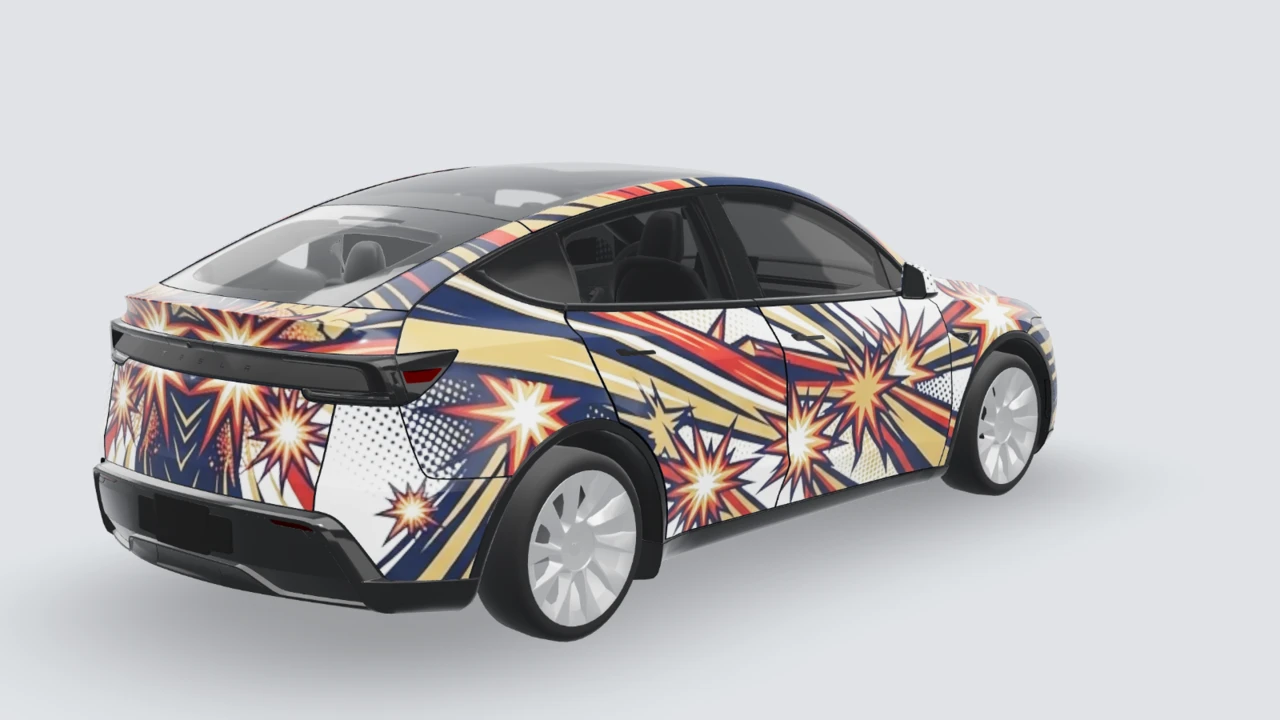
Model Y Juniper Premium
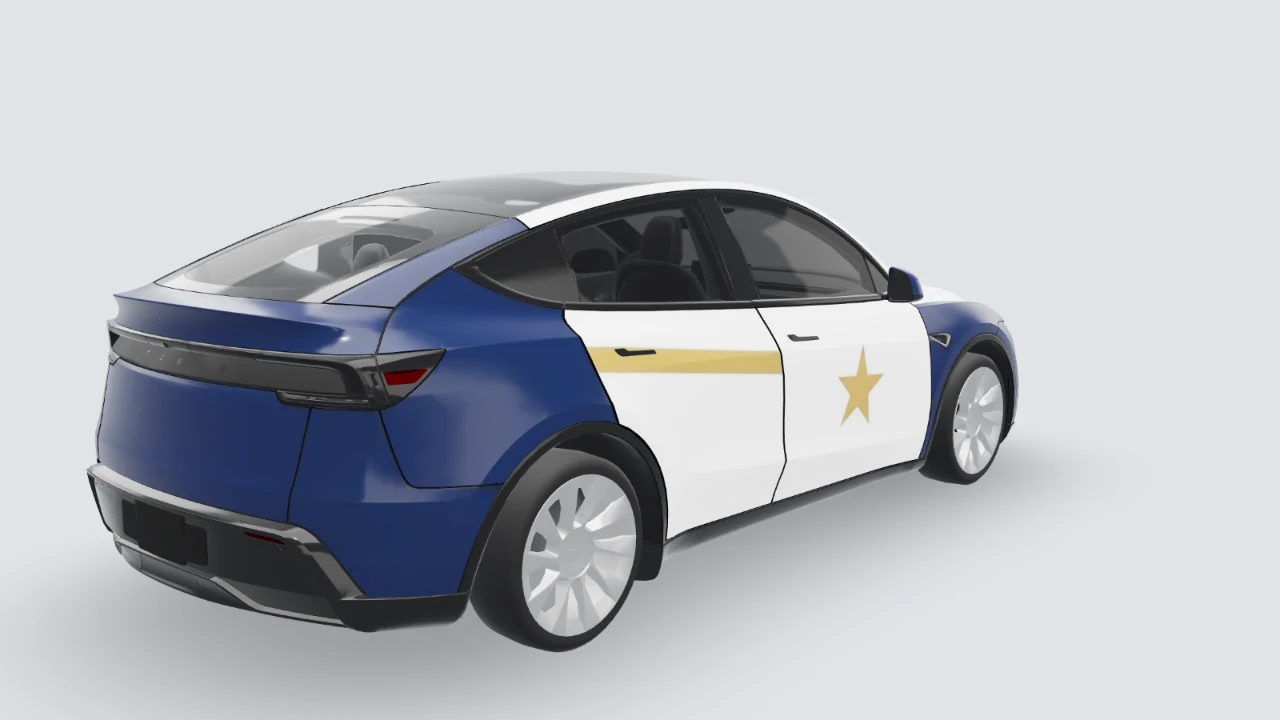
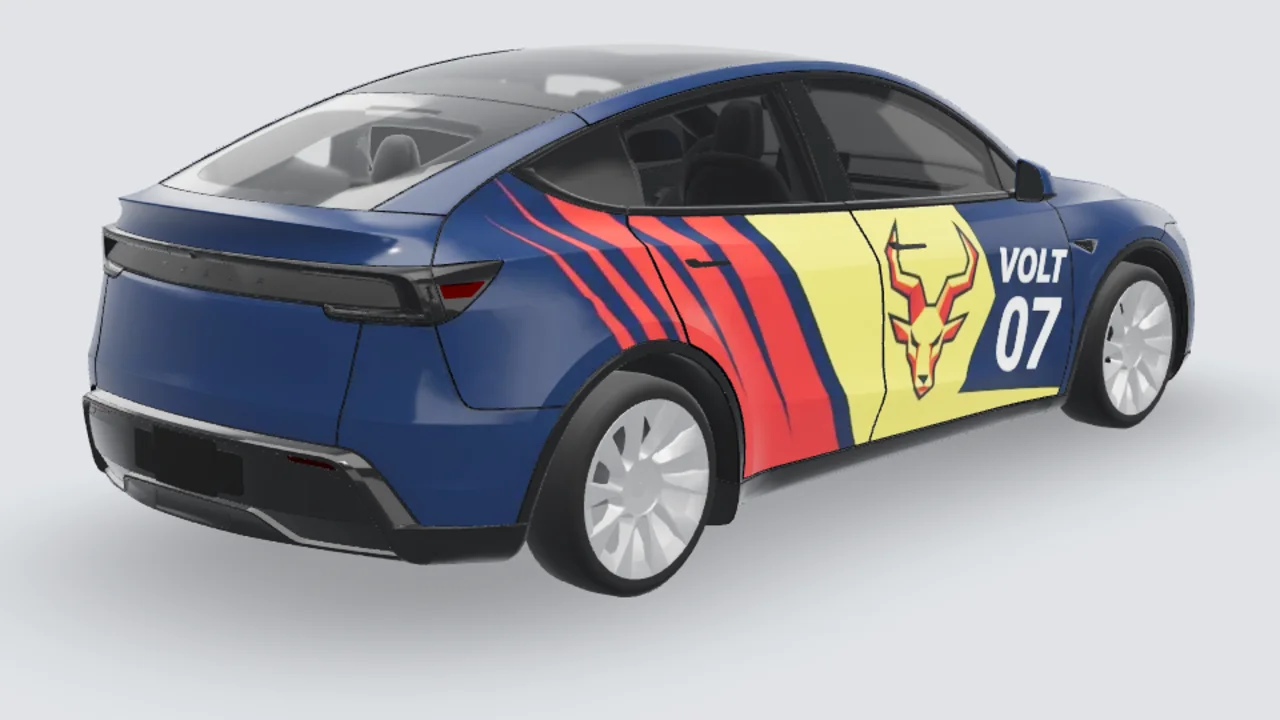
Comic speed lines
Large bursts and halftones read clearly without a character. Check whether a burst is cut by a door seam.
Original prompt: create a different design
Original manga-style speed lines and bold halftone bursts, navy and warm gold, no characters, logos or words; place the largest burst away from door handles.
View this model’s flat source file
This UV artwork is the source for the 3D example above. It is not a physical wrap cut file and should not be applied directly to another model.
Open the flat source file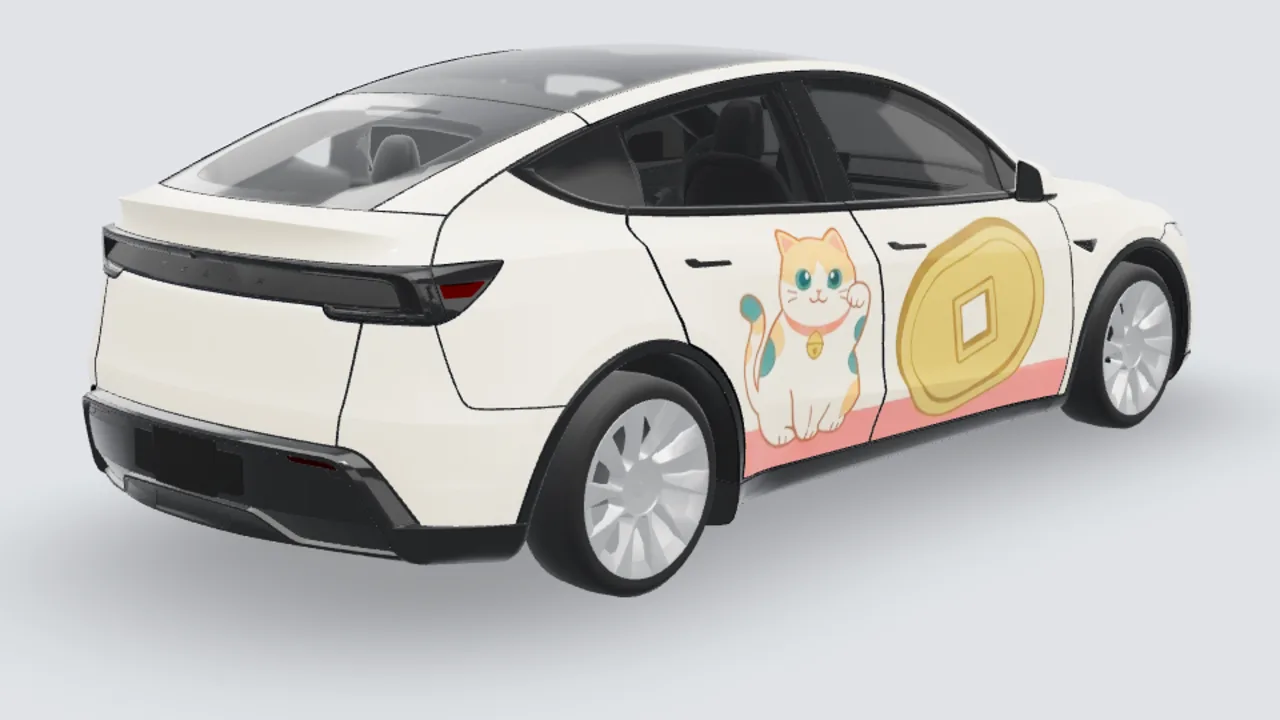
Model Y Juniper Premium
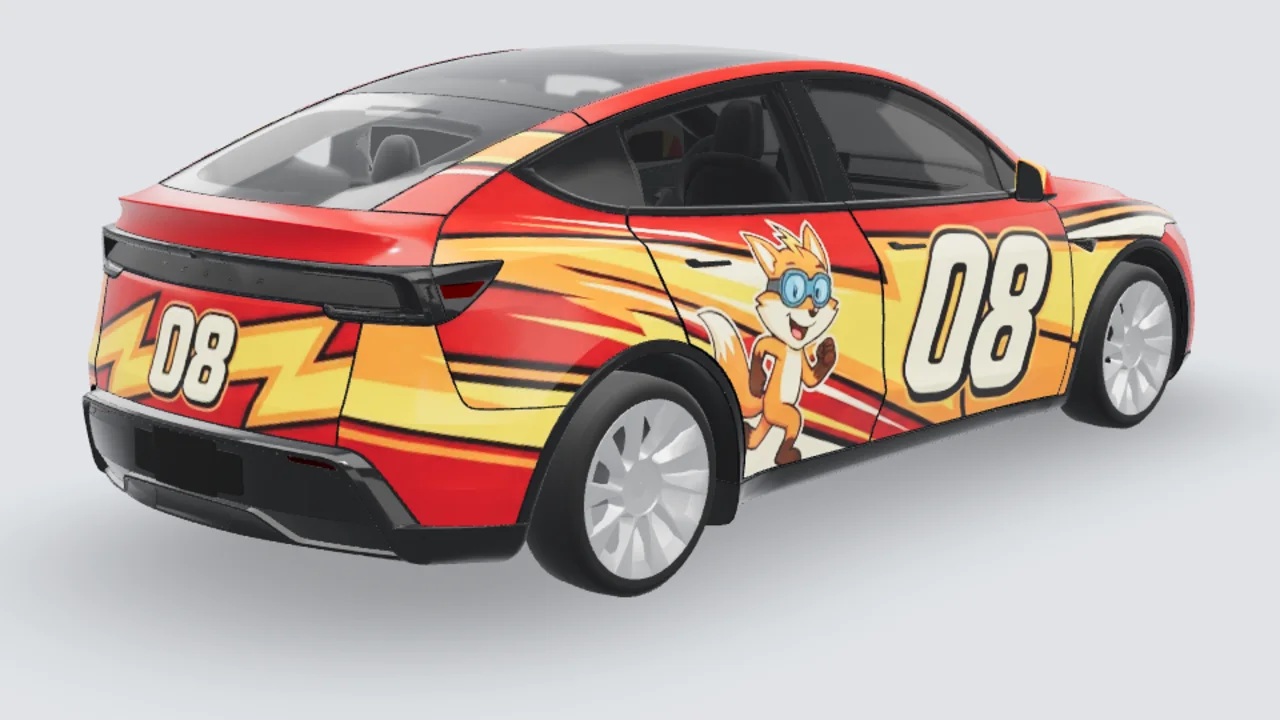
Friendly mascot
A character-led design sits closer to itasha. Keep the face on one panel and inspect the door-to-quarter transition.
Original prompt: create a different design
A newly invented cheerful cat mascot, cream and coral cel-shaded shapes, simple coin motifs, symmetric sides, no franchise characters or text.
View this model’s flat source file
This UV artwork is the source for the 3D example above. It is not a physical wrap cut file and should not be applied directly to another model.
Open the flat source file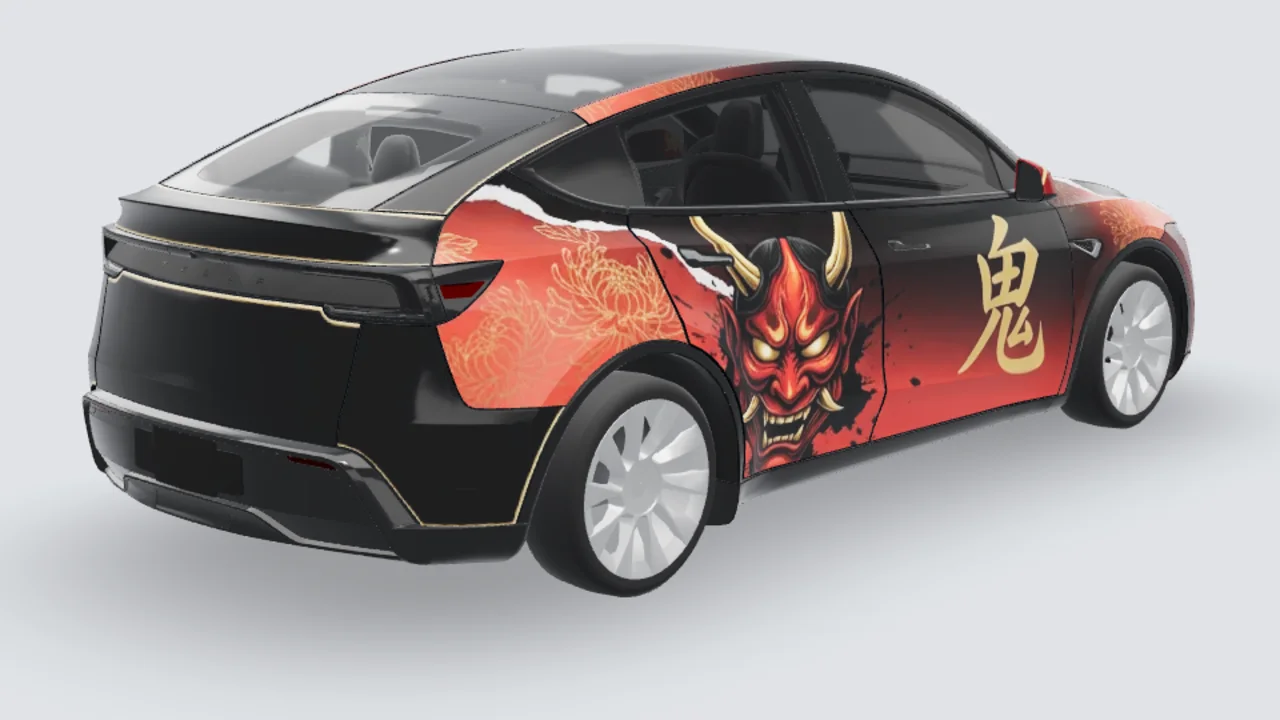
Model Y Juniper Premium
Dramatic mask motif
Put the main mask where it will not be split in two. Use the flat template view to inspect narrow panels.
Original prompt: create a different design
An original theatrical oni-mask illustration in deep red, black and antique gold, broad graphic shapes and flowing accents, no words or existing character likeness.
View this model’s flat source file
This UV artwork is the source for the 3D example above. It is not a physical wrap cut file and should not be applied directly to another model.
Open the flat source fileModel 3: original body or Highland?
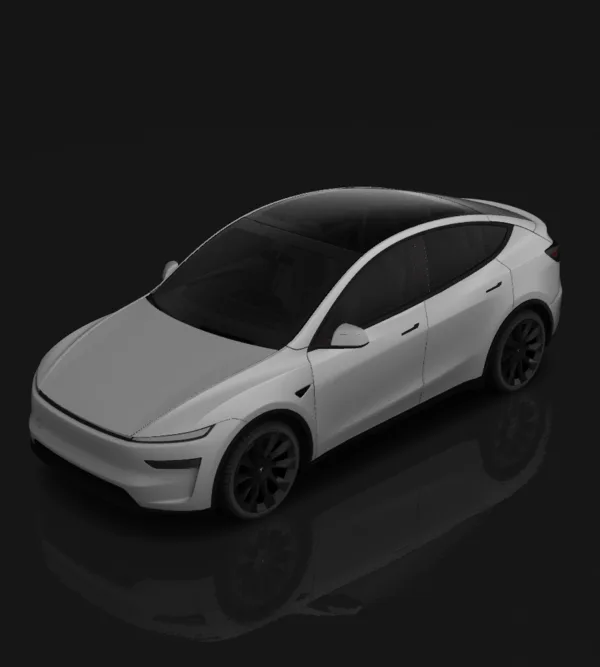
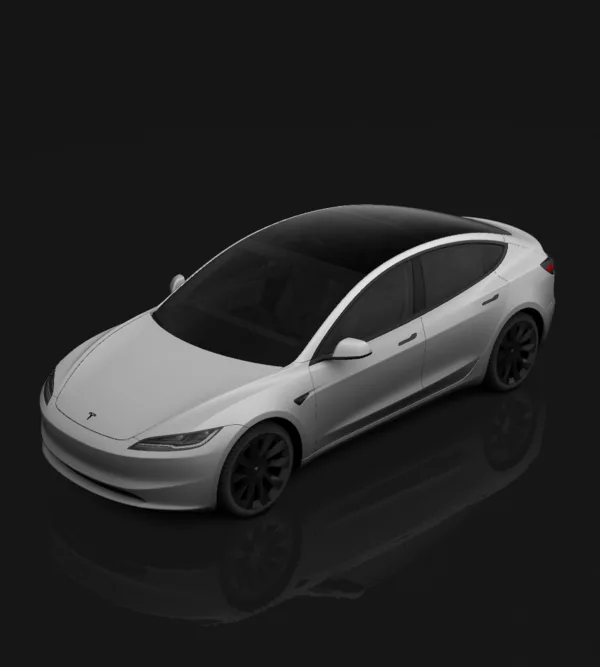
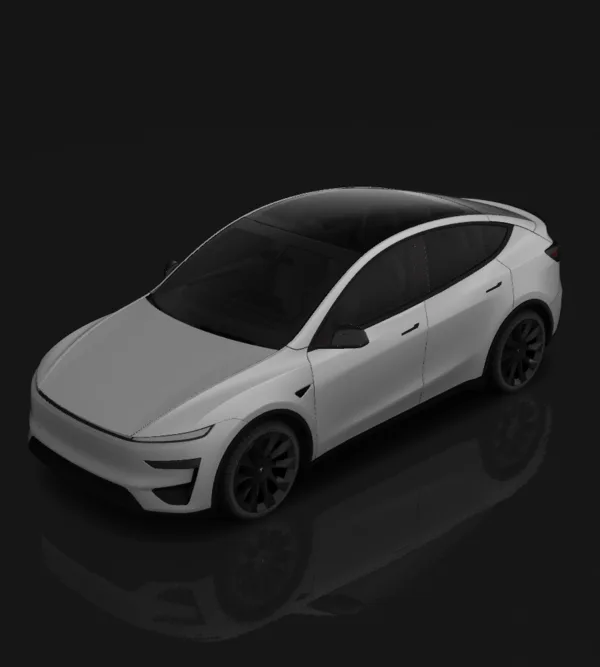
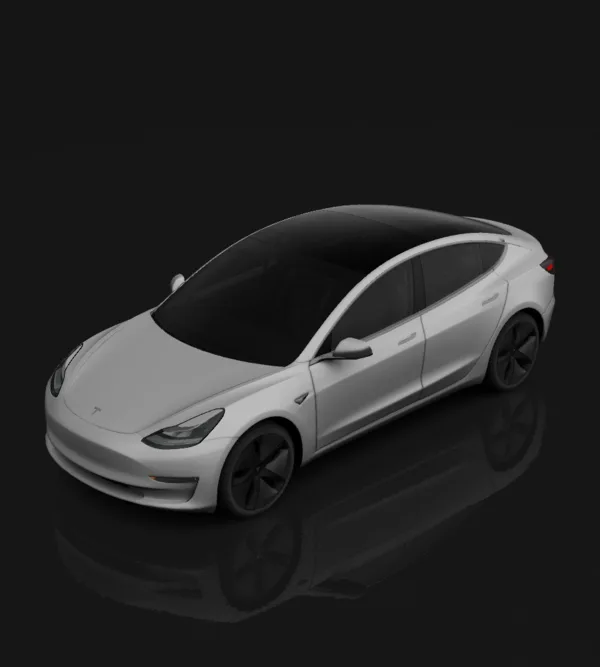
A comic idea can carry over, but each model needs artwork prepared for its own UV template. A finished PNG for one body should not be reused on the other: the 2017–2023 and 2024+ UV files differ.
View original Model 3Model Y: check for Juniper first
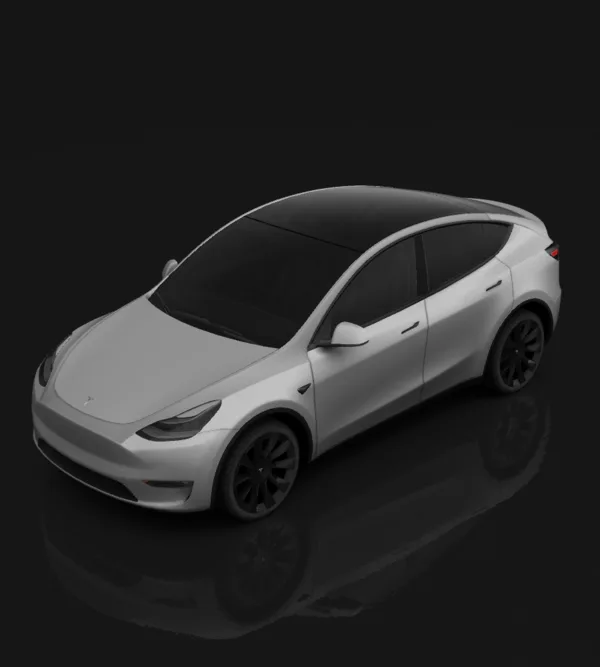
A panel seam can split a character’s face or fine lettering. Juniper and the original Model Y use different templates; even a 2025 car should be selected by its actual body generation.
View Model Y JuniperAnime car wrap questions
Is an anime wrap the same as itasha?+
They overlap. Manga-like colors, speed lines and halftones can form an anime-inspired wrap without a character. Itasha usually centers a large character illustration. Use the JDM/itasha page when the character is the main subject.
Can I print the preview as a physical car wrap?+
A photo-mode render is a design reference, not a production cut file. A wrap shop must verify the film, panel measurements and rights to any artwork. Tesla Paint Shop PNGs change only the digital car in the app and touchscreen.
How do I keep graphics aligned across doors?+
Keep faces and small lettering away from handles and panel gaps. Put broad shapes over seams, then inspect both the flat template and the 3D preview before exporting a Tesla PNG.
Need help making your prompt more precise? Read reusable car wrap prompts. Preview on your own photo