스프레이 태그 & 드립

그래피티 차량 랩핑

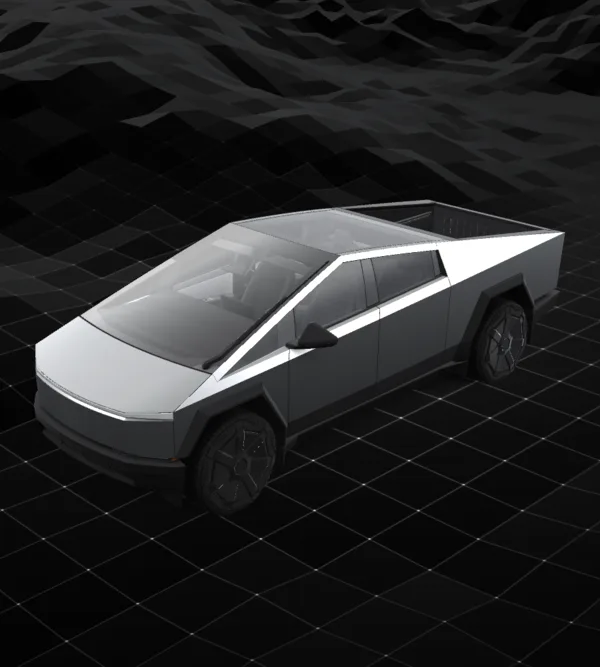
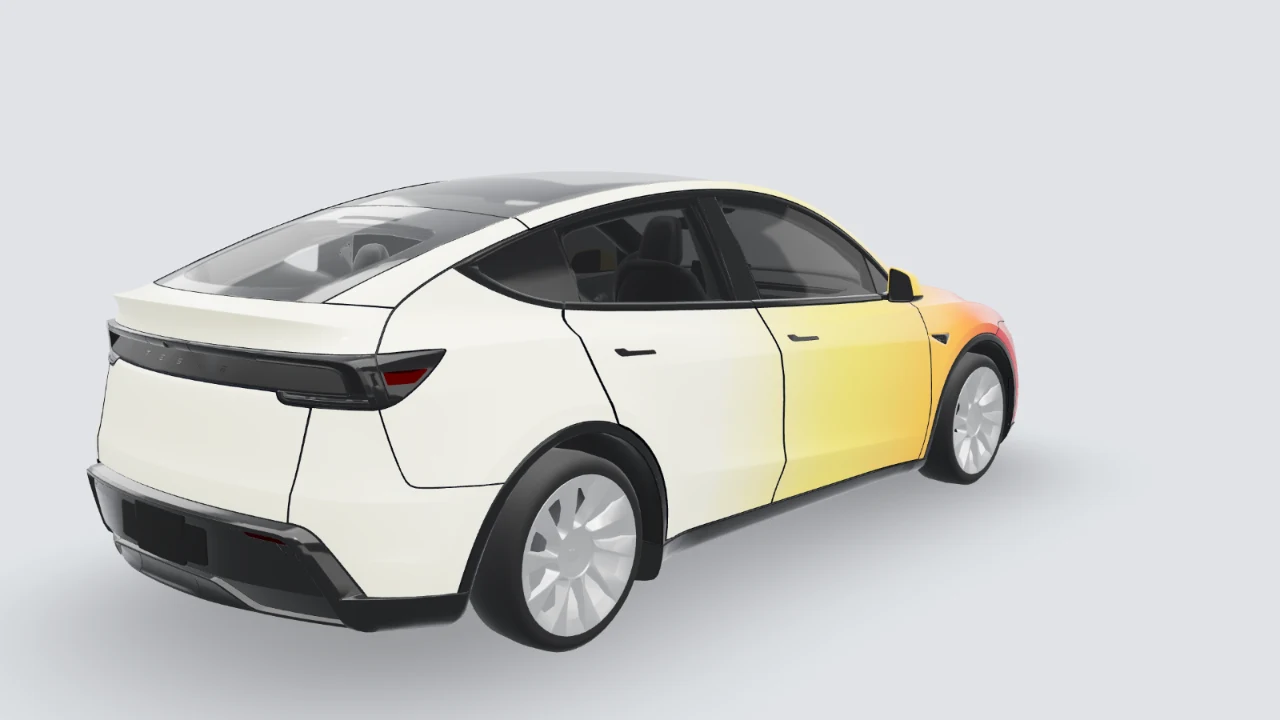
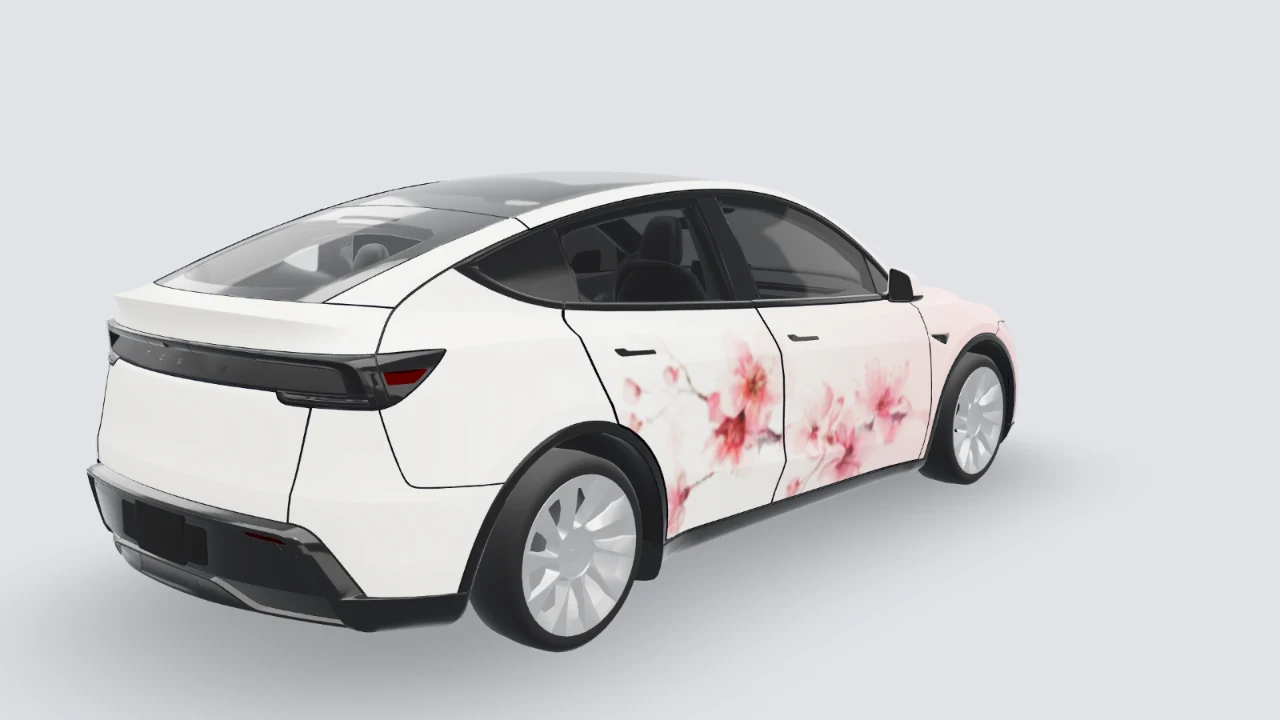
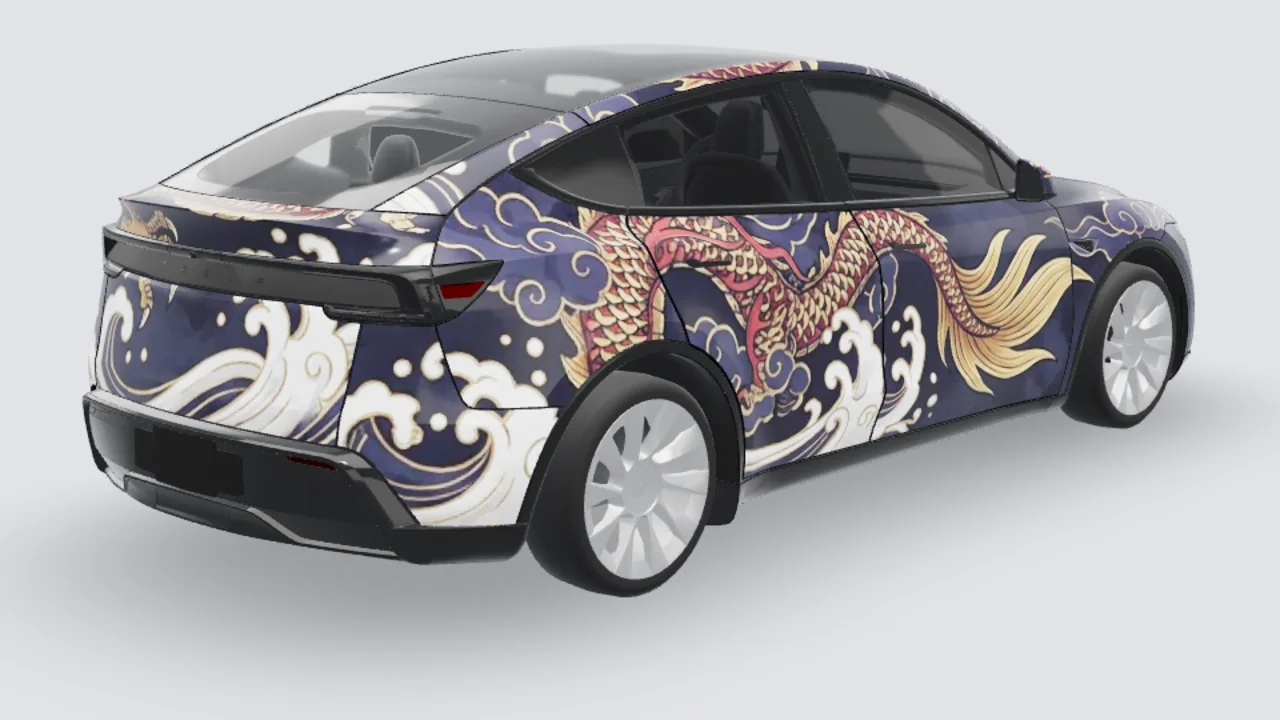
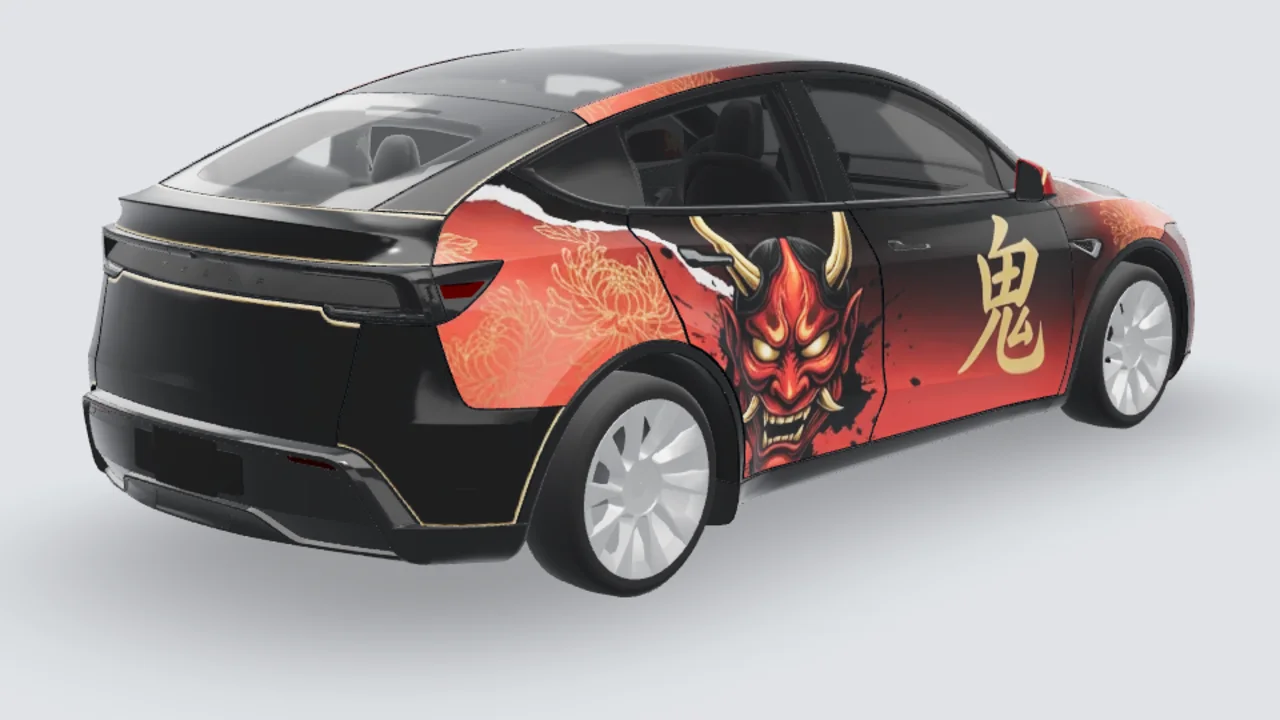
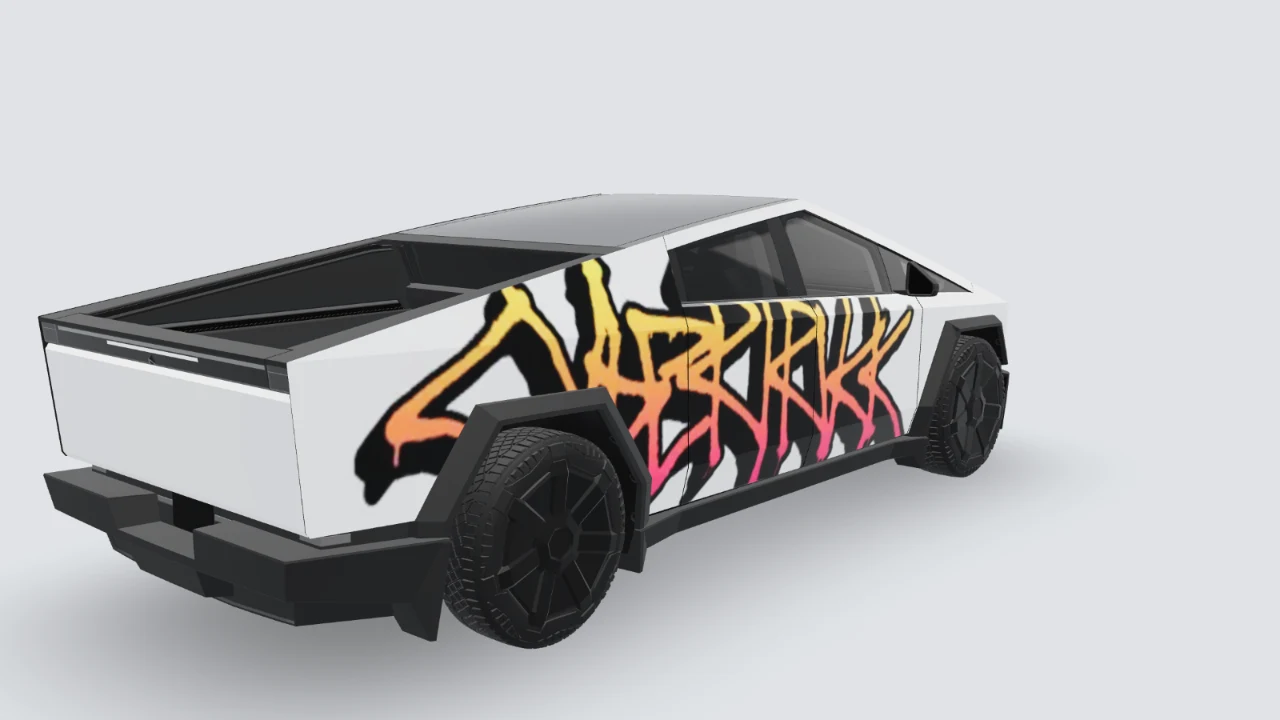
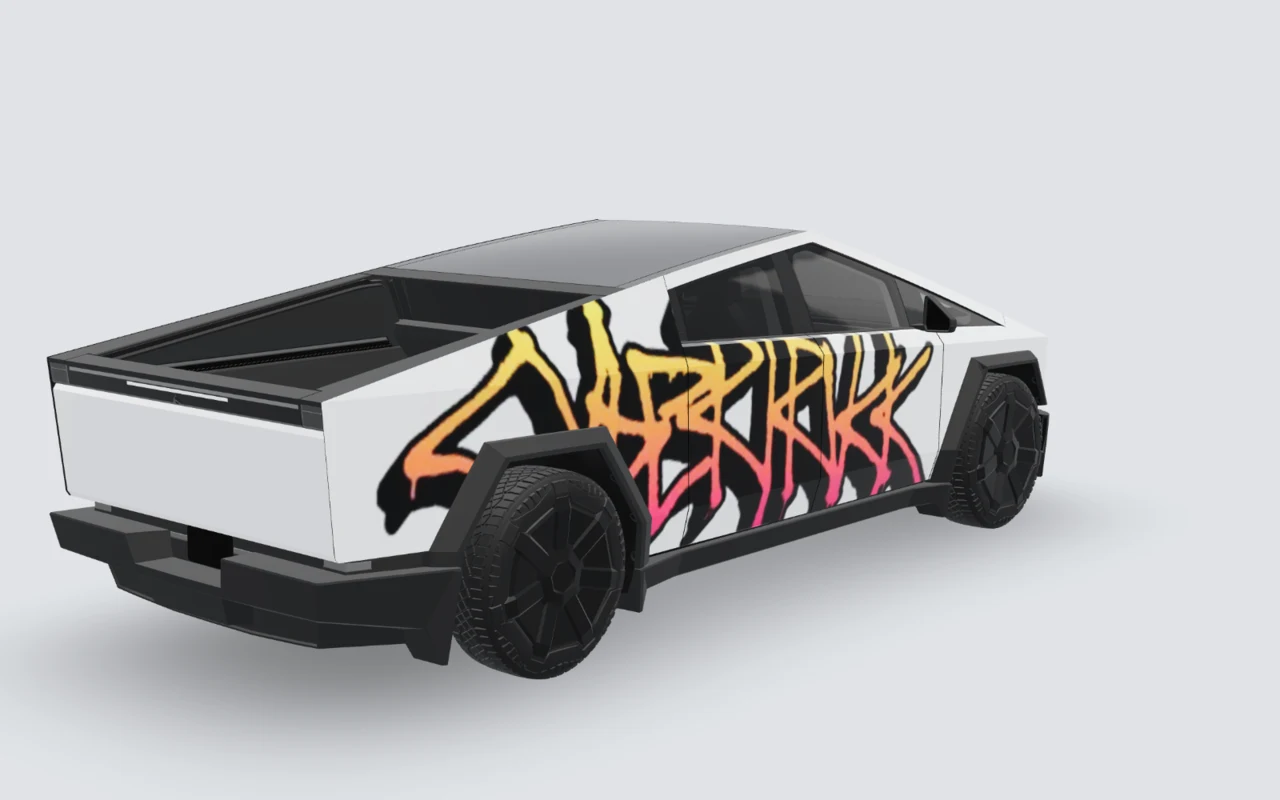
그래피티 랩핑은 하나의 강렬한 모티프, 절제된 팔레트, 패널 이음새를 위한 여백을 중심으로 구성하세요. 아래 Cybertruck 3D 미리보기를 비교한 뒤, 추상적인 태그, 스프레이 가장자리, 드립을 담은 오리지널 프롬프트를 시도해 보세요. 디지털 스킨에는 해당 Tesla 템플릿을, 실물 랩핑 콘셉트에는 내 차 사진을 사용하세요.

디자인 → 레이어 편집 → 3D로 확인 → 템플릿 다운로드

예시 미리보기 · 생성 결과 아님Tesla Cybertruck
3D
현재 각도를 내보내려면 3D 화면을 열고 로딩이 끝날 때까지 기다리세요.
PNG · ≤ 1 MB · 1024 × 768 px 템플릿. 용량 제한에 맞게 크기가 조정될 수 있어요.

사용 전 확인: 3D에서 양쪽 측면, 패널 이음새, 텍스트를 확인한 뒤 PNG를 살펴보세요. 이 파일은 Tesla 화면 속 차량을 바꾸는 용도이며, 실물 랩핑 인쇄 파일이 아니에요.

인기 랩3D로 미리보기 →
디자인을 내 테슬라에 적용하기

Tesla 앱 4.59.0 이상: 크리에이션 → 랩 → 업로드. 다운로드한 템플릿 PNG를 선택한 뒤 차량에 적용하세요.

USB 방법: 드라이브 최상위에 Wraps 폴더를 만들고 PNG를 최대 10개까지 넣으세요. 차량에서 Toybox → Paint Shop을 여세요.

3D 스크린샷이 아닌 템플릿 PNG를 사용하세요. 다운로드 파일은 짧은 파일명을 유지하고 1 MB 제한에 맞춰져 있어요. 차량 소프트웨어와 지역에 따라 지원 여부가 다를 수 있어요.

Cybertruck · Tesla Paint Shop

Three graffiti references and original prompts

These are 3D previews of three official graffiti artworks on the matching Cybertruck. Open the matching example to inspect its sides and tailgate. Each original prompt starts a different new design, which still needs a visual check after generation.

View the official Tesla custom-wraps source ↗
Graffiti 3D preview on Cybertruck: Warm color, bold outline

Cybertruck · Studio 3D preview

Warm color, bold outline

The warm graffiti runs along the side panels while the tailgate stays clean. This matching Cybertruck preview shows the scale of the lettering and where it meets the wheel arches.

Panel check: Keep the most recognizable bend on a large side panel. Let simple color carry across a door gap; avoid putting the only focal point over a handle.

Open this prompt in the studio
Graffiti 3D preview on Cybertruck: Lime strokes with open space

Cybertruck · Studio 3D preview

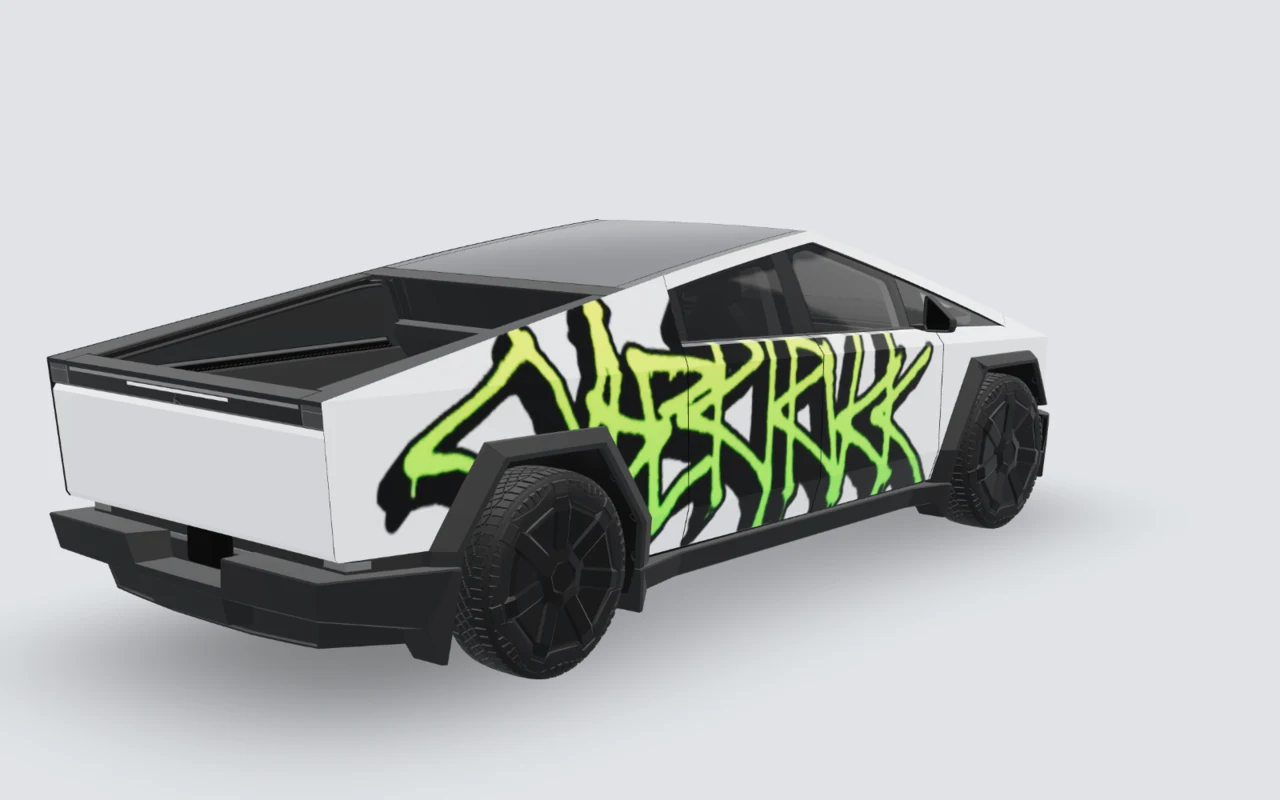
Lime strokes with open space

Lime green makes the angular strokes stand out against black and pale grey. This is a useful reference for contrast without adding many accent colors.

Panel check: Check both sides in the 3D view. A sharp diagonal can look balanced on the flat artwork but disappear at a wheel arch or panel edge.

Open this prompt in the studio
Graffiti 3D preview on Cybertruck: Dark base, small accent

Cybertruck · Studio 3D preview

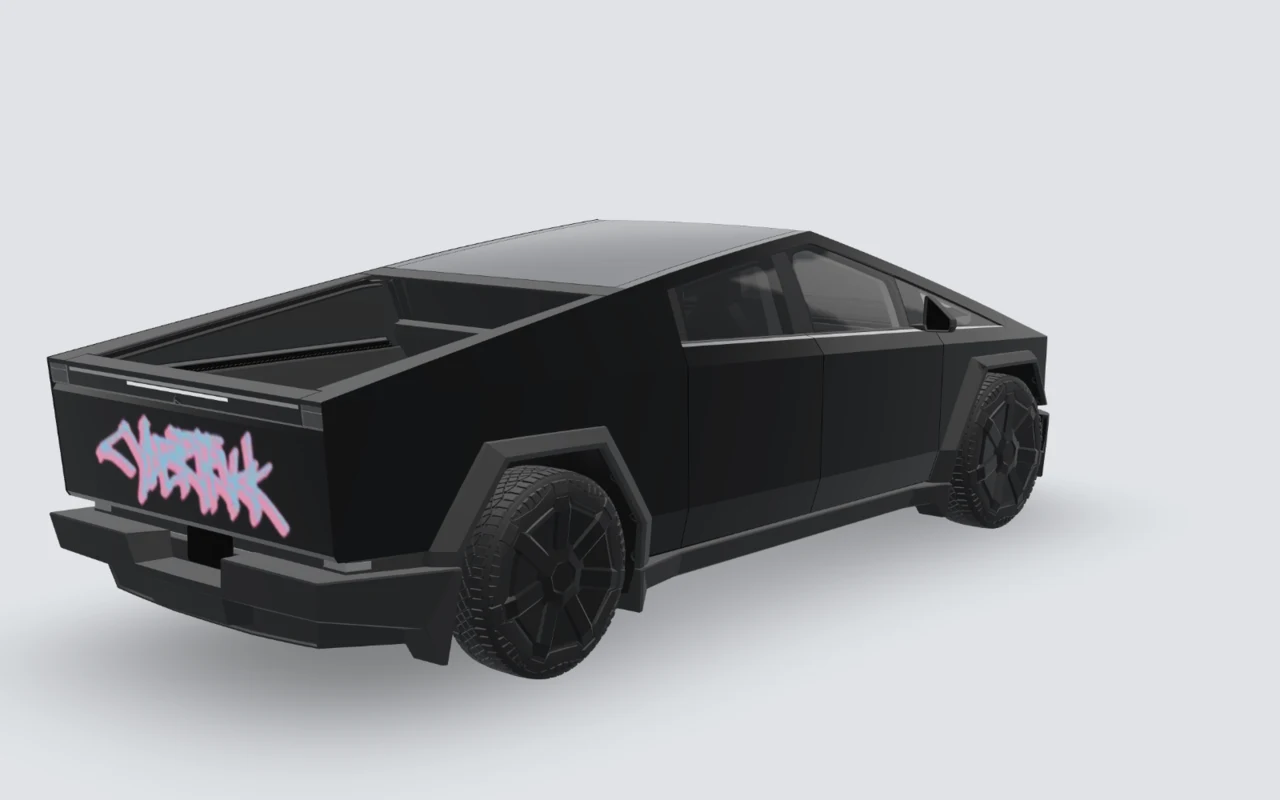
Dark base, small accent

A pink-and-blue motif sits on the tailgate of a black Cybertruck. The rear three-quarter view makes the placement visible while the side panels remain restrained.

Panel check: Keep the small motif within a single panel. Inspect its size at normal viewing distance; a detail that fills the editor can become hard to see on the car.

Open this prompt in the studio
Check three areas before leaving the flat view

  1. Sides: keep the defining strokes on a complete panel, use broad color across seams, and inspect orientation and wheel-arch cropping on both sides.
  2. Hood and roof: avoid repeating a dense side pattern everywhere. Quiet areas make the main motif easier to read.
  3. Rear and narrow panels: small text and fine lines can get lost. Switch between the flat template and 3D preview, inspect edges closely, then zoom out for the overall balance.
View Cybertruck templates and previews

Choose the mode for the intended result

For a digital skin shown on a Tesla screen, select the exact model and body generation before using its UV template. A finished Cybertruck file is not a Model 3 or Model Y file.

To explore a physical wrap, upload a clear photo of your own car to compare color and large motifs. The render helps communicate a design; a wrap shop prepares the print, cut and installation files separately.

Graffiti car wrap questions

Are these three images generated examples?+

No. They are 3D previews rendered in this site from Tesla’s public Cybertruck custom-wraps artwork. The prompts on this page are original starting points for a different design, not the prompts that created those references. An AI result still needs a visual check.

Can I use a Cybertruck graffiti image on Model 3 or Model Y?+

Do not assume a finished Cybertruck PNG fits another model. Choose the correct Tesla model and body generation, create the design on its own UV template, then inspect the flat and 3D views. Source artwork is a visual reference; it does not establish compatibility with every vehicle.

How do I avoid broken lettering and crowded panels?+

Start with abstract strokes instead of a word that must remain readable. Use one focal motif per side and two accent colors at most as a starting constraint. Keep important detail away from gaps and handles. Prompts guide the result but cannot guarantee exact placement or clean lettering.

Can a graffiti preview be printed as a physical vinyl wrap?+

A photo preview is a design reference, not a print-ready or cut-ready file. A wrap shop needs to prepare artwork for the actual panels and verify dimensions, resolution and usage rights. A Tesla Paint Shop PNG changes the digital vehicle appearance only; it does not change the physical paint or film.

Want to refine color, finish and pattern scale? Read the car wrap prompt guide

이 스타일을 입혀 볼 차종

스타일