AI Car Wrap Prompts: 12 Editable Ideas and Visual Examples
Twelve editable car wrap prompts for racing, camo, anime and color changes, with real template previews and practical fixes for panel seams.
An AI car wrap prompt works better when it describes what belongs on the body panels: base color, finish, main graphic and where that graphic should cross or avoid seams. A request for “a beautiful car on a road” may produce a good poster but a poor wrap.
The twelve prompts below are editable starting points, not promises of an identical result. The preview images show existing SkinMyCar example artwork rendered on a Model Y Juniper. They illustrate useful composition choices; they were not generated from the exact prompt text printed here. Open an example in the studio to inspect it on a template, or use the photo visualizer to compare a look on your own photo. A photo render is a visual reference, not a print-ready cut file.
Racing liveries
1. Blue-and-orange endurance livery
powder blue base with a bold orange center stripe running from the frunk over the roof to the rear, thin white pinstripes, small blank circular badges on the doors, clean matte finish, no lettering or numbers
2. Modern GT3 livery
asymmetric livery, white body with graphite grey and electric blue geometric slashes sweeping from the front fender to the rear quarter, subtle hex texture inside the blue areas
3. Vintage three-color stripes
cream white base with three parallel stripes in navy, light blue and red curving over the hood and down the sides, aged 1970s motorsport look
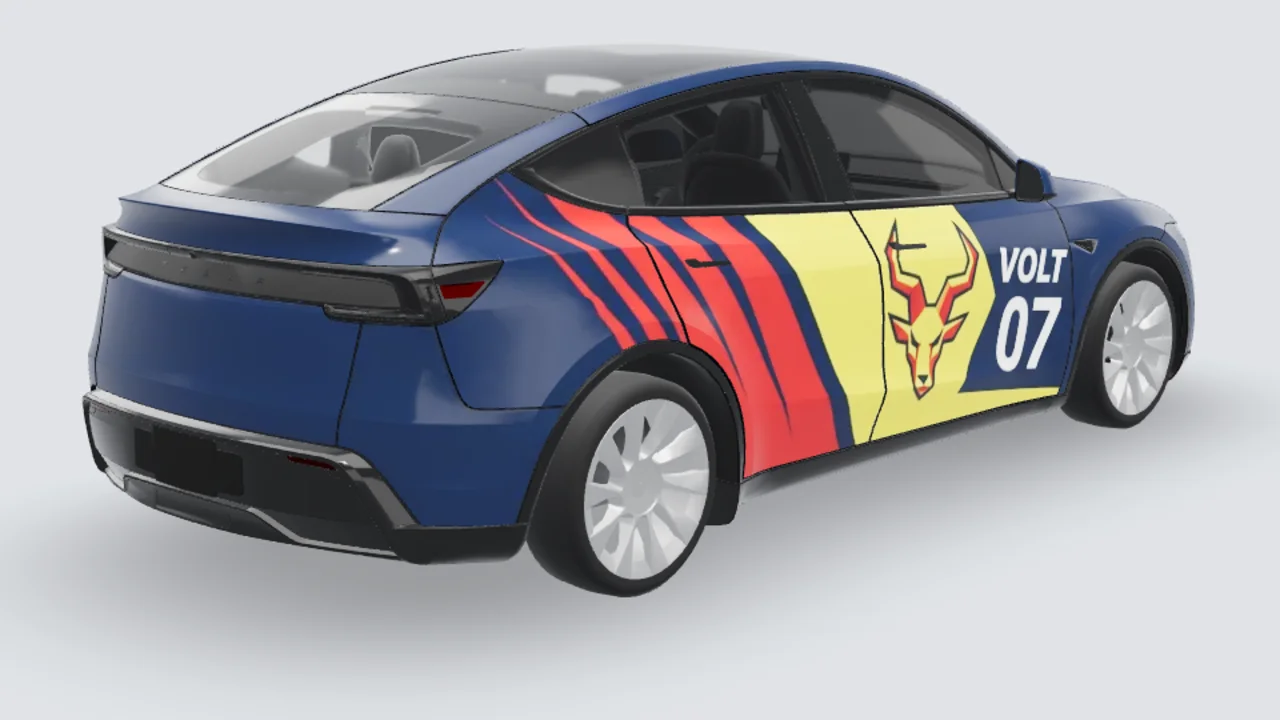
The existing Volt preview puts its main graphic on the door while wide stripes travel across the rear quarter. Use it to judge size and placement, then open that source artwork in the Model Y studio. It is a composition reference for prompts 1–3, not the result of any one of them.
Camouflage and textures
4. Arctic digital camo
pixelated camouflage in white, ice blue, pale grey and charcoal, medium-sized blocks, matte
5. Woodland camo with hard edges
classic woodland camouflage, forest green, olive, tan and dark brown, large organic patches, satin finish
6. Forged carbon
forged carbon fiber texture, dense marbled black and dark grey flakes, glossy resin look, no seams
Color and finish ideas for photo mode
7. Satin Nardo grey two-tone
satin nardo grey body with gloss black roof, hood and mirror caps, factory-quality finish
8. Midnight purple color-shift
midnight purple to deep teal color-shift chameleon wrap, satin, strong flip along the shoulder line
9. Frozen bronze
frozen matte bronze metallic, fine metal flake, muted highlights
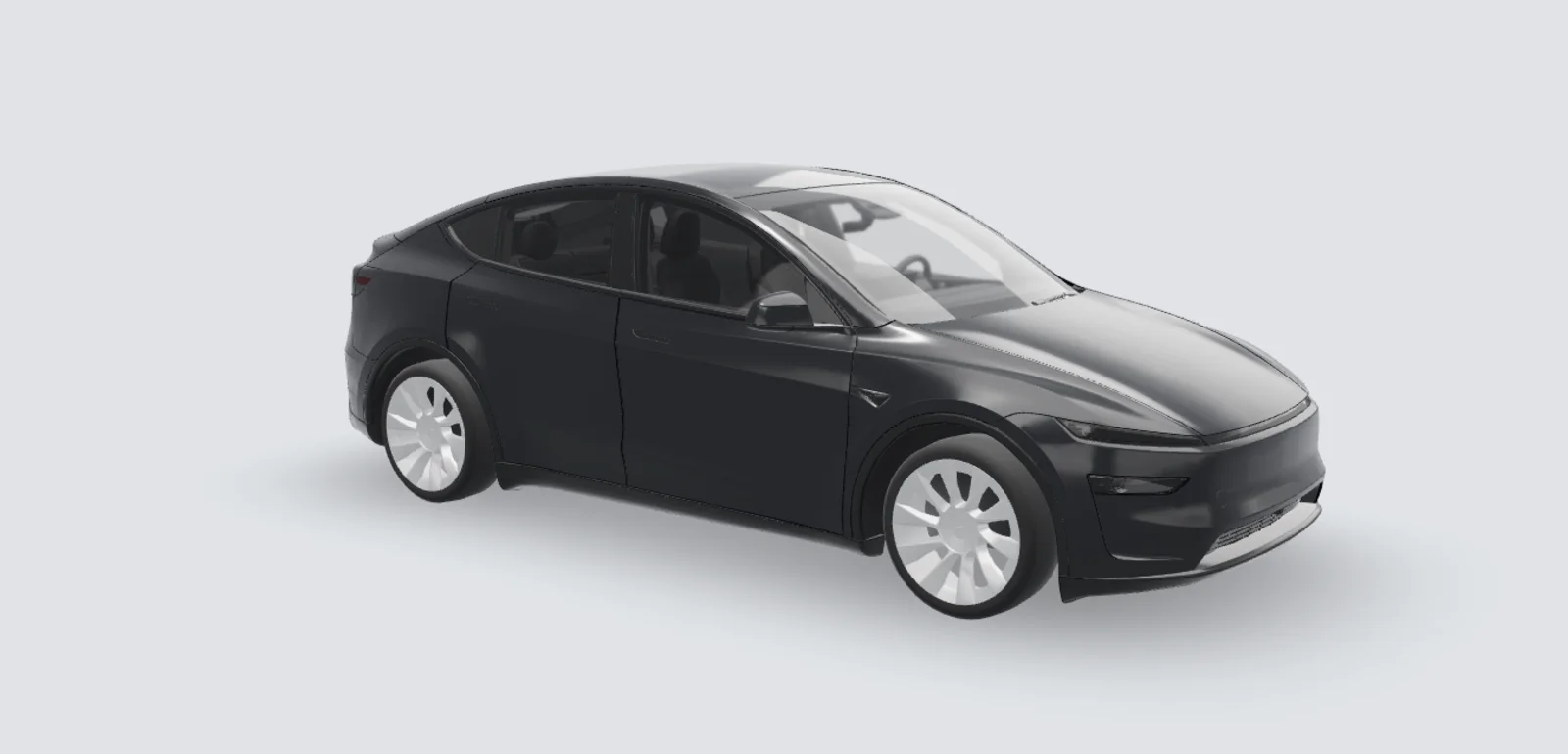
For a solid-color prompt, compare the body highlights with a known example such as this satin black source artwork. A screen cannot confirm the color or reflectivity of a physical film; check a real swatch before ordering.
Art and anime
10. Cherry blossom illustration
pale pink base fading to white, watercolor cherry blossom branches flowing from the rear quarter to the front door, scattered petals, soft gradients
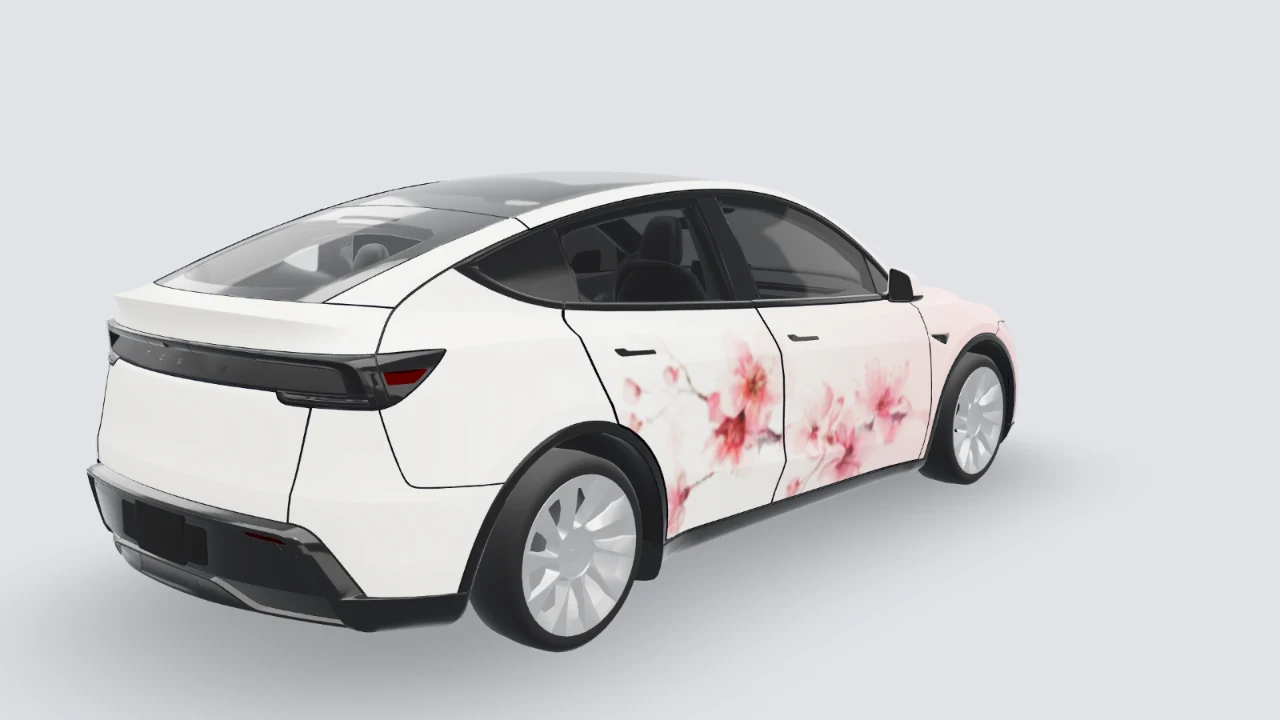
This is a studio 3D preview of the existing Sakura artwork, not an AI result from the prompt above. Open its source artwork in the studio to inspect the blossoms at the door gaps and adjust their placement. For an itasha version, use an original character or art you have permission to use; an AI result does not automatically grant rights to a franchise character.
11. Cyberpunk night city
dark navy base with neon magenta and cyan circuit lines, abstract glowing strokes inspired by city signs without letters or words, holographic color blocks on the doors
12. Retro sunset synthwave
horizontal gradient from deep purple at the roof to hot pink and orange at the sills, thin black scanlines, retro chrome accent stripe
Fix common prompt failures
- The AI adds a road or sky to a Tesla PNG: describe only the body-panel colors and graphics, and explicitly ask for no scene, background or extra car. Check the flat UV view before export.
- A face or number breaks at a door gap: move the small subject onto a single door; let only broad color fields cross panel seams. Check the 3D view on the correct vehicle template.
- A photo-mode result changes wheels or windows: ask it to preserve glass, lights, wheels, trim and the background. Compare the generated image with the original; regenerate if important details moved.
The studio shows each model’s credit cost before generation. Start with the Tesla Model Y Juniper template, choose the correct Model 3 generation, or upload your own car photo. For more manga-specific examples, see the anime wrap guide.