Tesla Model Y Wraps (Juniper & 2020–2025)
Custom Tesla Model Y wraps for every trim: Juniper Standard, Premium, Performance, Model Y L and the 2020–2025 body. AI design, 3D preview, Paint Shop export.
These PNG designs change your Tesla’s digital appearance in Paint Shop. They do not change the physical paint or provide vinyl cutting files.
Choose your version
Choose the original 2020–2025 body, a Juniper trim, or Model Y L. A shared model name does not make their PNG templates interchangeable.
- Tesla
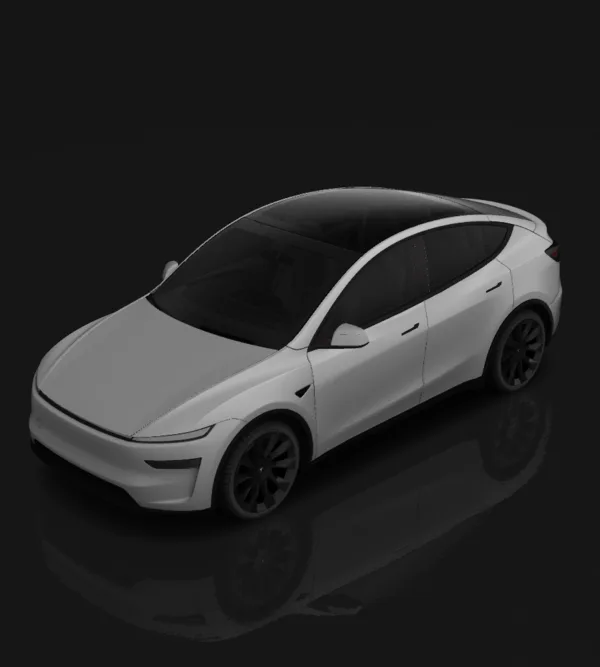 Model Y (2025+) Premium2025+
Describe an idea or pick a style to design a digital wrap on the Juniper Premium UV template, then inspect the 3D preview before export. Original-body cars have their own pre-Juniper page. Choose the separate Standard or Performance page if that is your trim.
Open matching template - Tesla
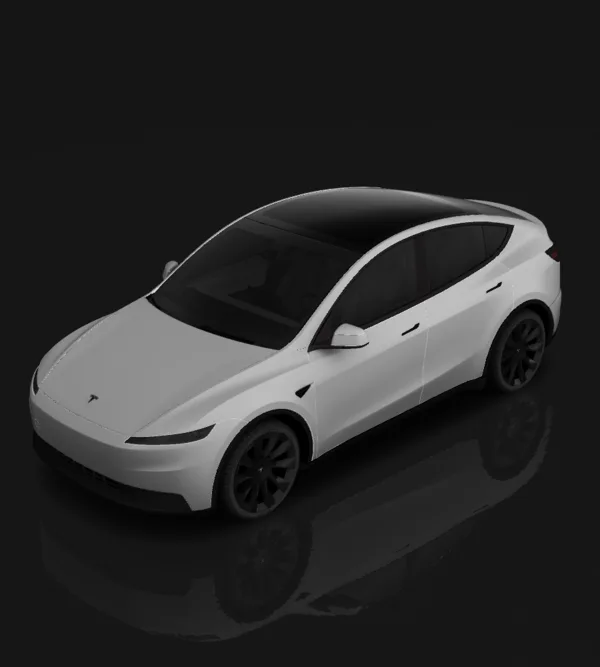 Model Y (2025+) Standard2025+
Standard trim uses its own template (different fascia and no light bar). Start from a style preset or describe your own design.
Open matching template - Tesla
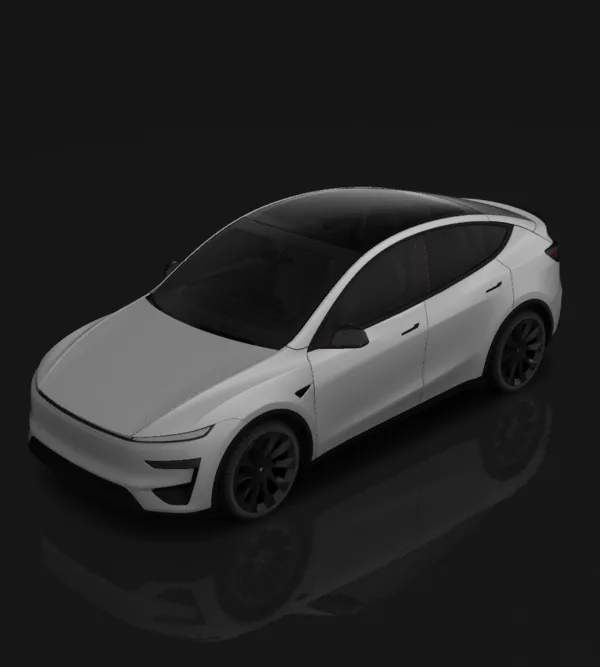 Model Y (2025+) Performance2025+
The Performance trim ships its own template with the spoiler and aero details, so a Model Y Performance wrap can wrap the rear wing and diffuser the way liveries actually do. Everything else in the Juniper range lives on the Model Y hub.
Open matching template - Tesla
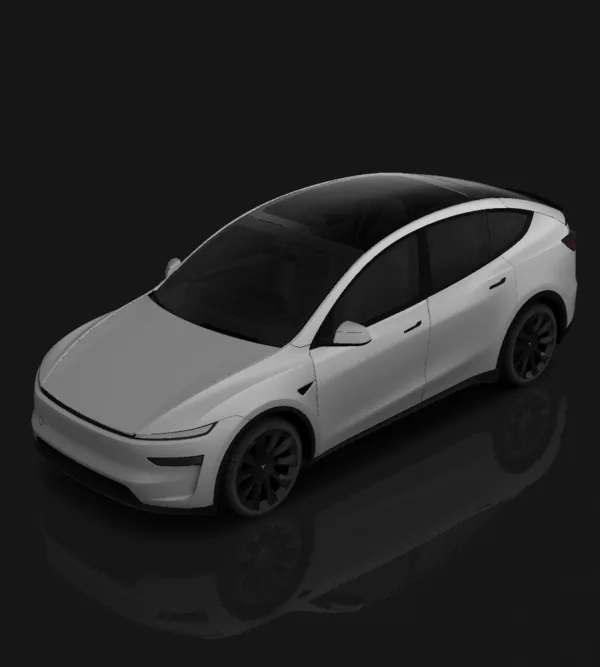 Model Y L2025+
A Model Y L wrap cannot reuse the standard Juniper file: the wheelbase stretch moves every panel seam behind the B-pillar. This page loads the six-seat template so stripes and liveries stay continuous down the side.
Open matching template - Tesla
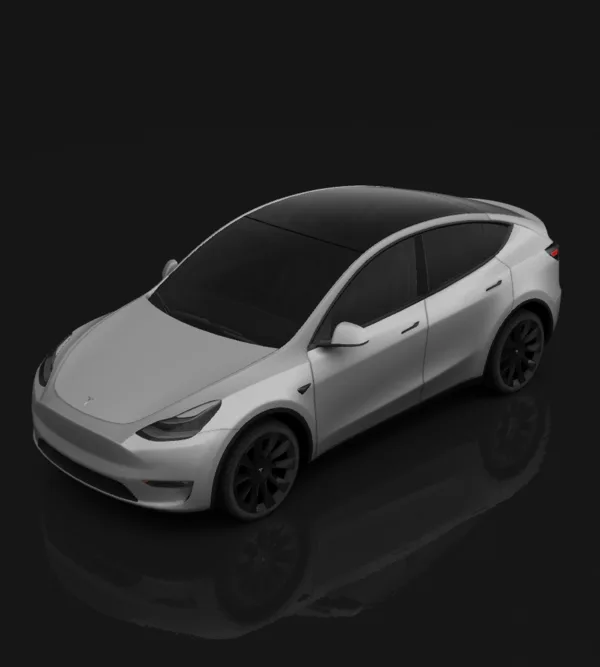 Model Y (2020–2025) Pre-Juniper2020–2025
This page uses the original, pre-Juniper Model Y template. The 2025 Juniper body has separate UV layouts for Standard, Premium and Performance. For a 2025 vehicle, confirm the body generation and trim before choosing a template; registration year alone is not enough. Check panel alignment in the preview before exporting.
Open matching template
Featured Model Y designs
Selected designs from the supported versions. Check the exact vehicle template on each design before using it.
No featured designs for this model yet. Choose your version to start a design.
Browse all designsFind a style for your Model Y
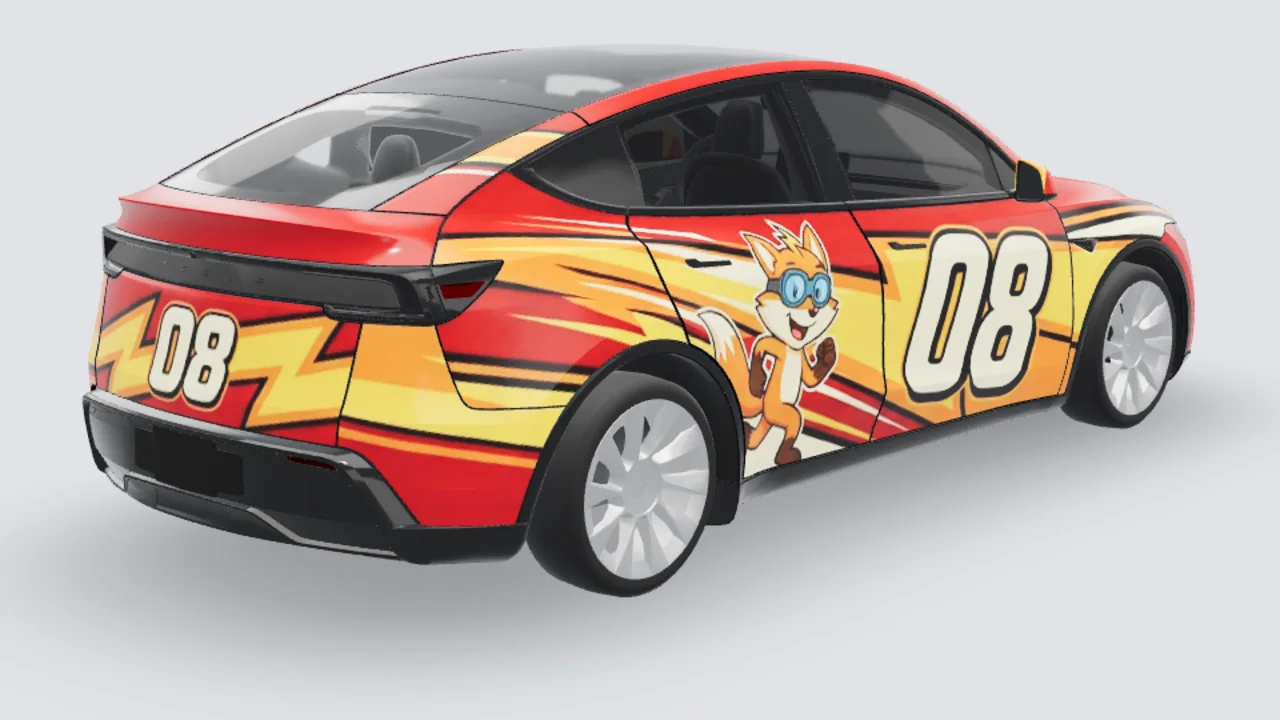
Studio 3D example
Source example · Model Y Juniper
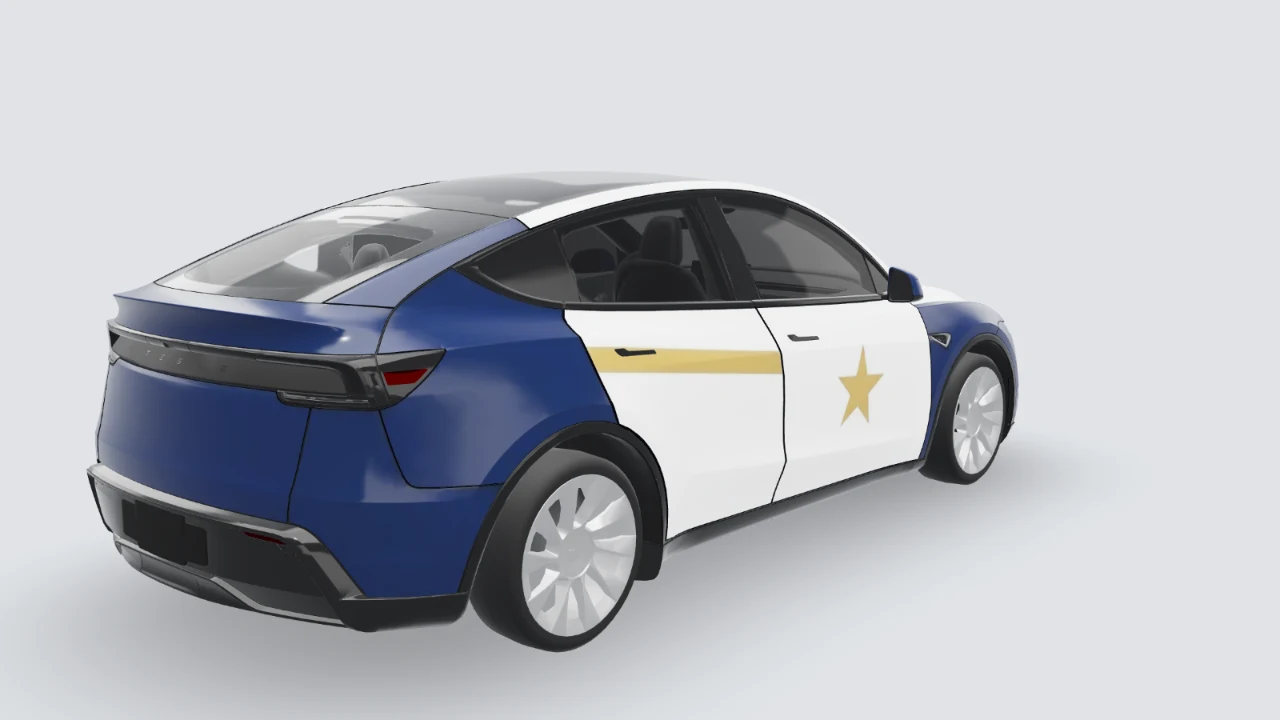
Studio 3D example
Source example · Model Y Juniper
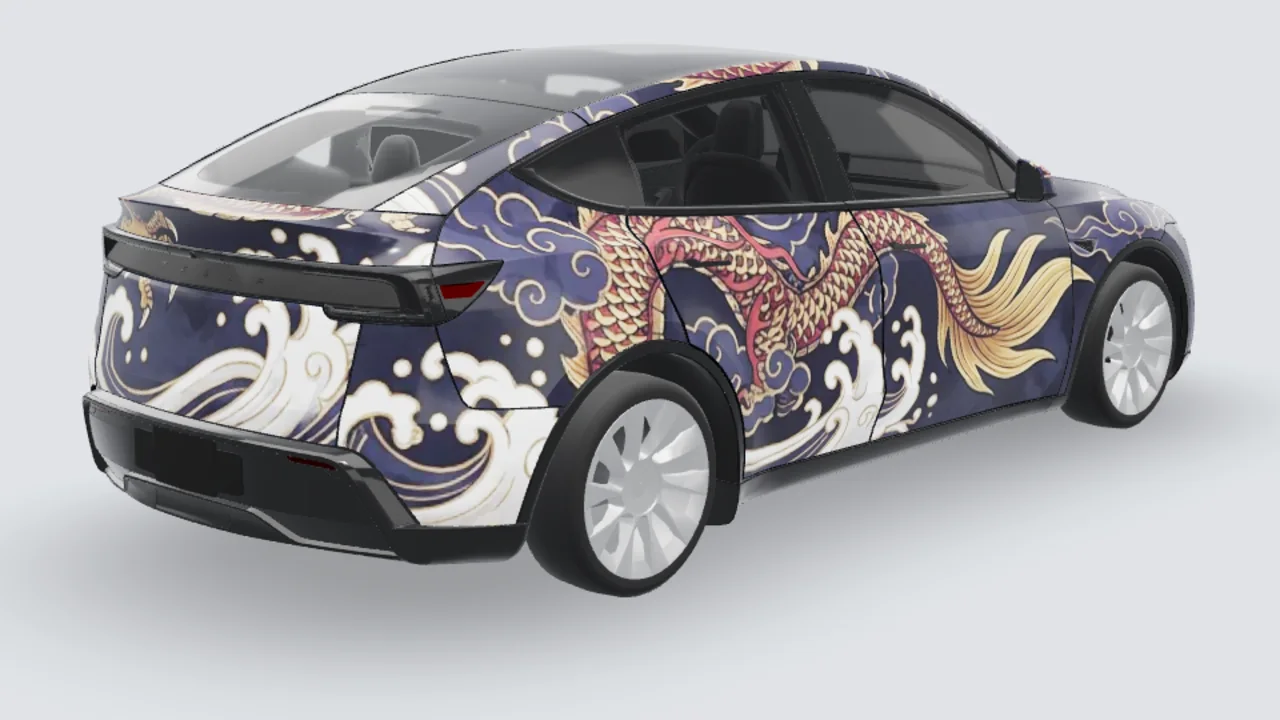
Studio 3D example
Source example · Model Y Juniper
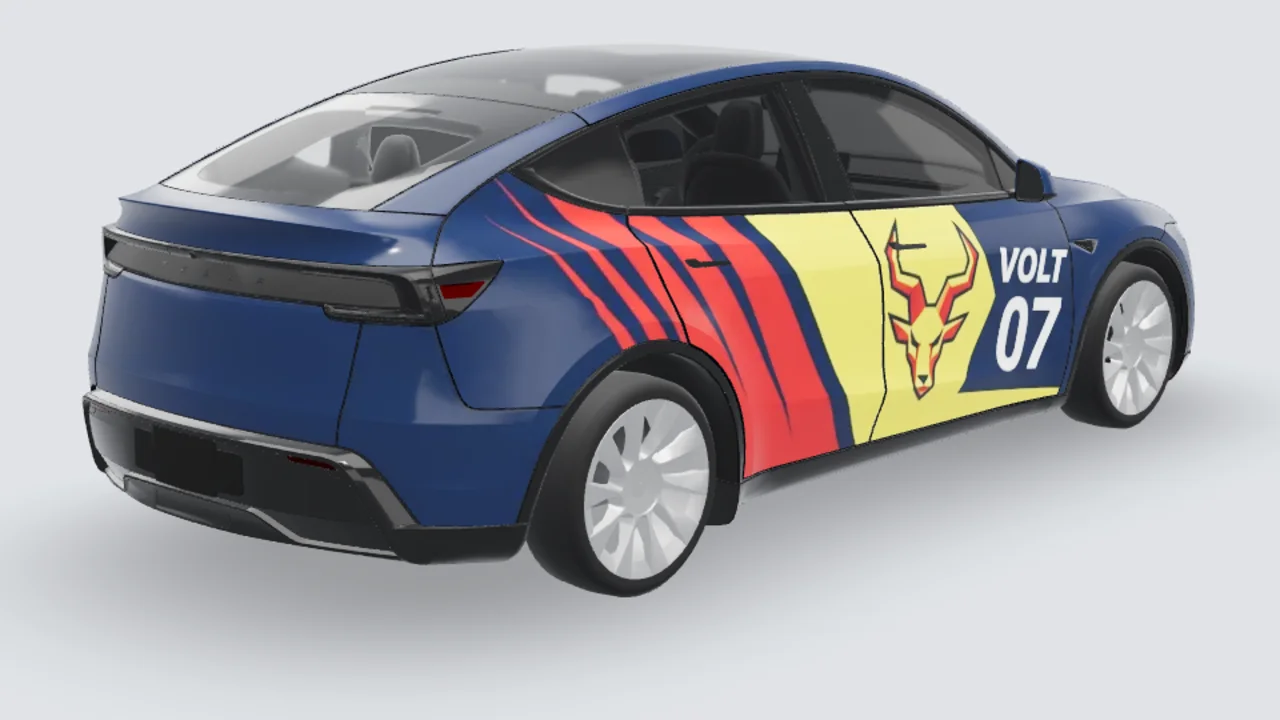
Studio 3D example
Source example · Model Y Juniper
From the right version to a Paint Shop PNG
- Match your car’s generation and trim, then open its template.
- Describe a design and inspect the preview around seams, lights and panel edges.
- Export your finished PNG, then follow the Tesla app or USB installation guide. Review the result on your vehicle.
Templates and installation
Start with a blank UV template or follow the Paint Shop guide before importing a finished PNG.
Questions about Model Y wraps
Which Model Y template do I need?+
Check the body generation and trim first. The original 2020–2025 Model Y, Juniper Standard, Juniper Premium, Juniper Performance and Model Y L have separate entries here. Registration year alone is not enough to choose the right template.
Can Juniper Standard, Premium and Performance use the same PNG?+
Use the template listed for your exact trim. Standard has a different front fascia, while Performance has its own aero details. Artwork on another trim’s UV layout can land on the wrong panels even when the overall car looks similar.
Can I use a regular Juniper template for Model Y L?+
Choose the separate Model Y L entry. Its extended body uses its own template; stretching a Juniper Standard, Premium or Performance PNG does not make the panel layout fit.
Is the Premium 3D preview an exact match for my car?+
The current Premium preview uses approximate Performance geometry. Use it to inspect the overall design, not to confirm every body detail. The export uses the Premium UV template; check the final appearance in your Tesla after importing.