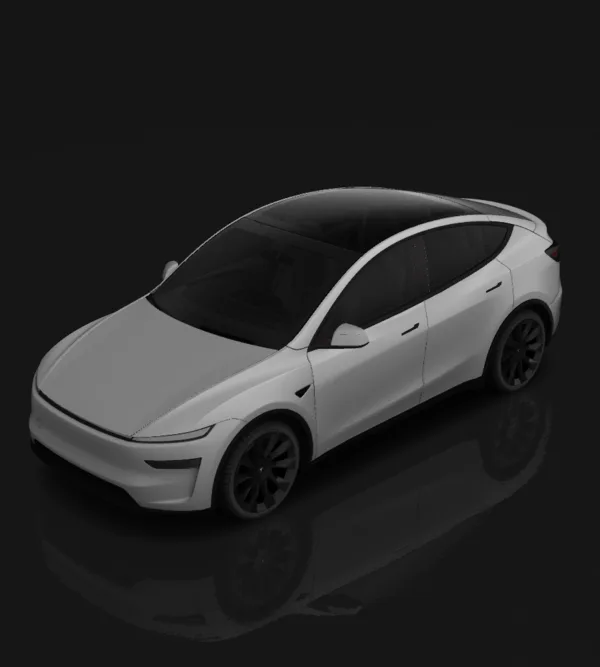
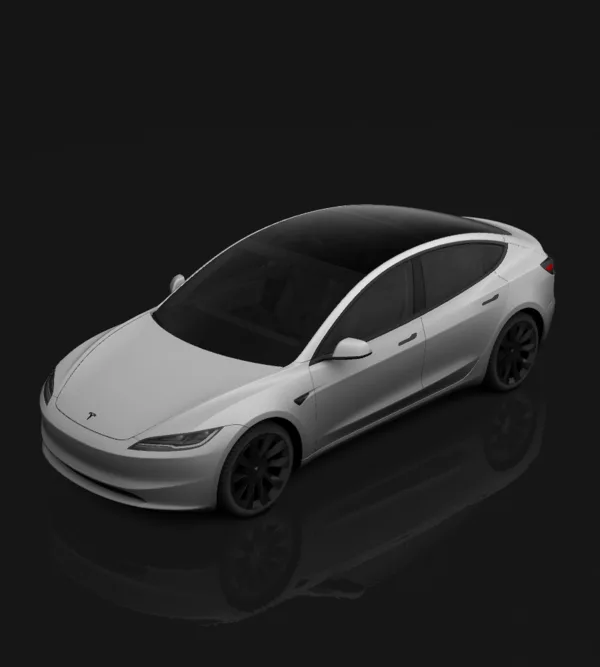
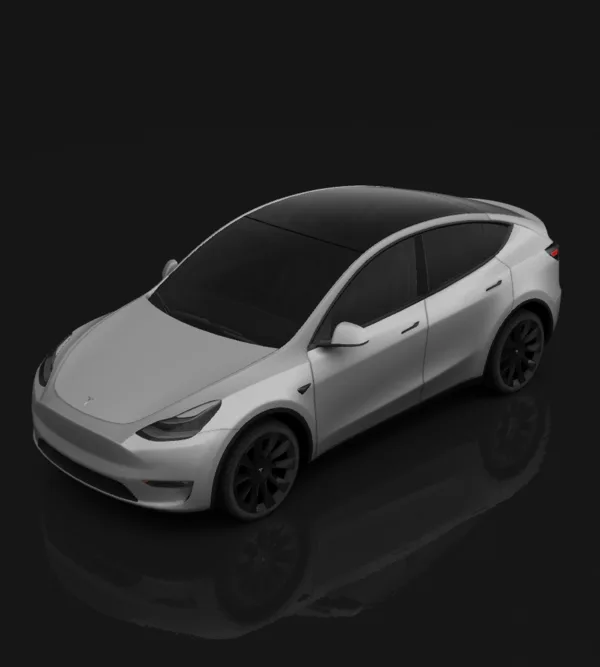
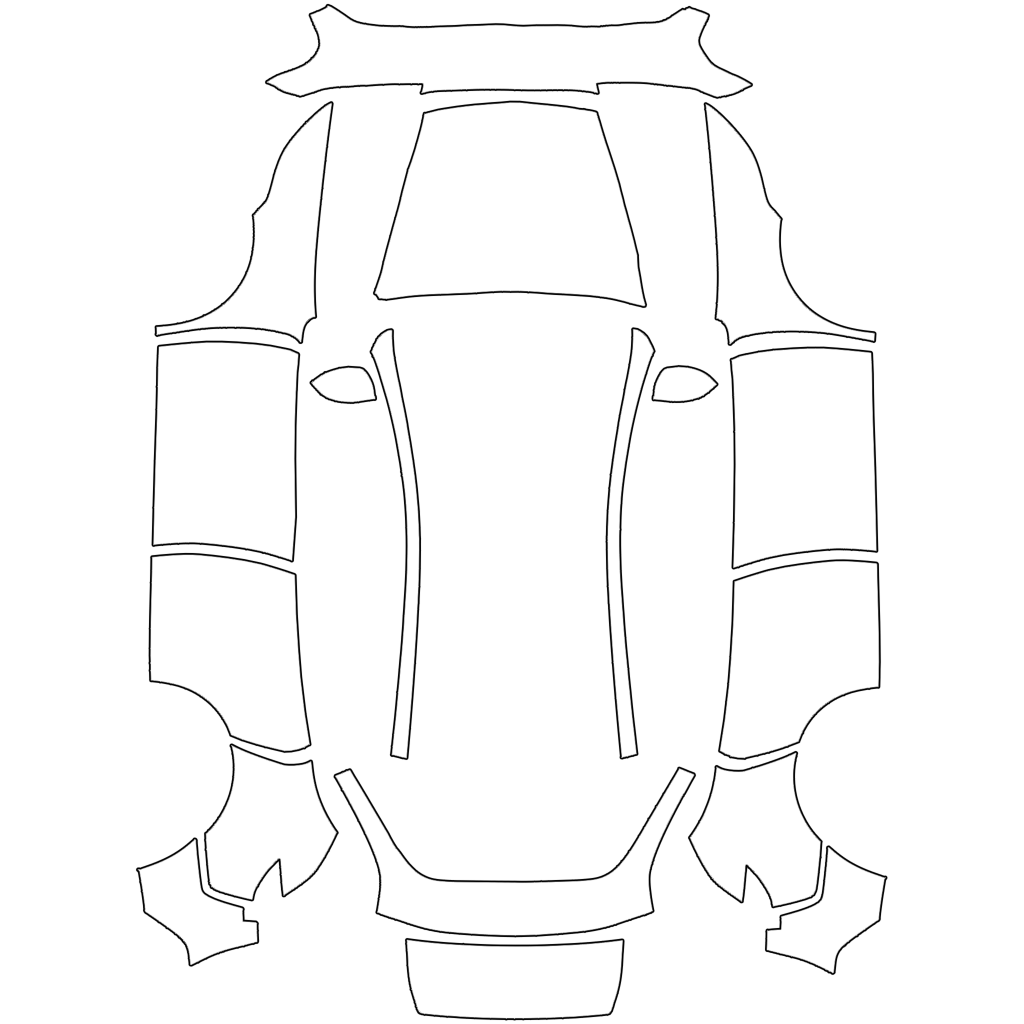
Model Y Juniper Standard wrap template (2025+)
Standard trim uses its own template (different fascia and no light bar). Start from a style preset or describe your own design.
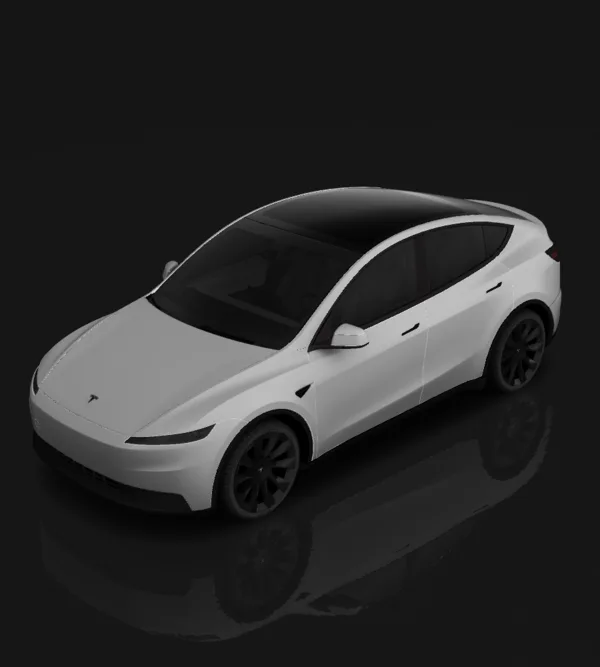
Design → edit layers → review in 3D → download template
Before using it: check both sides, panel seams and text in 3D, then inspect the PNG. This changes the car on your Tesla screen; it is not a physical-wrap print file.
Bring your design to your Tesla
Tesla app 4.59.0 or newer: Creations → Wrap → Upload. Choose the downloaded template PNG, then apply it to your vehicle.
USB alternative: create a Wraps folder at the drive root and place up to 10 PNGs inside. In the car, open Toybox → Paint Shop.
Use the template PNG, not a 3D screenshot. The download keeps a short filename and fits the 1 MB limit. Vehicle software and region availability may differ.
Popular styles
FAQ
How do I load a custom wrap on my Tesla Model Y?+
Upload the finished PNG in Tesla app v4.59.0 or later through Creations → Wrap → Upload, or put it in a Wraps folder at the root of a supported USB drive. In the car, select it under Toybox → Paint Shop → Wraps. Check your app and vehicle software if the entry is missing.
What file requirements does Tesla Paint Shop have?+
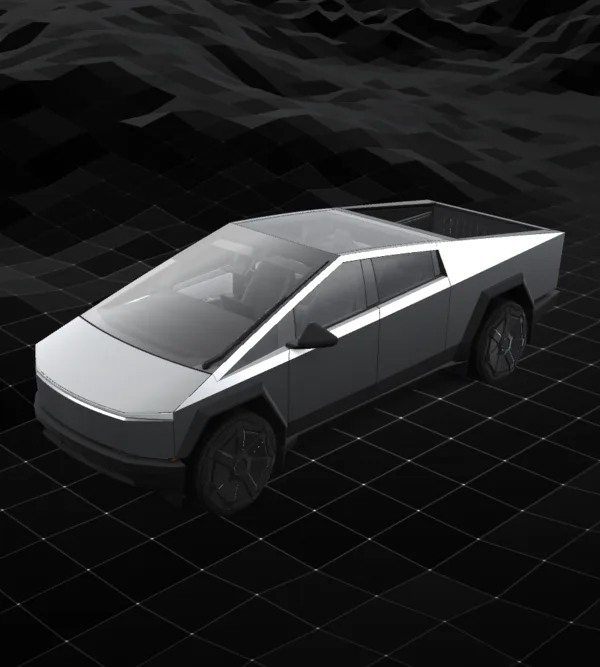
Export a real PNG, no larger than 1 MB. Renaming a JPG or WebP to .png does not convert it. Use the original template dimensions. Tesla lists 512×512 to 1024×1024 pixels; its Cybertruck template is 1024×768. Keep that layout instead of stretching it into a square. Keep the file name within 30 characters, using only letters, numbers, underscores, dashes and spaces.
Does this change my real paint or provide a vinyl cutting file?+
No. These PNGs customize the digital vehicle visualization in Tesla Paint Shop. They are not measured print or cutting templates for physical vinyl. A wrap shop can use a design as a visual reference, but must prepare its own production artwork.