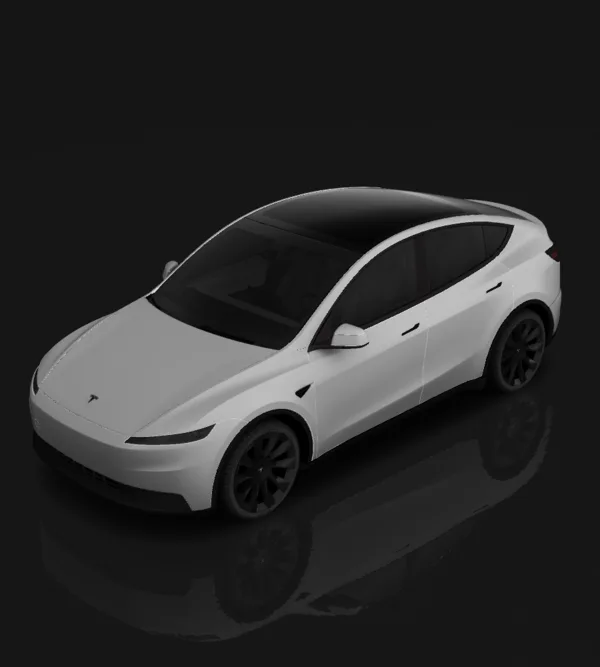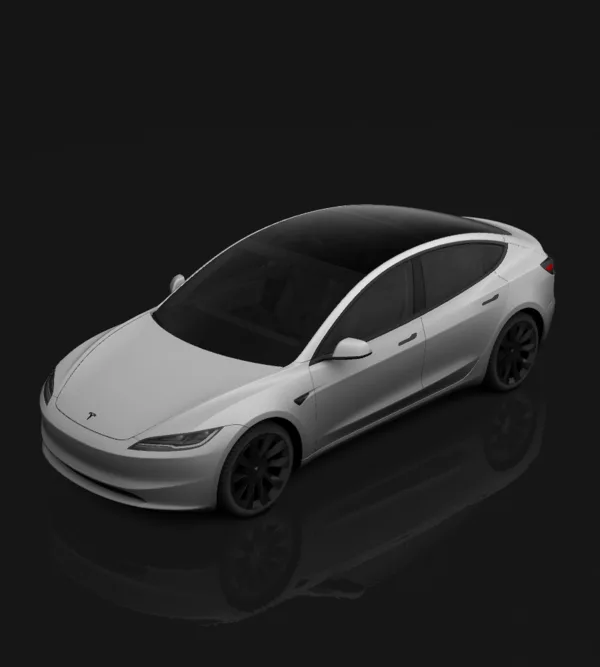
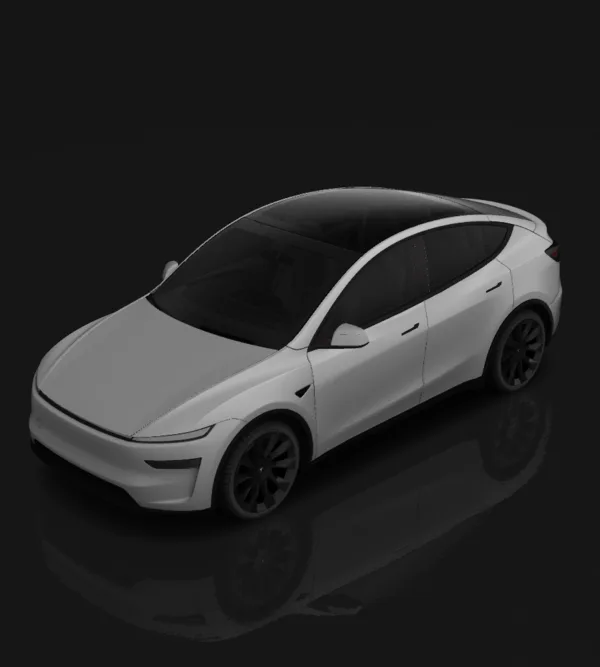
Tesla Model Y (2025+) Premium
Juniper · Long Range / Premium
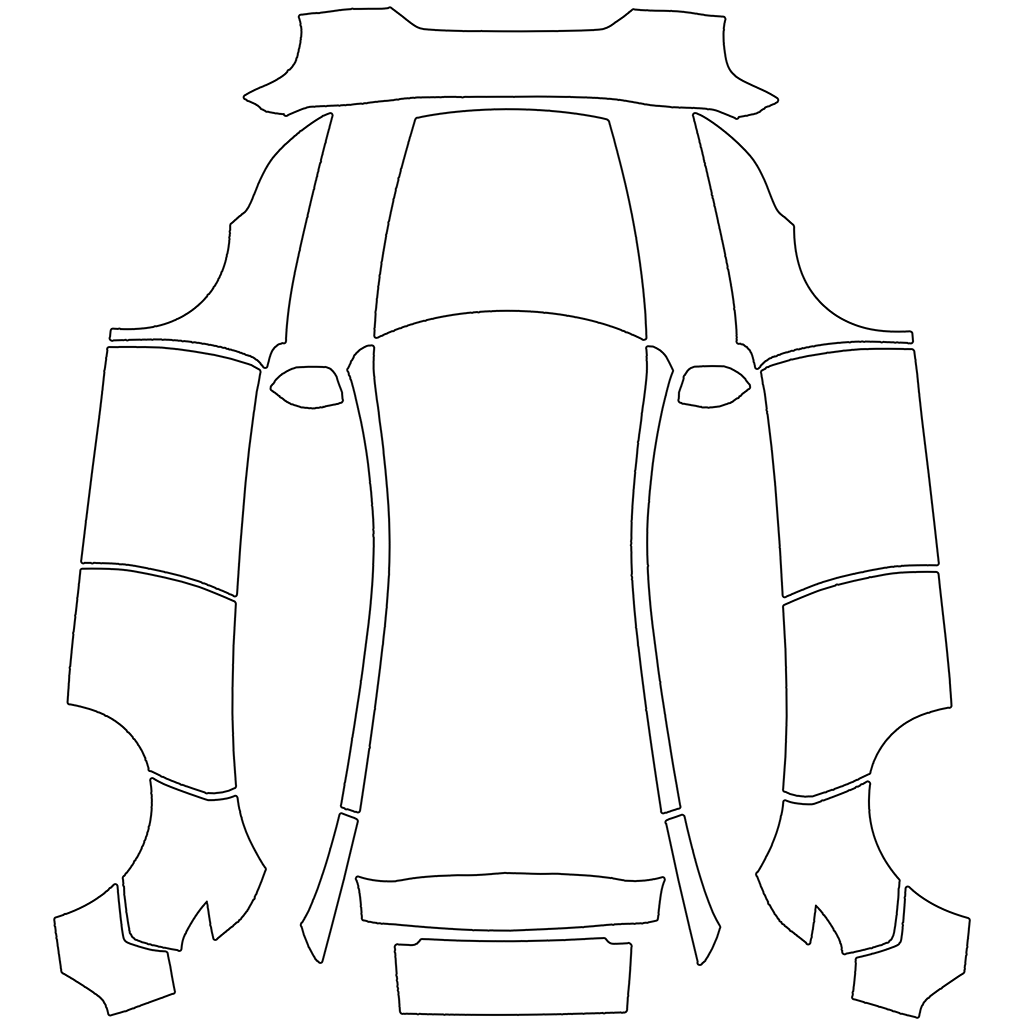
Blank template · 1024×1024 PNG
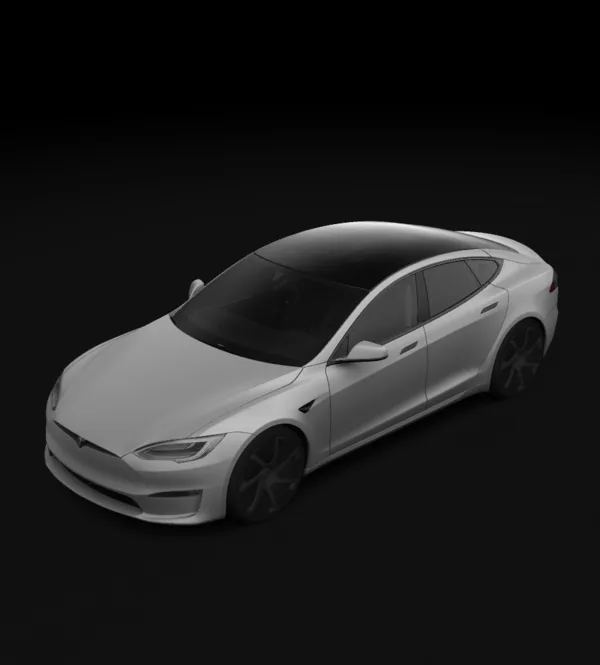
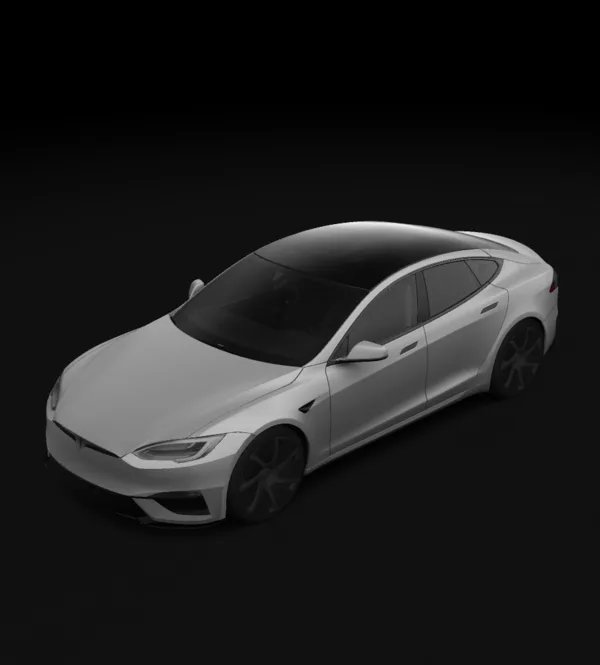
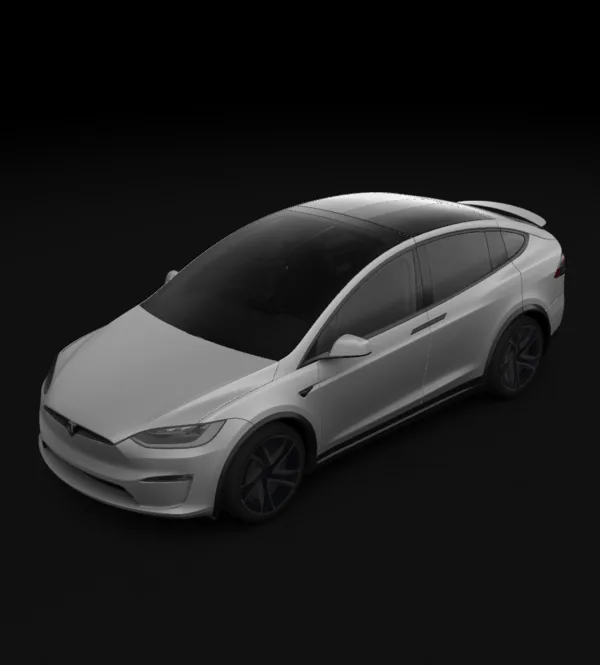
The 3D preview uses approximate geometry; export uses this model’s template. Confirm the final look in the vehicle.
Download blank UV PNGs published by Tesla. Choose your exact model, generation and trim, then design and export a finished wrap for the digital vehicle visualization.
A blank template is your drawing canvas; the finished PNG is the upload file. Gallery thumbnails and 3D screenshots are previews. These files are not measured printing or cutting templates for physical vinyl.
Tesla allows up to 10 wraps from the mobile app and up to 10 from a USB drive.
Source: Tesla custom-wraps ↗ · Checked:
Choose original Pre-Juniper, Juniper Standard, Premium, Performance or Model Y L. A 2025 registration year can overlap generations; confirm the body and trim before downloading.
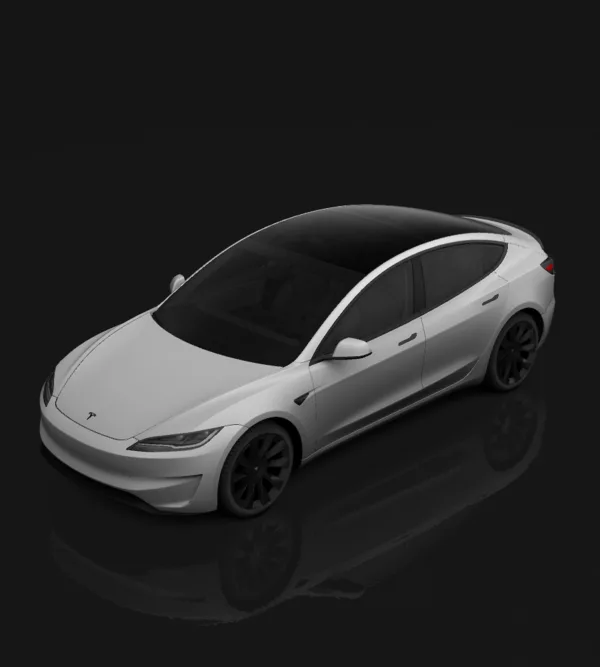
Juniper · Long Range / Premium
Blank template · 1024×1024 PNG
The 3D preview uses approximate geometry; export uses this model’s template. Confirm the final look in the vehicle.

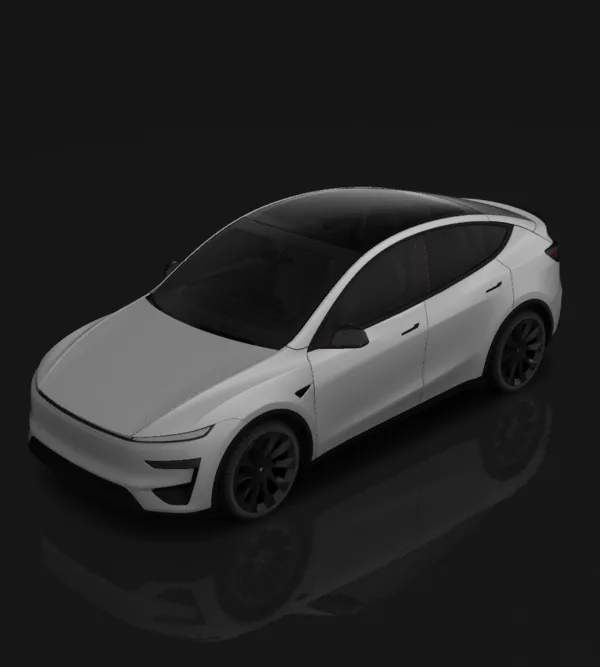
Juniper · Standard
Blank template · 1024×1024 PNG
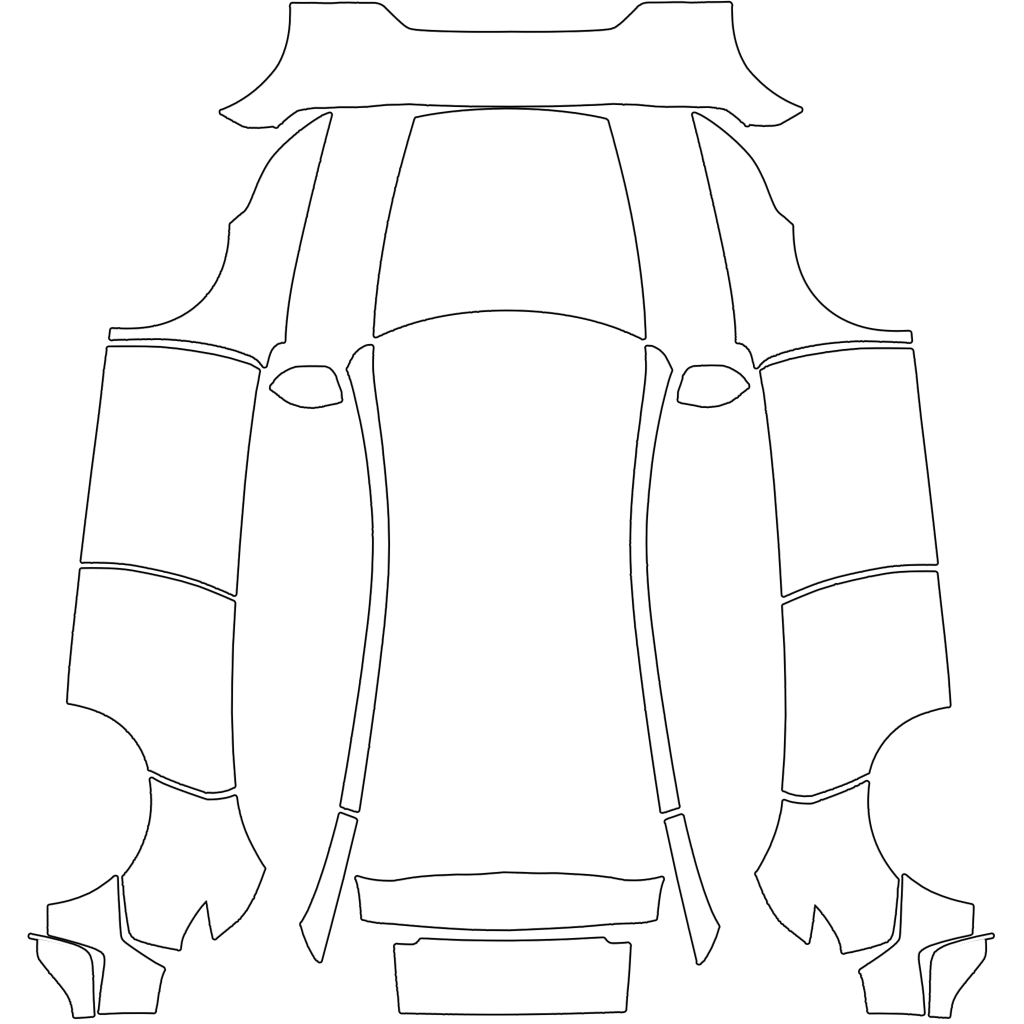
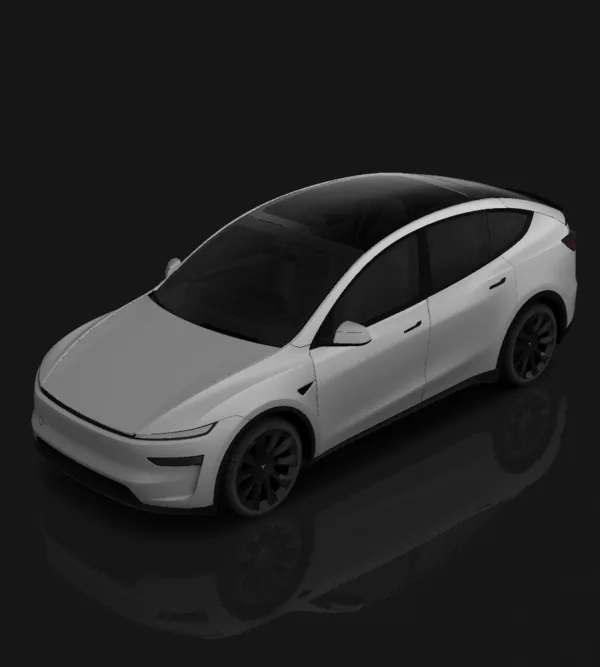
Juniper · Performance
Blank template · 1024×1024 PNG
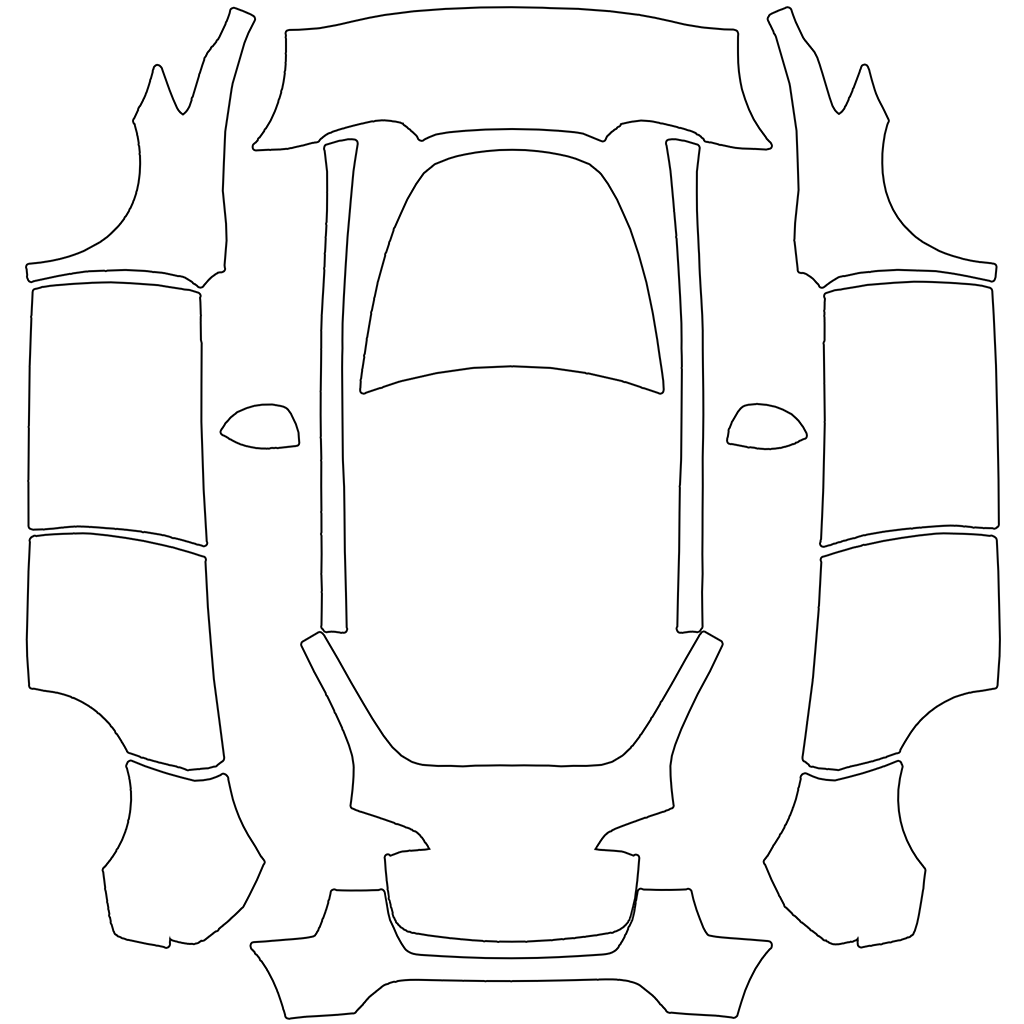
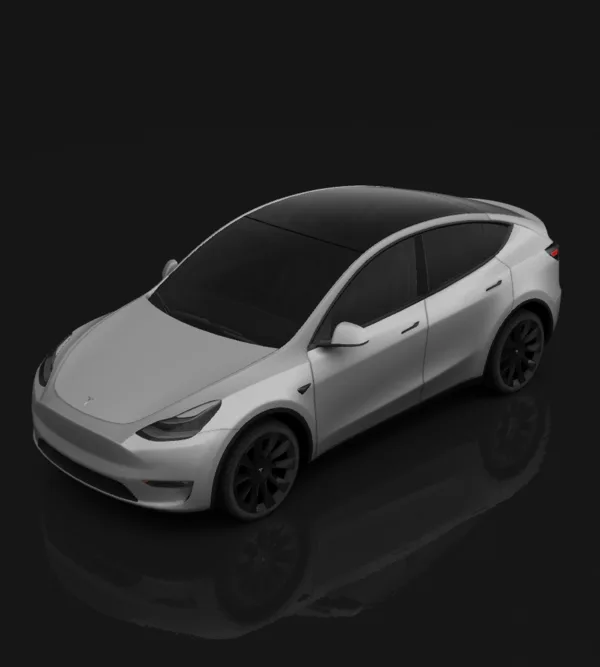
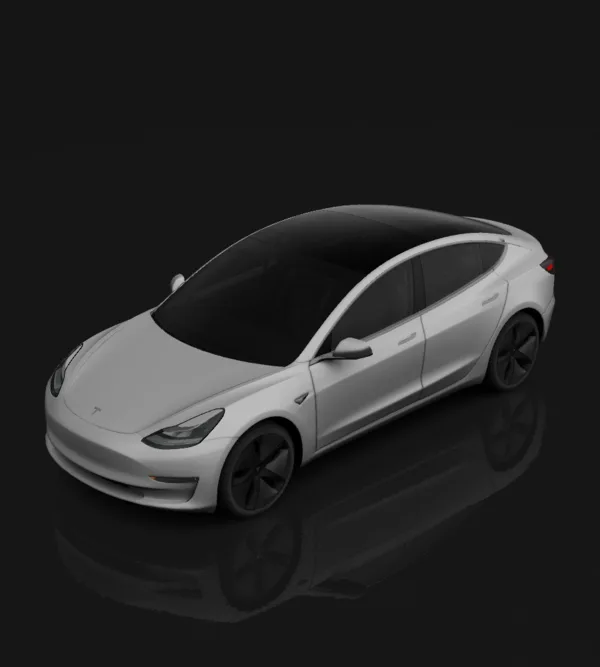
Original body · Pre-Juniper
Blank template · 1024×1024 PNG
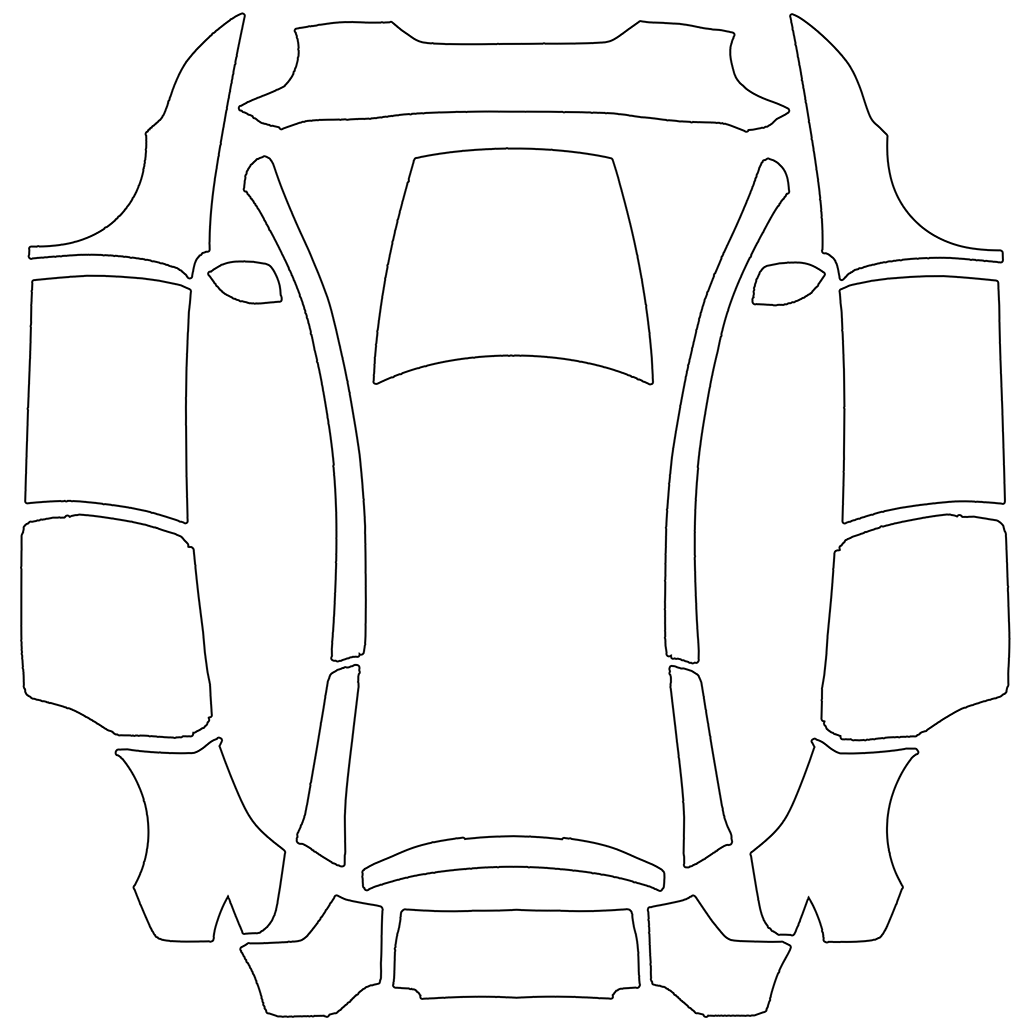
Six-seat long wheelbase
Blank template · 1024×1024 PNG
Original Model 3, Highland Standard/Premium and Highland Performance have separate layouts. Standard and Premium share the 2024+ base template.
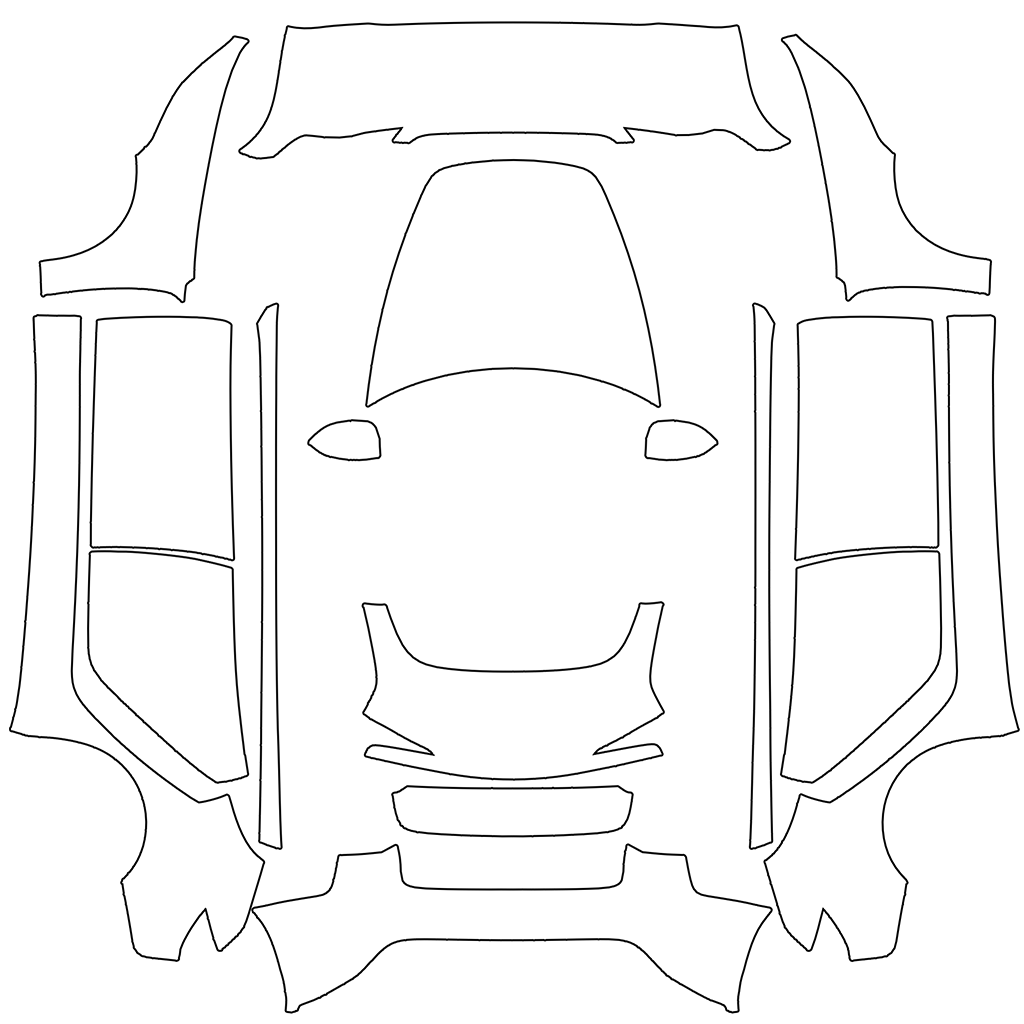
Highland
Blank template · 1024×1024 PNG
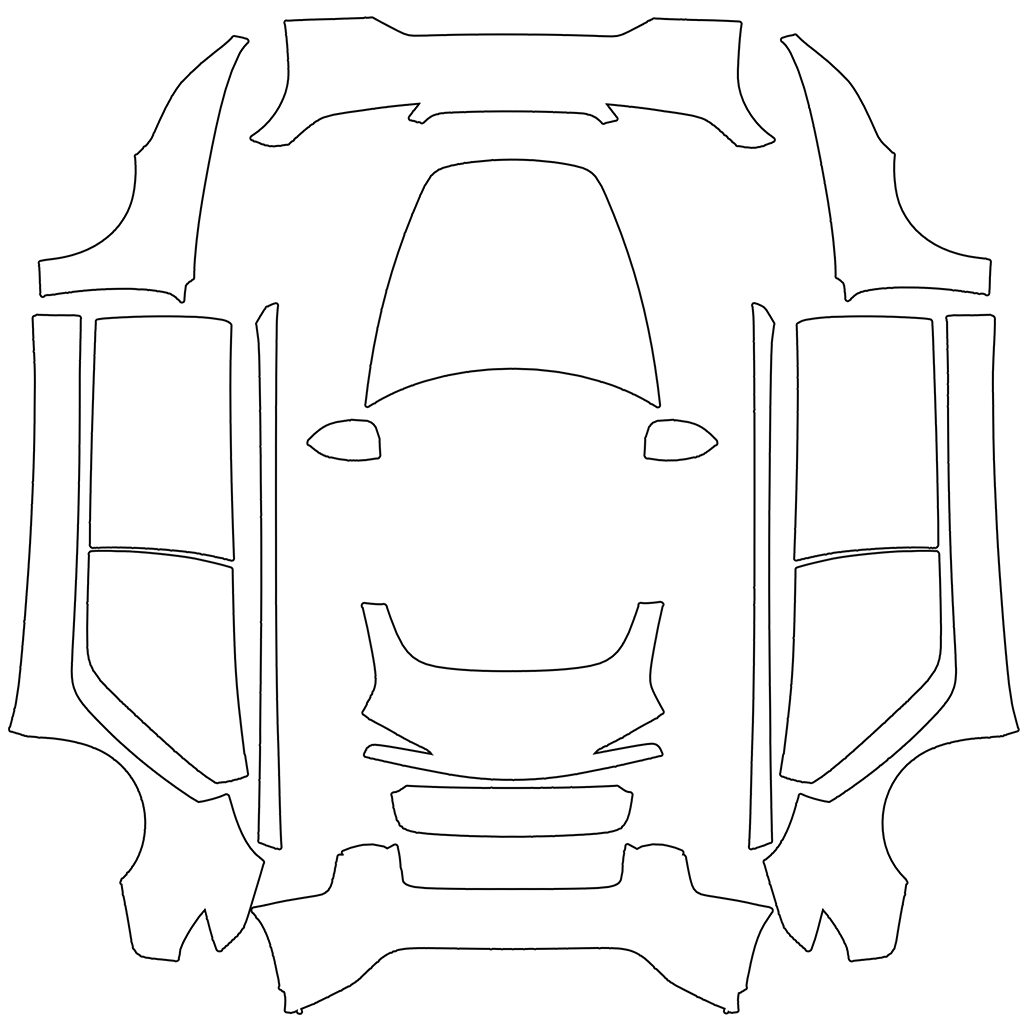
Highland · Performance
Blank template · 1024×1024 PNG

Pre-refresh
Blank template · 1024×1024 PNG
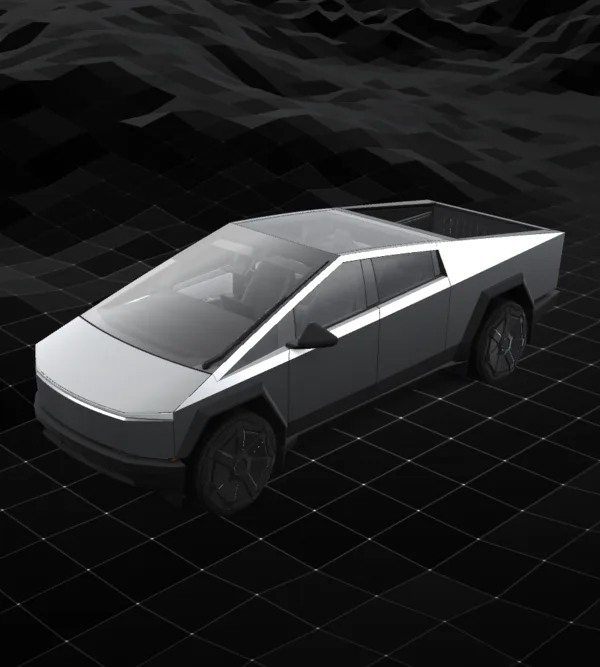
Keep the official 1024×768 blank template layout. Do not stretch it into a square to match another Tesla model.
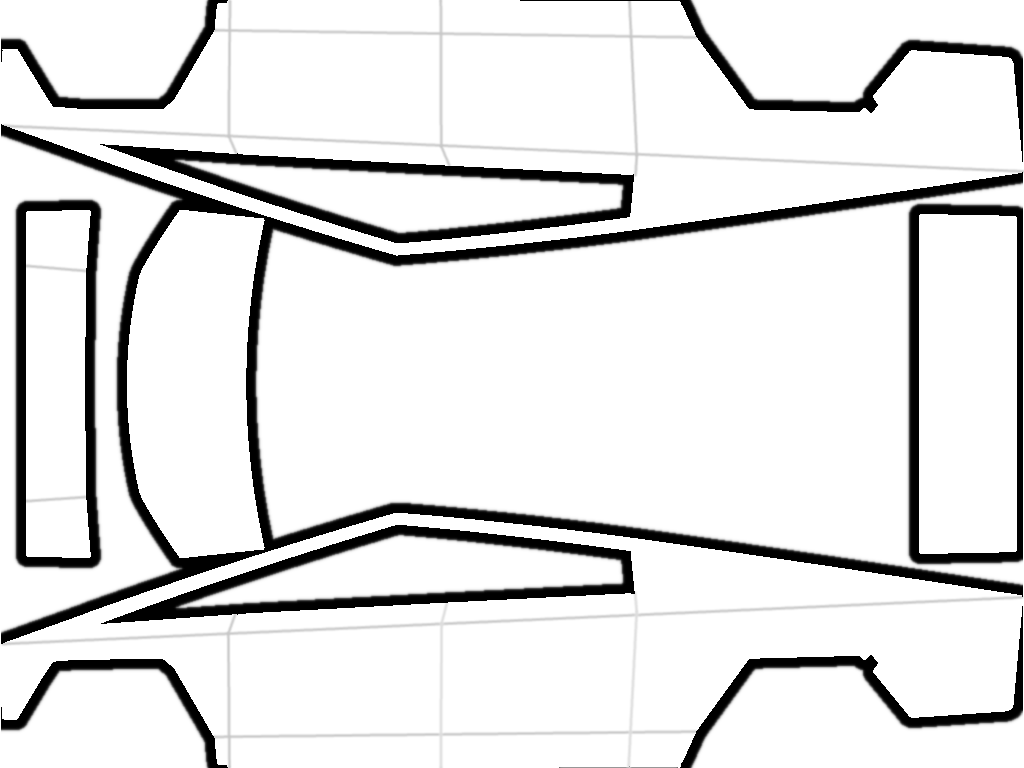
2024+
Blank template · 1024×768 PNG
Tesla lists separate templates for Model S (2021+) and Model S (2025+) Plaid. Match the official variant label to your vehicle.

2021+
Blank template · 1024×1024 PNG
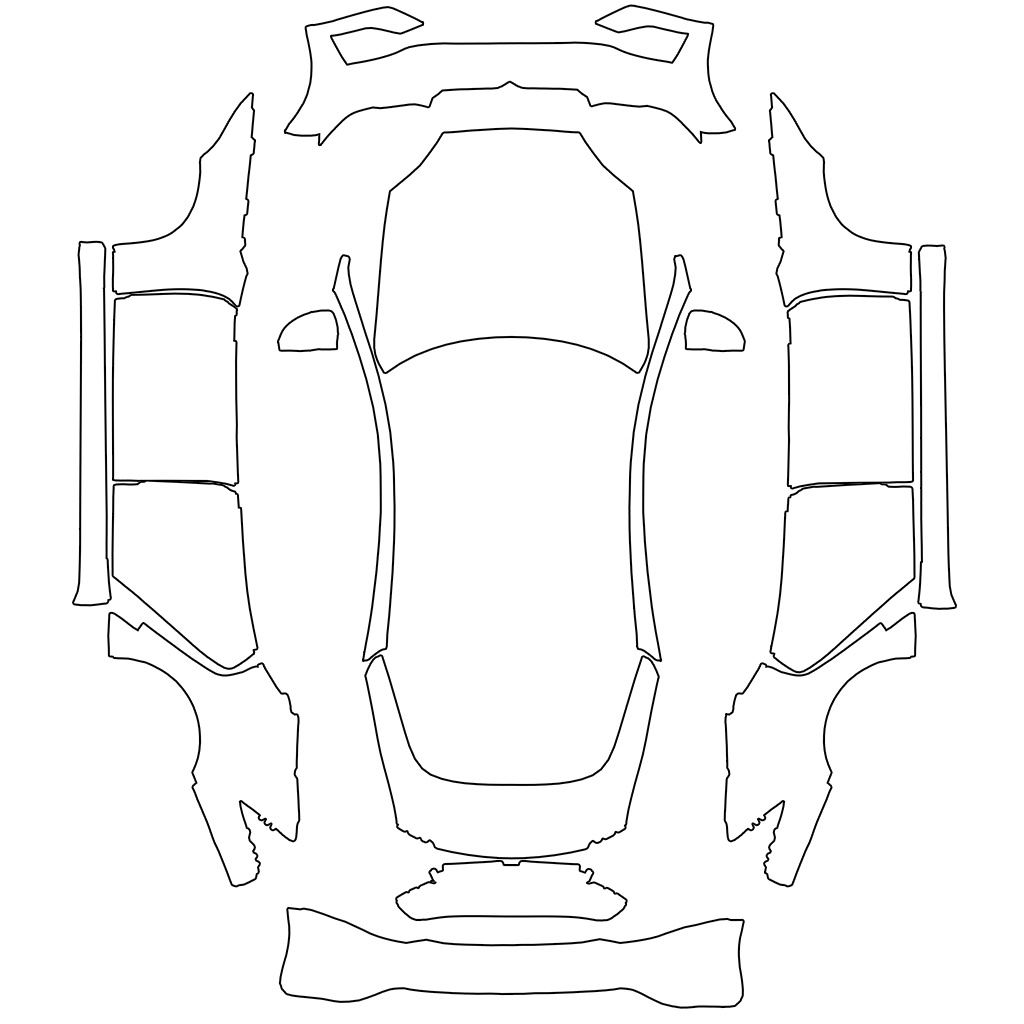
Plaid
Blank template · 1024×1024 PNG
This is the Model X (2021+) template listed by Tesla. Check the vehicle software if Paint Shop or custom wraps are unavailable.
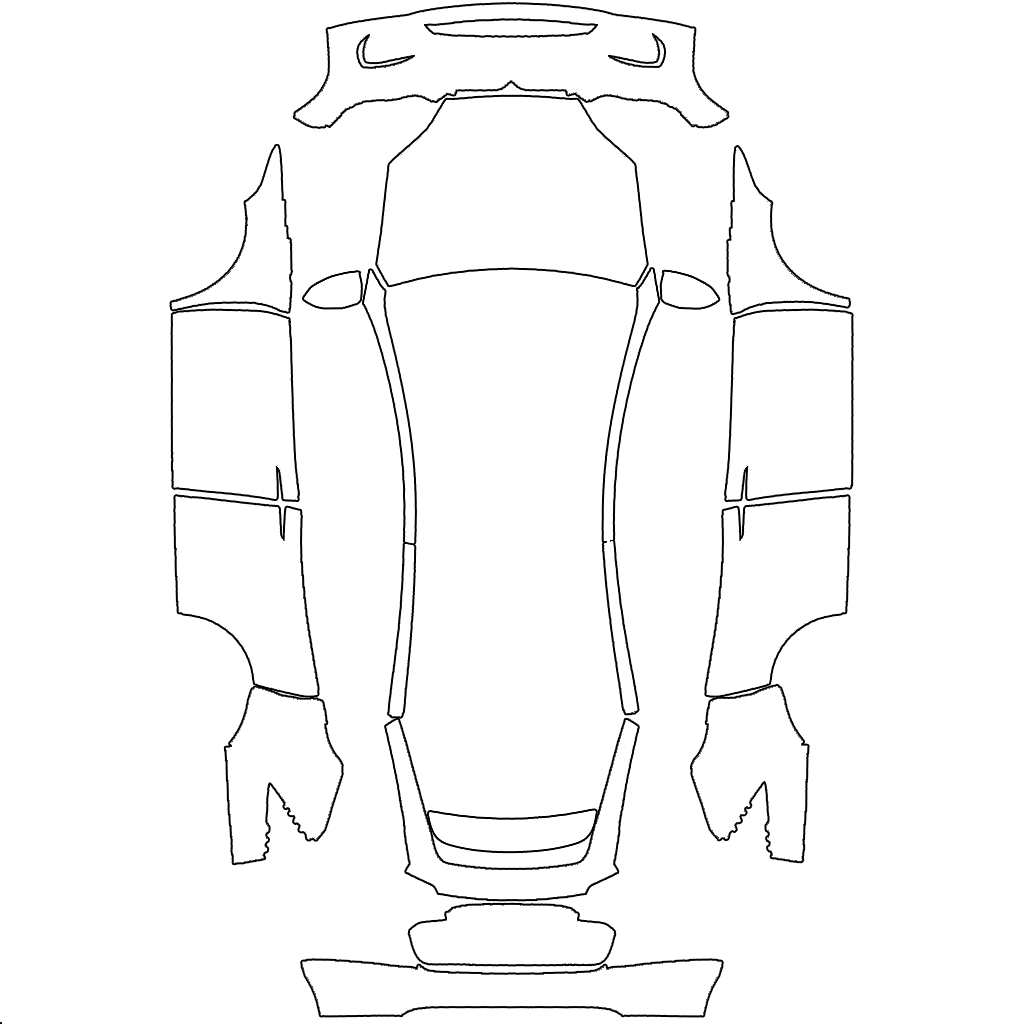
2021+
Blank template · 1024×1024 PNG
Export the finished PNG, then use Creations → Wrap → Upload in Tesla app v4.59.0+, or the root-level Wraps folder on a supported USB drive. Select the design in the car under Toybox → Paint Shop → Wraps.
Follow the steps and troubleshoot a missing wrapThe downloads are sourced from Tesla’s public custom-wraps repository. They are UV layouts: fill the white body-panel areas, keep their positions and preserve the transparent background. Use the linked official repository to check the latest files.
It is a starting canvas, not a finished design. Paint it in an image editor or use the model-specific AI designer, inspect the panel placement in the available preview and export the finished PNG. Preview thumbnails and 3D screenshots are not Paint Shop upload files.
No. Original Model Y and Juniper have different layouts; Juniper Standard, Premium, Performance and Model Y L each have a separate file. Original Model 3, Highland Standard/Premium and Highland Performance also use separate files. Choose by body generation and trim, not registration year alone.
Upload the finished PNG in Tesla app v4.59.0 or later through Creations → Wrap → Upload, or put it in a Wraps folder at the root of a supported USB drive. In the car, select it under Toybox → Paint Shop → Wraps. Check your app and vehicle software if the entry is missing.
Export a real PNG, no larger than 1 MB. Renaming a JPG or WebP to .png does not convert it. Use the original template dimensions. Tesla lists 512×512 to 1024×1024 pixels; its Cybertruck template is 1024×768. Keep that layout instead of stretching it into a square. Keep the file name within 30 characters, using only letters, numbers, underscores, dashes and spaces.
Check the PNG format, file size and file name first, then the 10-file limit for the transfer method you used. For USB, check the drive format, root-level Wraps folder, data-capable port and absence of map or firmware updates. If it appears but looks misaligned, compare the exact vehicle template and panel placement rather than changing the file name.
No. These PNGs customize the digital vehicle visualization in Tesla Paint Shop. They are not measured print or cutting templates for physical vinyl. A wrap shop can use a design as a visual reference, but must prepare its own production artwork.