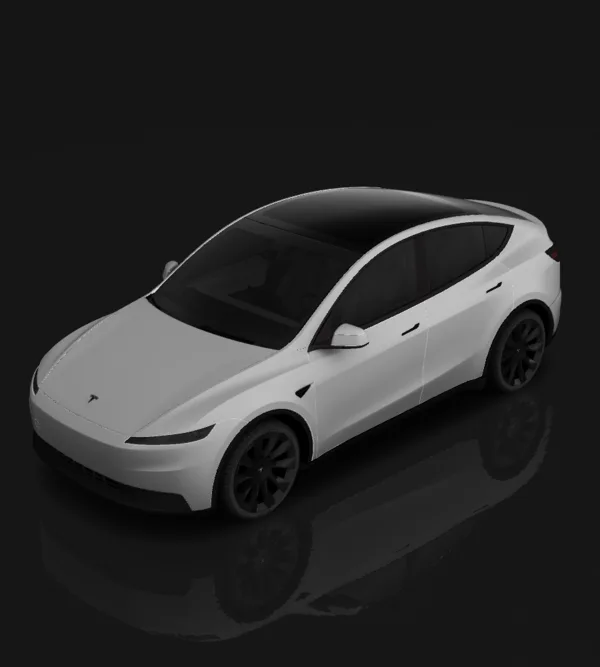
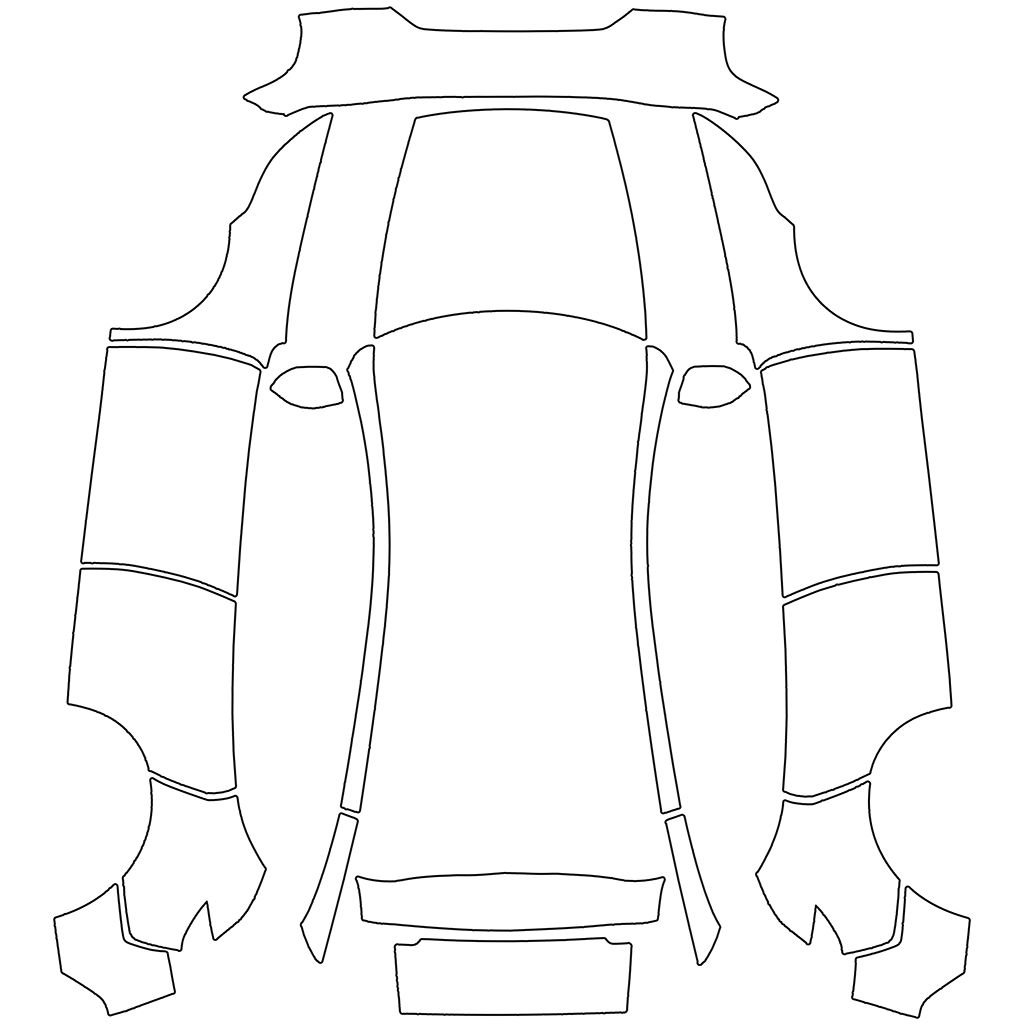
Model Y Juniper Premium wrap template (2025+)
Describe an idea or pick a style to design a digital wrap on the Juniper Premium UV template, then inspect the 3D preview before export. Original-body cars have their own pre-Juniper page. Choose the separate Standard or Performance page if that is your trim.
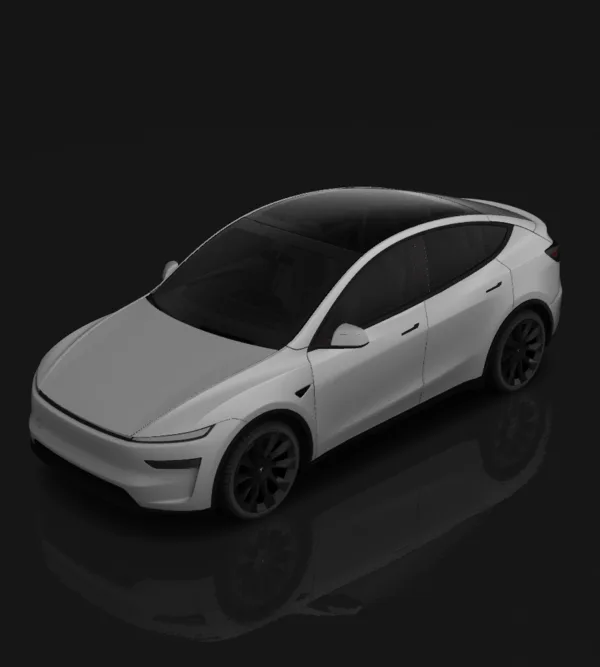
Design → edit layers → review in 3D → download template
Before using it: check both sides, panel seams and text in 3D, then inspect the PNG. This changes the car on your Tesla screen; it is not a physical-wrap print file.
Bring your design to your Tesla
Tesla app 4.59.0 or newer: Creations → Wrap → Upload. Choose the downloaded template PNG, then apply it to your vehicle.
USB alternative: create a Wraps folder at the drive root and place up to 10 PNGs inside. In the car, open Toybox → Paint Shop.
Use the template PNG, not a 3D screenshot. The download keeps a short filename and fits the 1 MB limit. Vehicle software and region availability may differ.
Check the template before designing
Use this Juniper Premium template for the refreshed Model Y body and matching trim. Standard and Performance have their own UV files; check the trim in your vehicle before exporting. The on-page 3D preview uses related Performance geometry, so confirm the final PNG in Paint Shop.
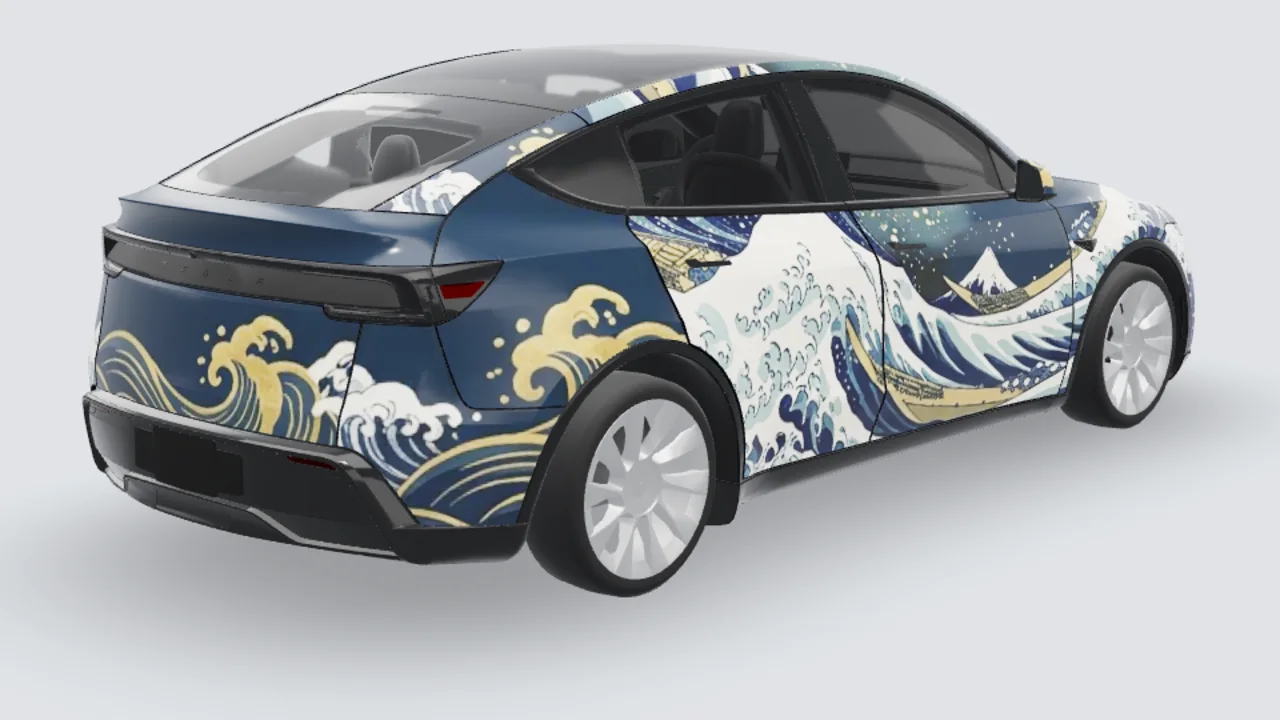
Preview 3 designs on this model
These are 3D previews of the matching artwork on this model. Open an example to inspect both sides, then check your actual trim and panel placement before export.
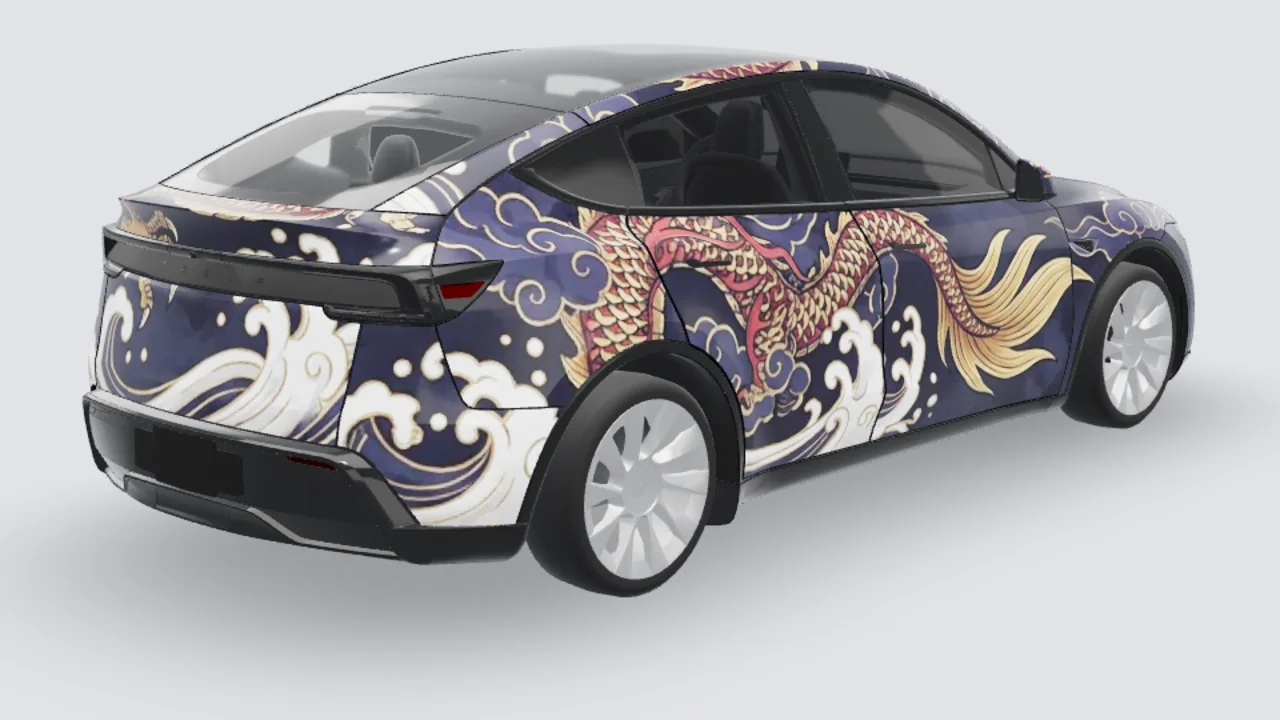
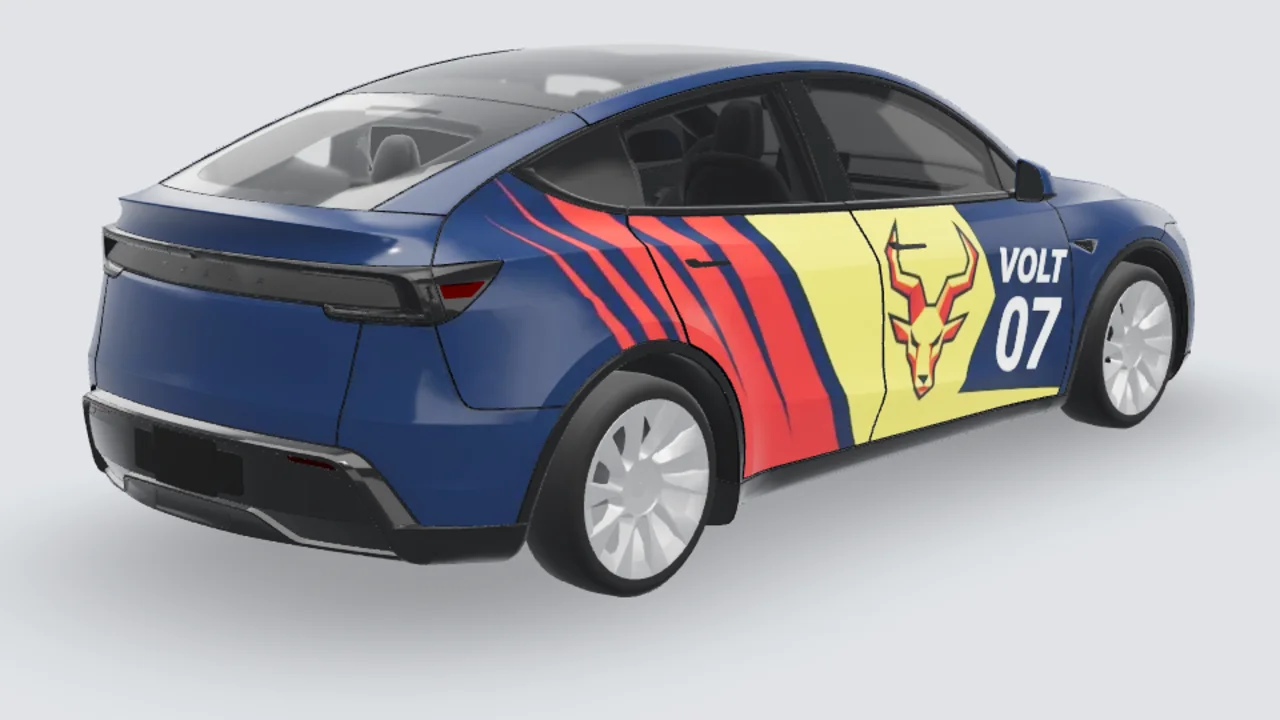
Popular styles
FAQ
How do I load a custom wrap on my Tesla Model Y?+
Upload the finished PNG in Tesla app v4.59.0 or later through Creations → Wrap → Upload, or put it in a Wraps folder at the root of a supported USB drive. In the car, select it under Toybox → Paint Shop → Wraps. Check your app and vehicle software if the entry is missing.
What file requirements does Tesla Paint Shop have?+
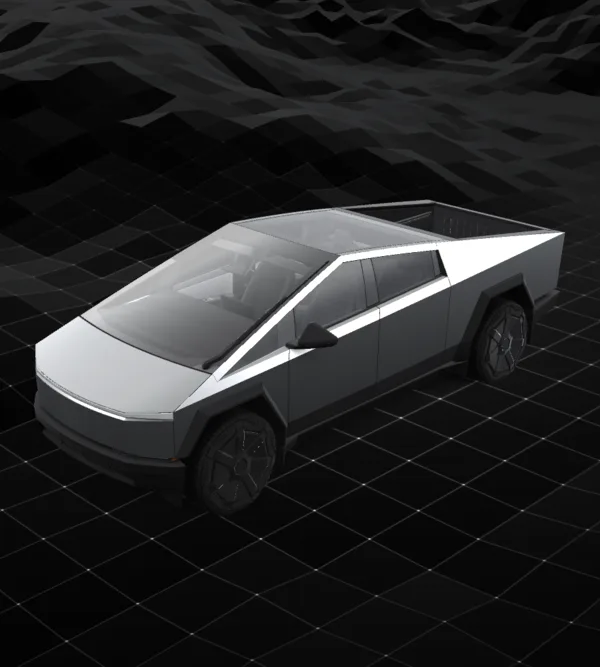
Export a real PNG, no larger than 1 MB. Renaming a JPG or WebP to .png does not convert it. Use the original template dimensions. Tesla lists 512×512 to 1024×1024 pixels; its Cybertruck template is 1024×768. Keep that layout instead of stretching it into a square. Keep the file name within 30 characters, using only letters, numbers, underscores, dashes and spaces.
Does this change my real paint or provide a vinyl cutting file?+
No. These PNGs customize the digital vehicle visualization in Tesla Paint Shop. They are not measured print or cutting templates for physical vinyl. A wrap shop can use a design as a visual reference, but must prepare its own production artwork.
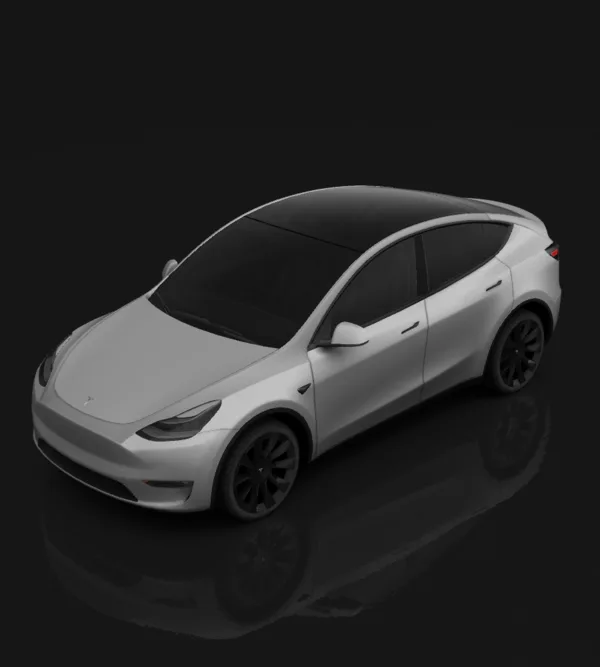
Does the original Model Y wrap file fit Juniper?+
No. The refreshed body uses a different UV map. Select the Juniper template and your actual trim instead of reusing a pre-refresh PNG.