Design an anime car wrap
Build an anime-inspired look from bold color fields, speed lines and halftones. Use a Tesla template for a Paint Shop PNG or a supported car photo for a visual preview. If you include a character, use artwork you have the rights to; an AI result does not itself settle copyright or printing rights.
Design → edit layers → review in 3D → download template
Before using it: check both sides, panel seams and text in 3D, then inspect the PNG. This changes the car on your Tesla screen; it is not a physical-wrap print file.
Bring your design to your Tesla
Tesla app 4.59.0 or newer: Creations → Wrap → Upload. Choose the downloaded template PNG, then apply it to your vehicle.
USB alternative: create a Wraps folder at the drive root and place up to 10 PNGs inside. In the car, open Toybox → Paint Shop.
Use the template PNG, not a 3D screenshot. The download keeps a short filename and fits the 1 MB limit. Vehicle software and region availability may differ.
Start with three anime-inspired ideas
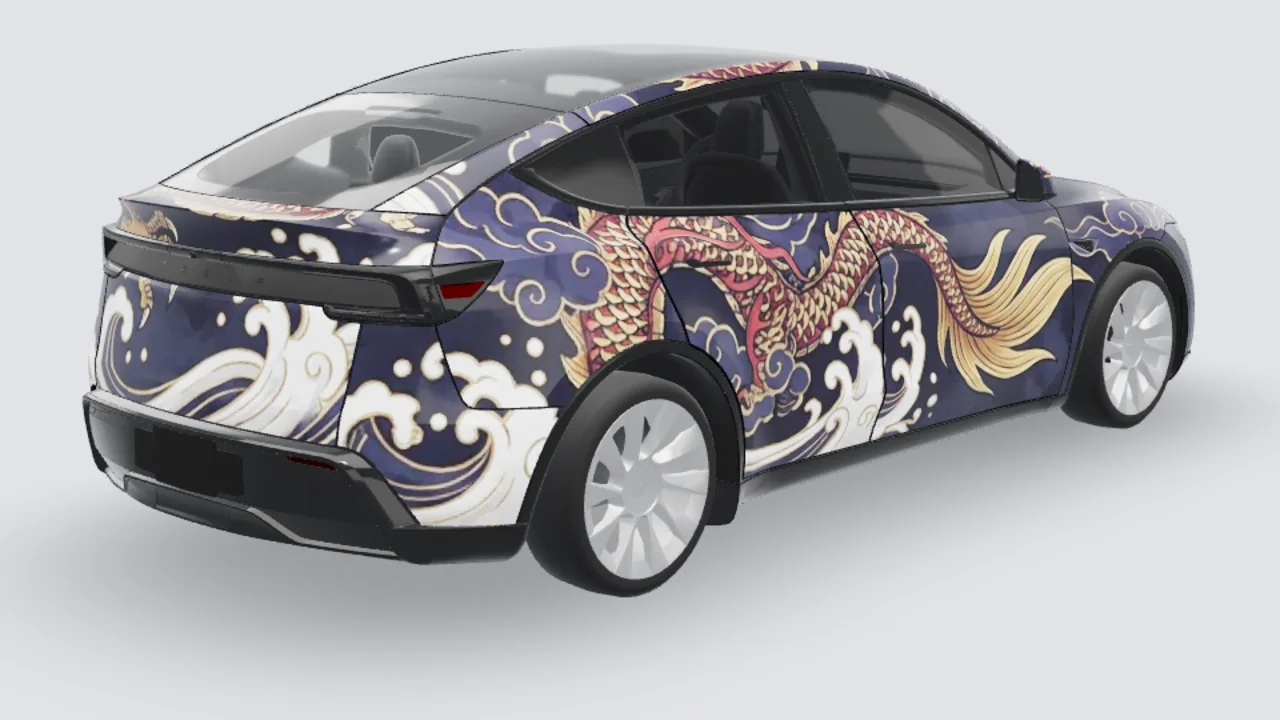
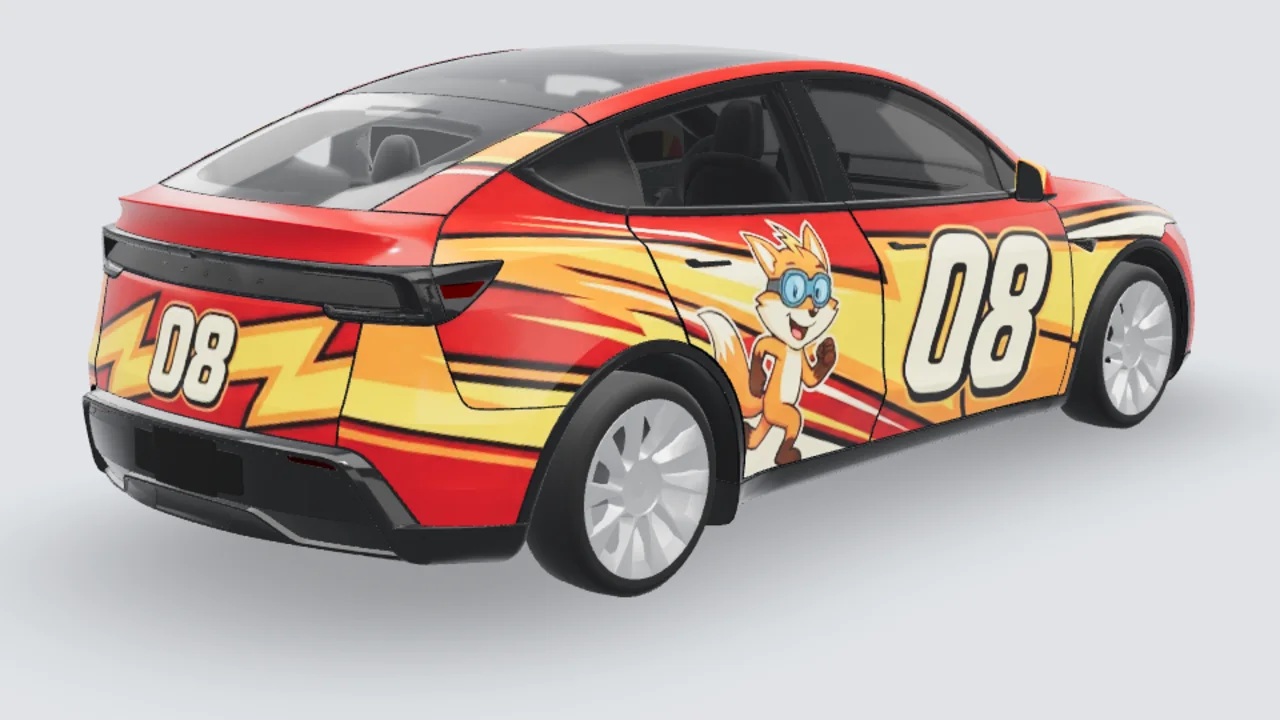
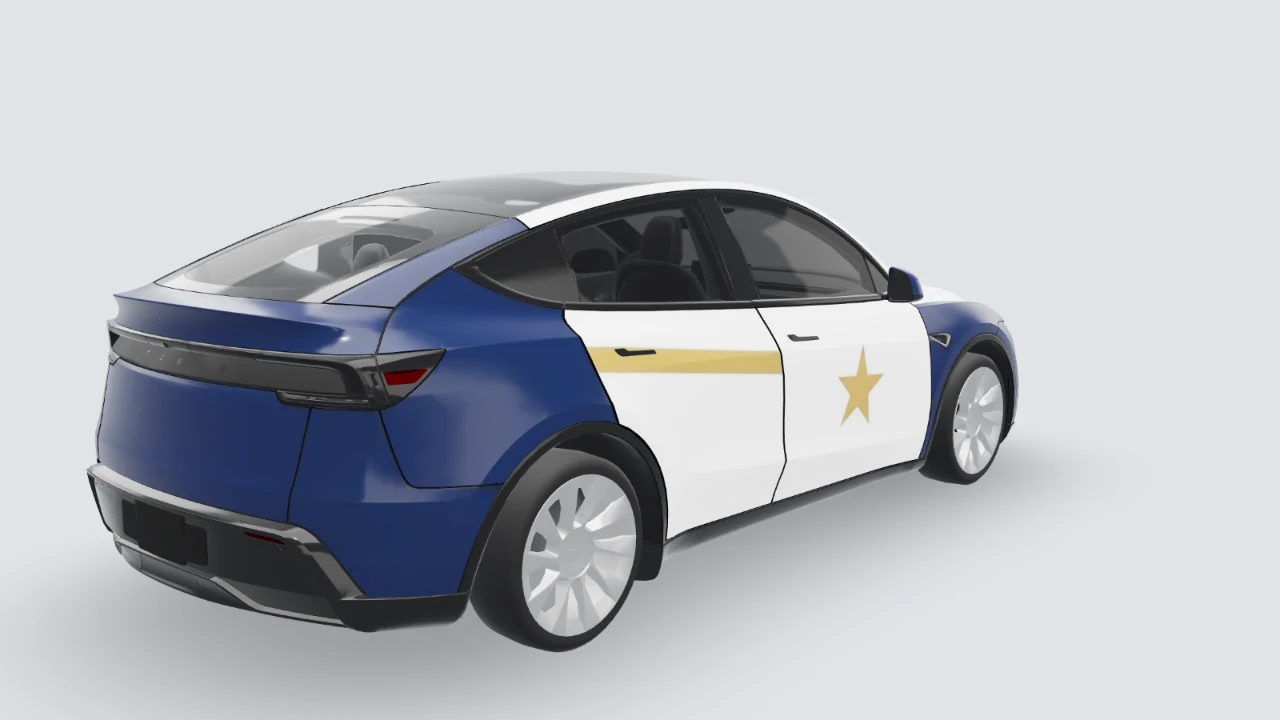
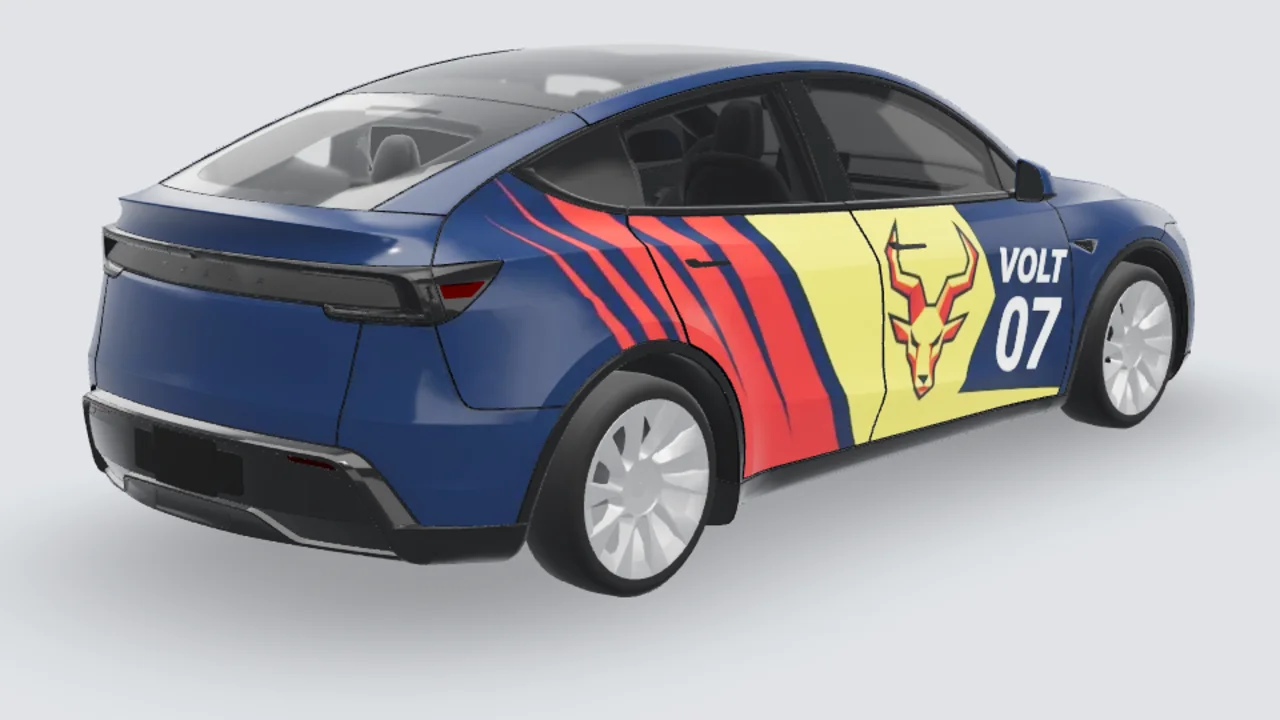
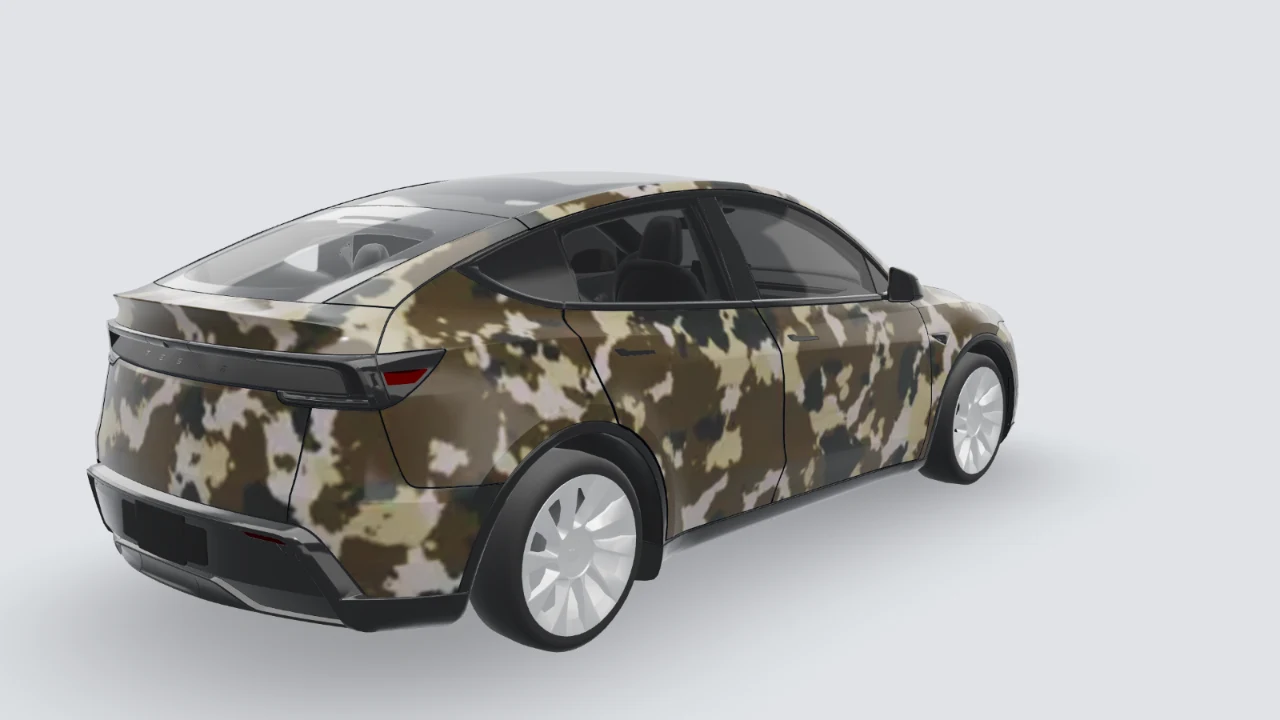
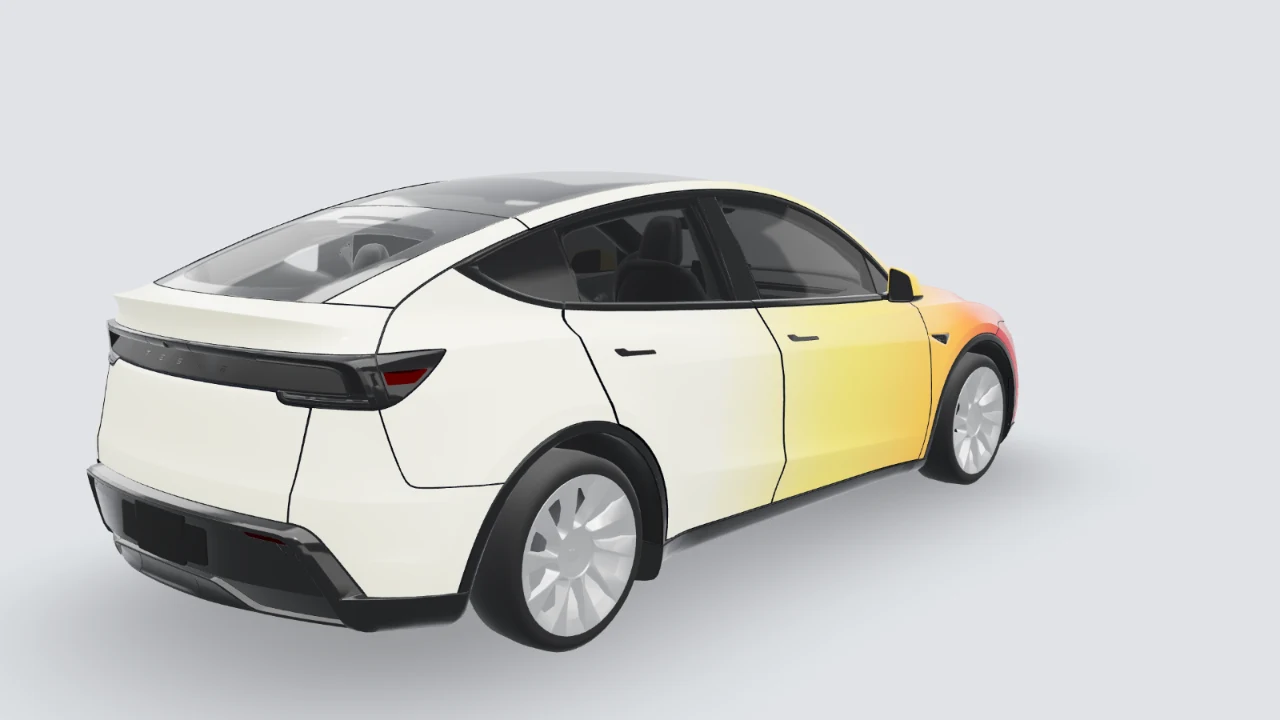
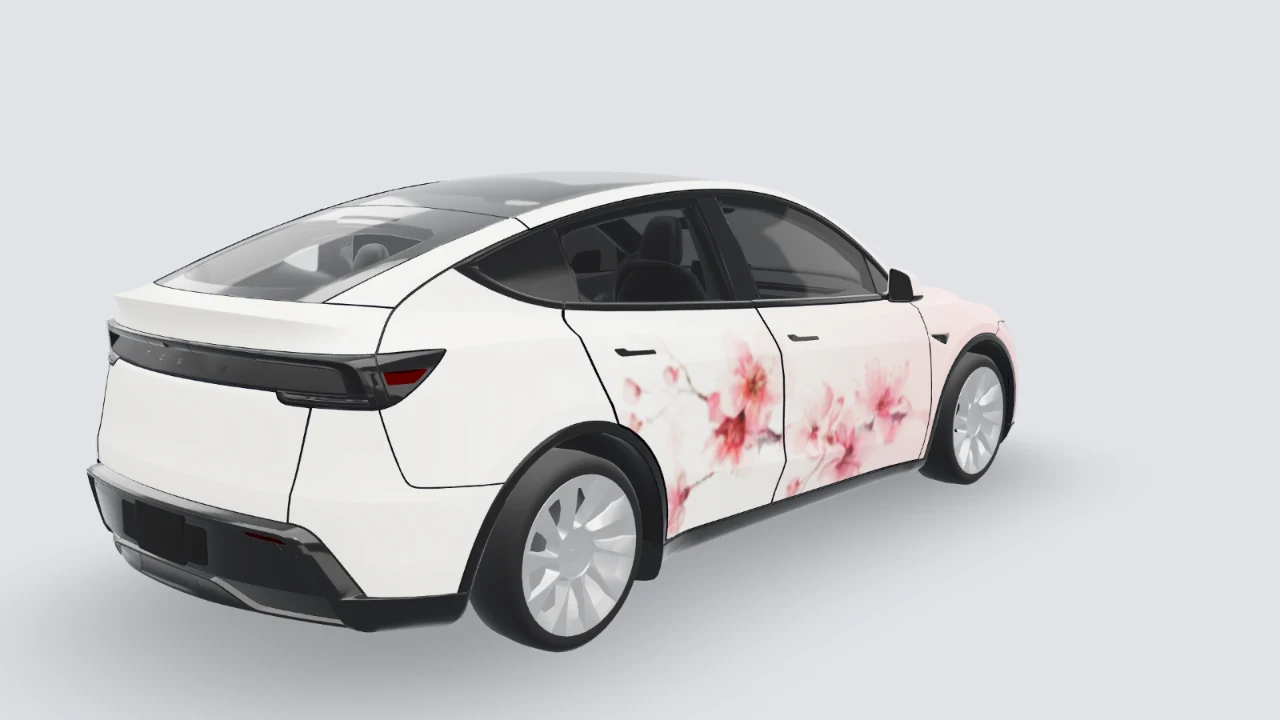
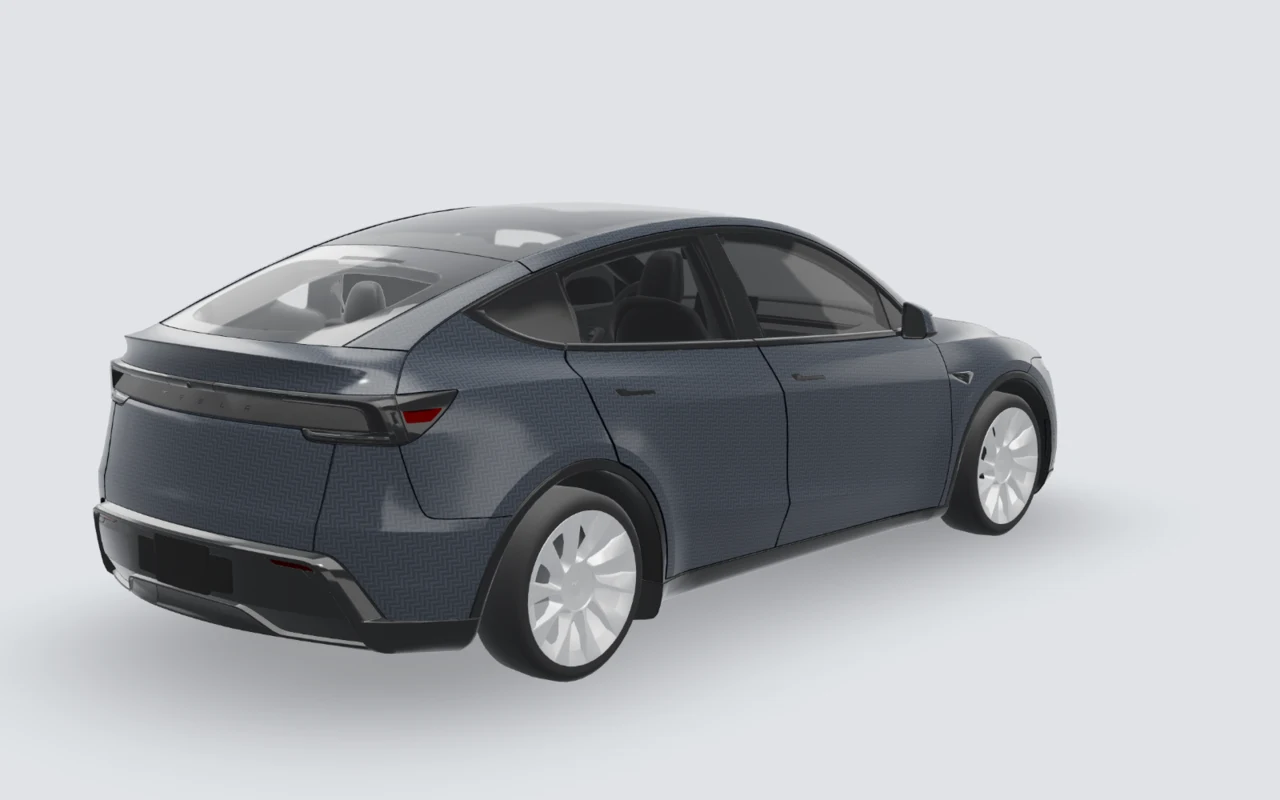
These 3D previews show verified example artwork on the Model Y Juniper Premium. Open an image to inspect the same artwork, flat template and panel seams in the studio. Each original prompt is a starting point for a different design, not the generation record for the example shown. A different model needs artwork prepared for its own UV template.
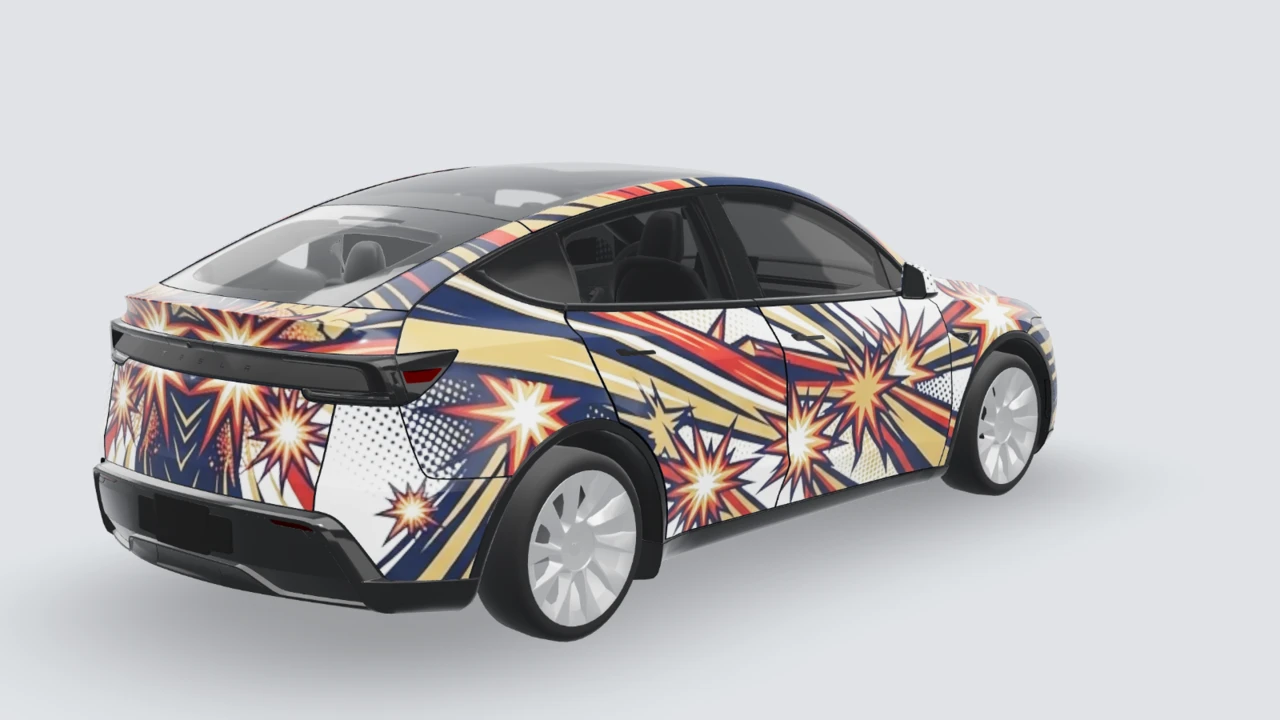
Model Y Juniper Premium
Comic speed lines
Large bursts and halftones read clearly without a character. Check whether a burst is cut by a door seam.
Original prompt: create a different design
Original manga-style speed lines and bold halftone bursts, navy and warm gold, no characters, logos or words; place the largest burst away from door handles.
View this model’s flat source file
This UV artwork is the source for the 3D example above. It is not a physical wrap cut file and should not be applied directly to another model.
Open the flat source file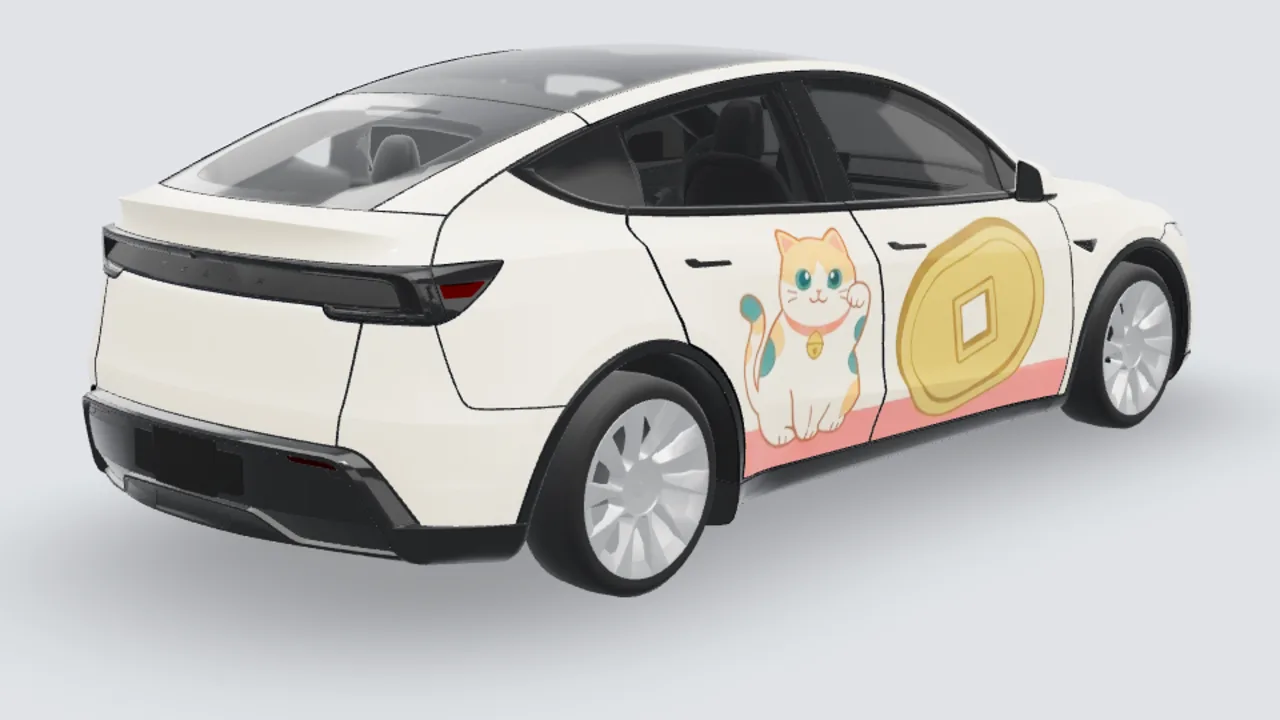
Model Y Juniper Premium
Friendly mascot
A character-led design sits closer to itasha. Keep the face on one panel and inspect the door-to-quarter transition.
Original prompt: create a different design
A newly invented cheerful cat mascot, cream and coral cel-shaded shapes, simple coin motifs, symmetric sides, no franchise characters or text.
View this model’s flat source file
This UV artwork is the source for the 3D example above. It is not a physical wrap cut file and should not be applied directly to another model.
Open the flat source file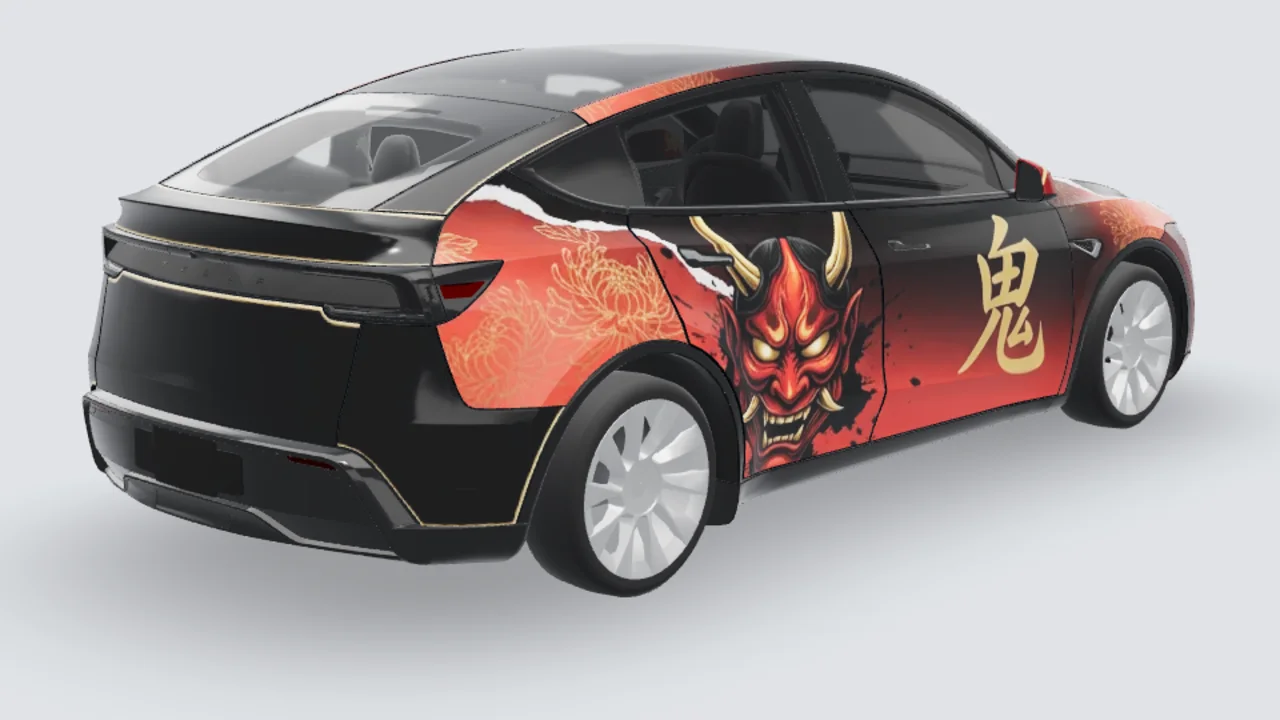
Model Y Juniper Premium
Dramatic mask motif
Put the main mask where it will not be split in two. Use the flat template view to inspect narrow panels.
Original prompt: create a different design
An original theatrical oni-mask illustration in deep red, black and antique gold, broad graphic shapes and flowing accents, no words or existing character likeness.
View this model’s flat source file
This UV artwork is the source for the 3D example above. It is not a physical wrap cut file and should not be applied directly to another model.
Open the flat source fileModel 3: original body or Highland?
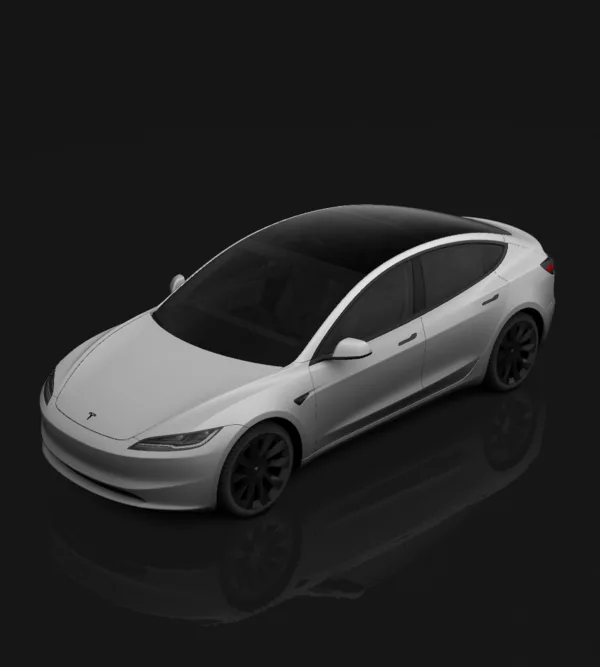
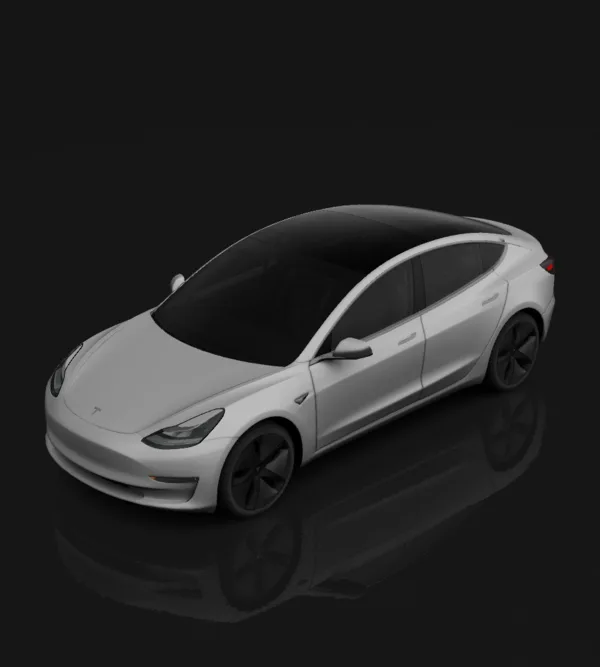
A comic idea can carry over, but each model needs artwork prepared for its own UV template. A finished PNG for one body should not be reused on the other: the 2017–2023 and 2024+ UV files differ.
View original Model 3Model Y: check for Juniper first
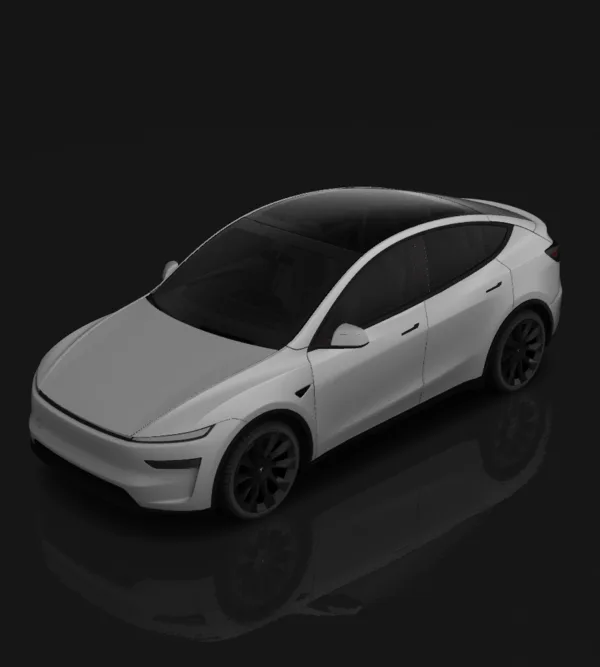
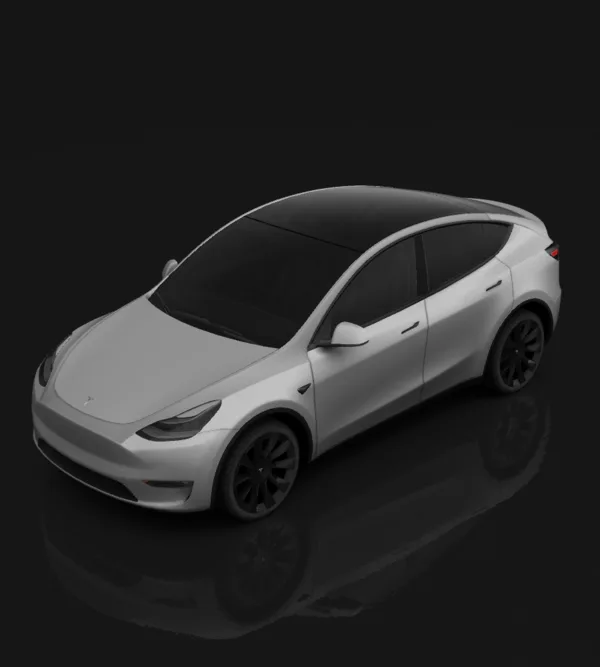
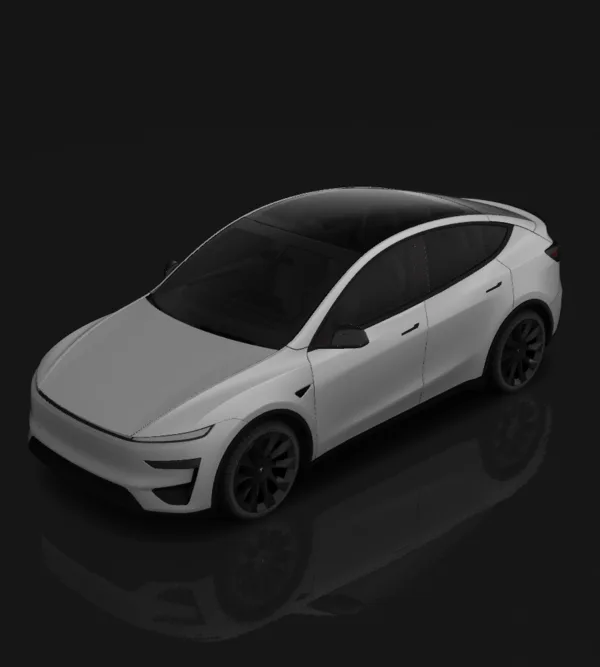
A panel seam can split a character’s face or fine lettering. Juniper and the original Model Y use different templates; even a 2025 car should be selected by its actual body generation.
View Model Y JuniperAnime car wrap questions
Is an anime wrap the same as itasha?+
They overlap. Manga-like colors, speed lines and halftones can form an anime-inspired wrap without a character. Itasha usually centers a large character illustration. Use the JDM/itasha page when the character is the main subject.
Can I print the preview as a physical car wrap?+
A photo-mode render is a design reference, not a production cut file. A wrap shop must verify the film, panel measurements and rights to any artwork. Tesla Paint Shop PNGs change only the digital car in the app and touchscreen.
How do I keep graphics aligned across doors?+
Keep faces and small lettering away from handles and panel gaps. Put broad shapes over seams, then inspect both the flat template and the 3D preview before exporting a Tesla PNG.
Need help making your prompt more precise? Read reusable car wrap prompts. Preview on your own photo
Try this style on
Styles
Studio 3D example
Studio 3D example
Studio 3D example
Studio 3D example
Studio 3D example
Studio 3D example
Studio 3D example
Studio 3D example