Wrap Studio
Choose a Tesla UV template for a digital Paint Shop PNG, or upload a photo of a supported car model to compare a physical wrap idea.
Design → edit layers → check the flat template → download PNG
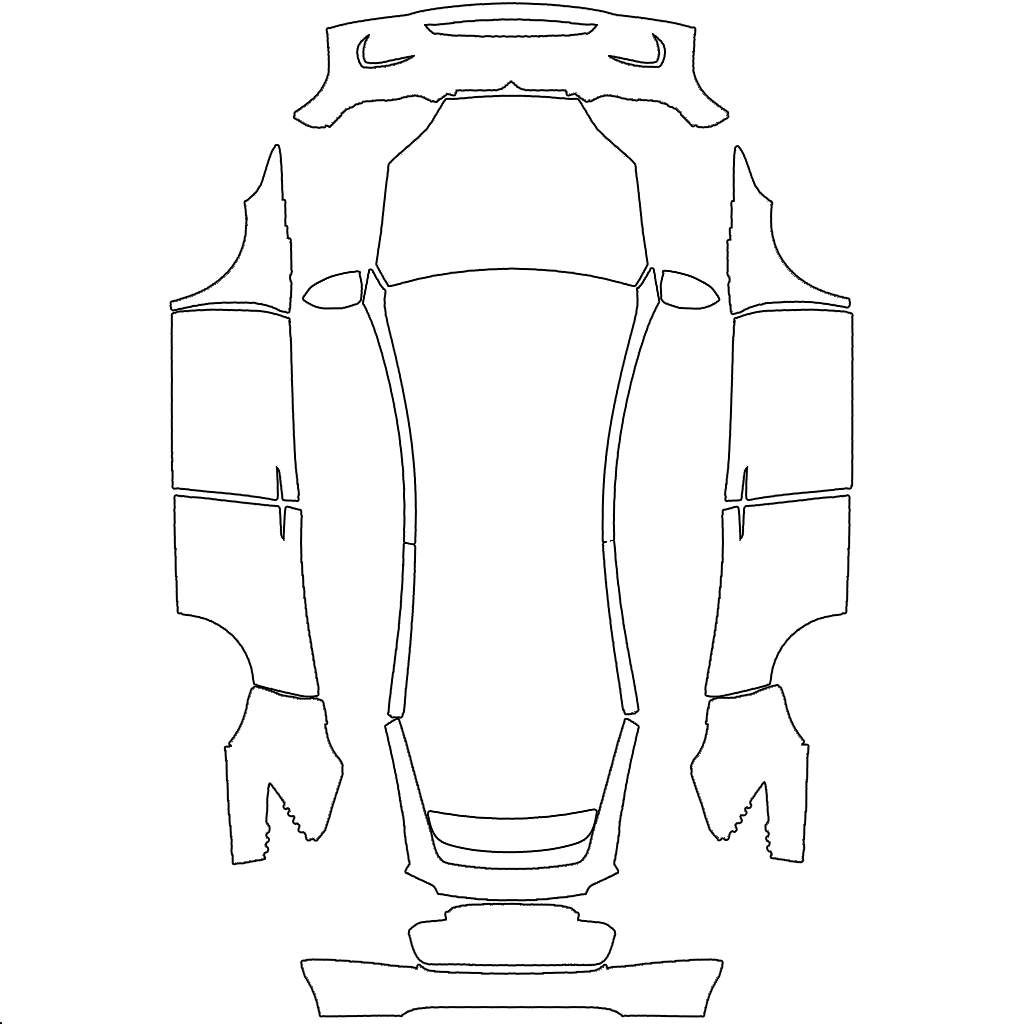
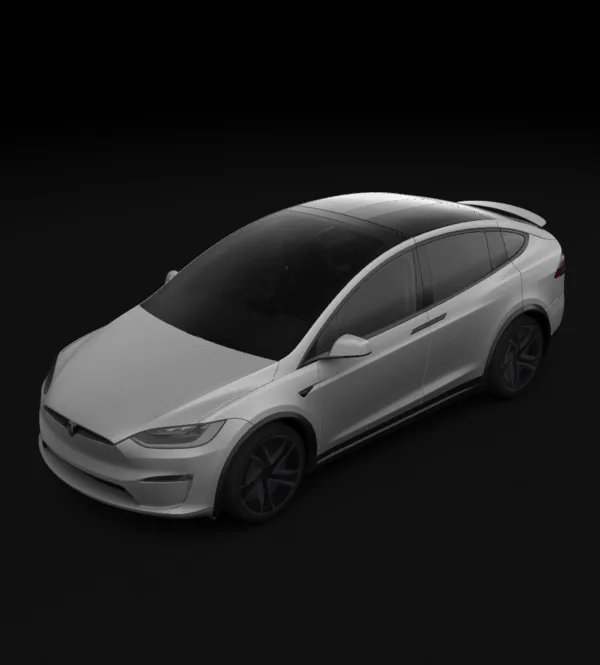 Choose an example or generate a design to preview it on this template.
Before using it: inspect the flat template’s panels, edges and text, then verify the exported PNG in Tesla Paint Shop. This vehicle has no on-site 3D preview; the file is for the digital vehicle, not physical-wrap printing.
Bring your design to your Tesla
Tesla app 4.59.0 or newer: Creations → Wrap → Upload. Choose the downloaded template PNG, then apply it to your vehicle.
USB alternative: create a Wraps folder at the drive root and place up to 10 PNGs inside. In the car, open Toybox → Paint Shop.
Use the template PNG, not a 3D screenshot. The download keeps a short filename and fits the 1 MB limit. Vehicle software and region availability may differ.
Generation modes and export guide
Tesla mode uses the selected model’s UV template, with 3D preview on supported trims and a flat template view for the others. Photo mode uses your uploaded image and shows a before-and-after comparison; it produces a visual reference, not a cut file.
Five image models are available and each has a different temperament: some hold hard geometry, others handle painterly texture. Generations cost 6–12 credits depending on the model, and a failed generation refunds automatically.
Preview a physical wrap idea on your own photo