Two-tone car wraps
A two-tone layout can split the car into left and right halves or put a contrasting color on the roof, hood or lower body. Choose the dividing line in your prompt, then inspect it from several angles. For a physical wrap, verify the color and installable edges with a wrap shop; the preview is a design reference.
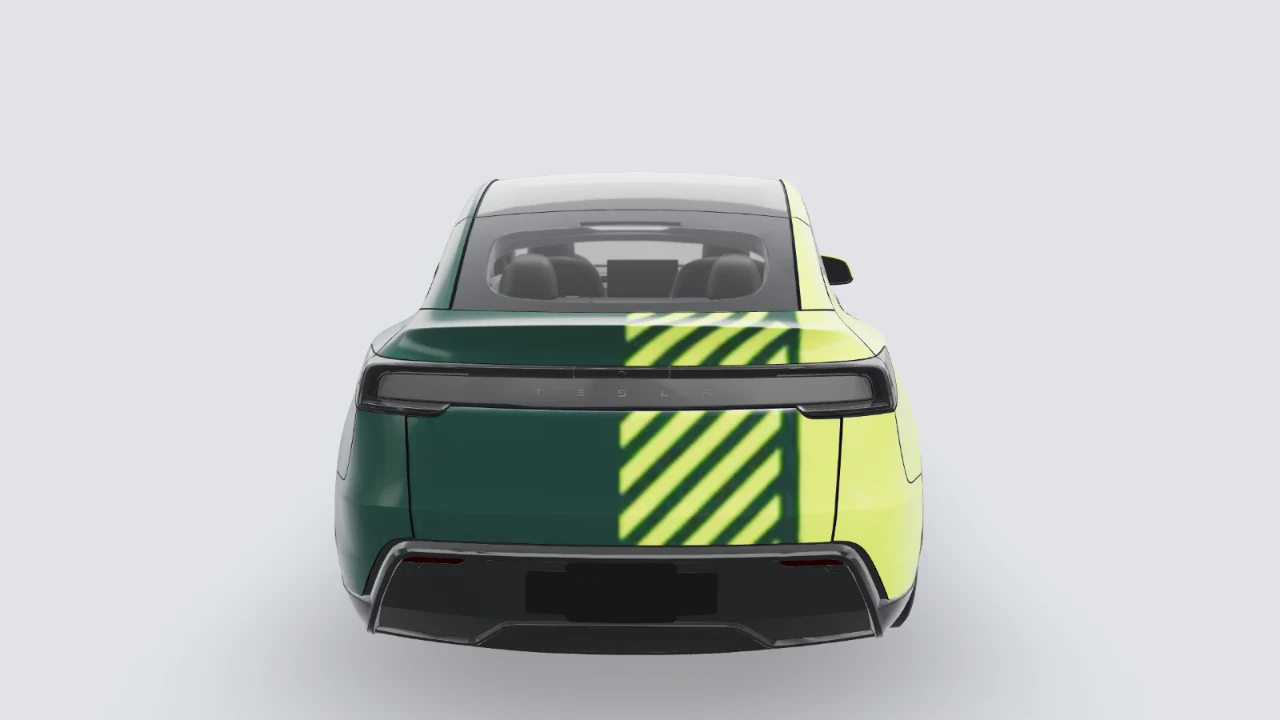
Design → edit layers → review in 3D → download template
Before using it: check both sides, panel seams and text in 3D, then inspect the PNG. This changes the car on your Tesla screen; it is not a physical-wrap print file.
Bring your design to your Tesla
Tesla app 4.59.0 or newer: Creations → Wrap → Upload. Choose the downloaded template PNG, then apply it to your vehicle.
USB alternative: create a Wraps folder at the drive root and place up to 10 PNGs inside. In the car, open Toybox → Paint Shop.
Use the template PNG, not a 3D screenshot. The download keeps a short filename and fits the 1 MB limit. Vehicle software and region availability may differ.
Try this style on
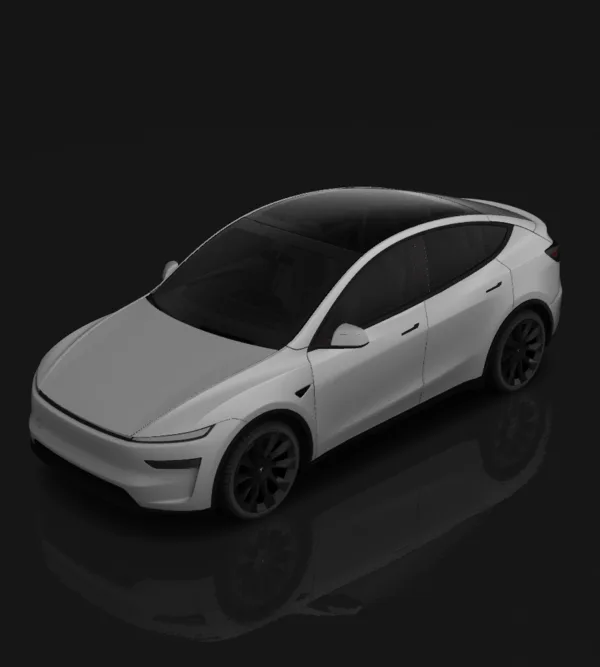
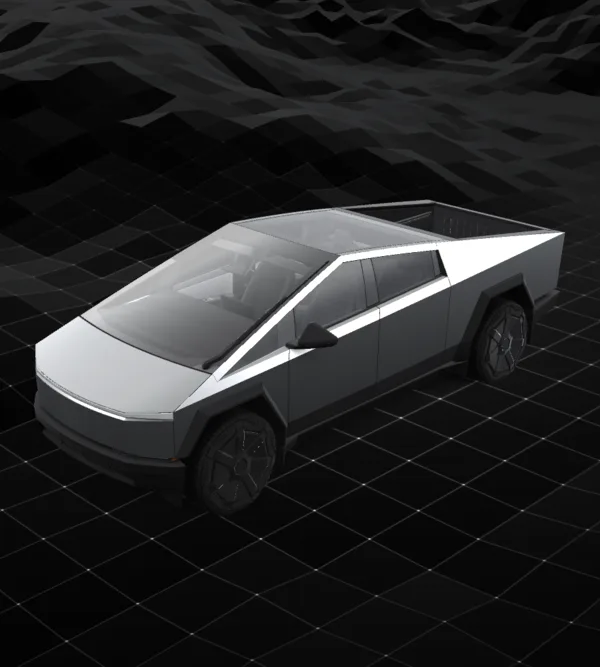
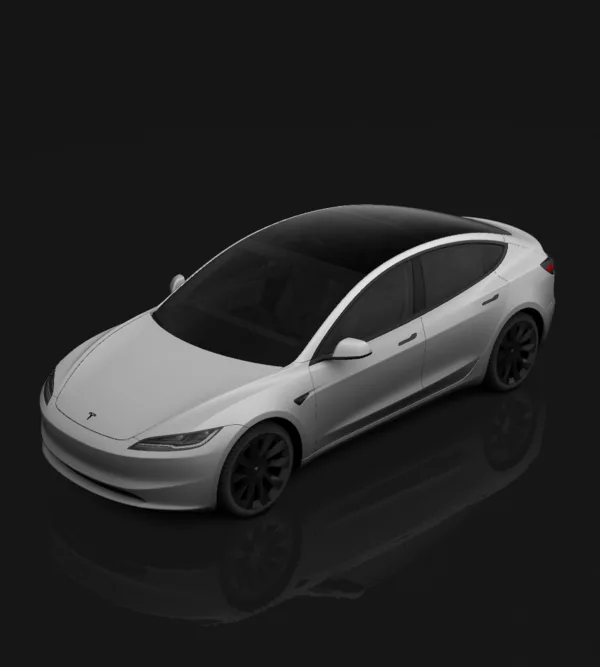
Styles
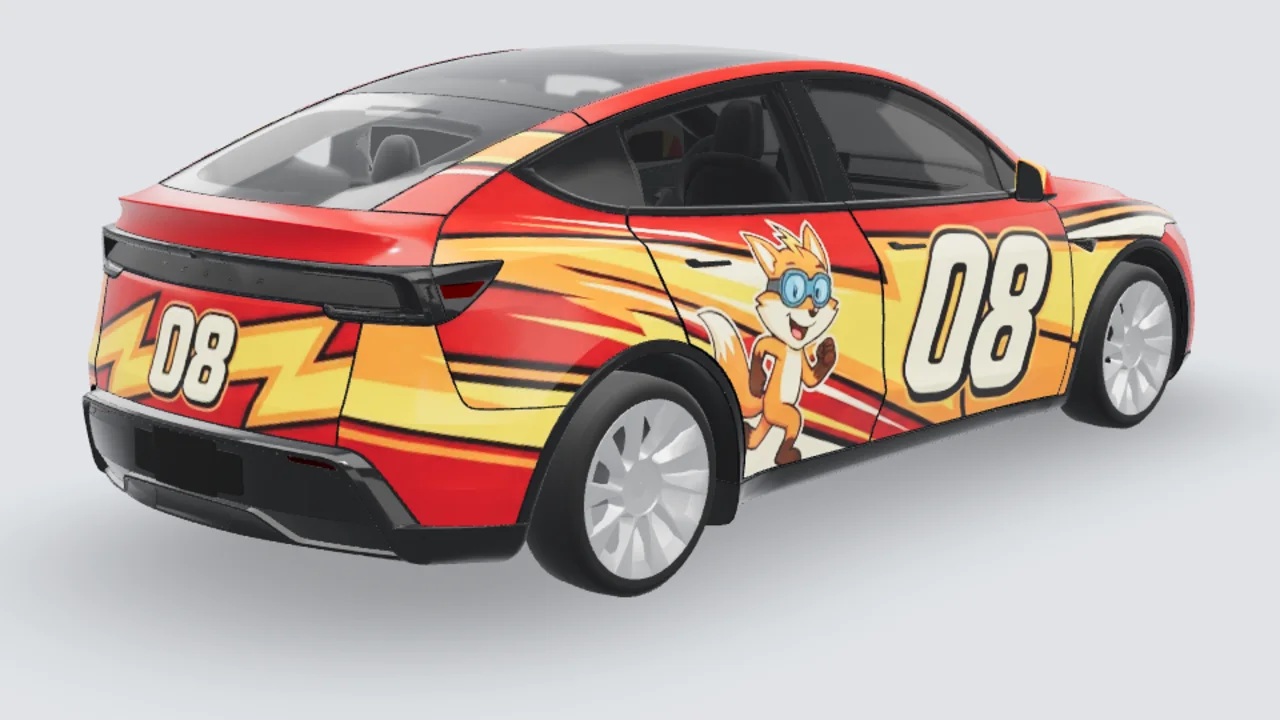
Studio 3D example
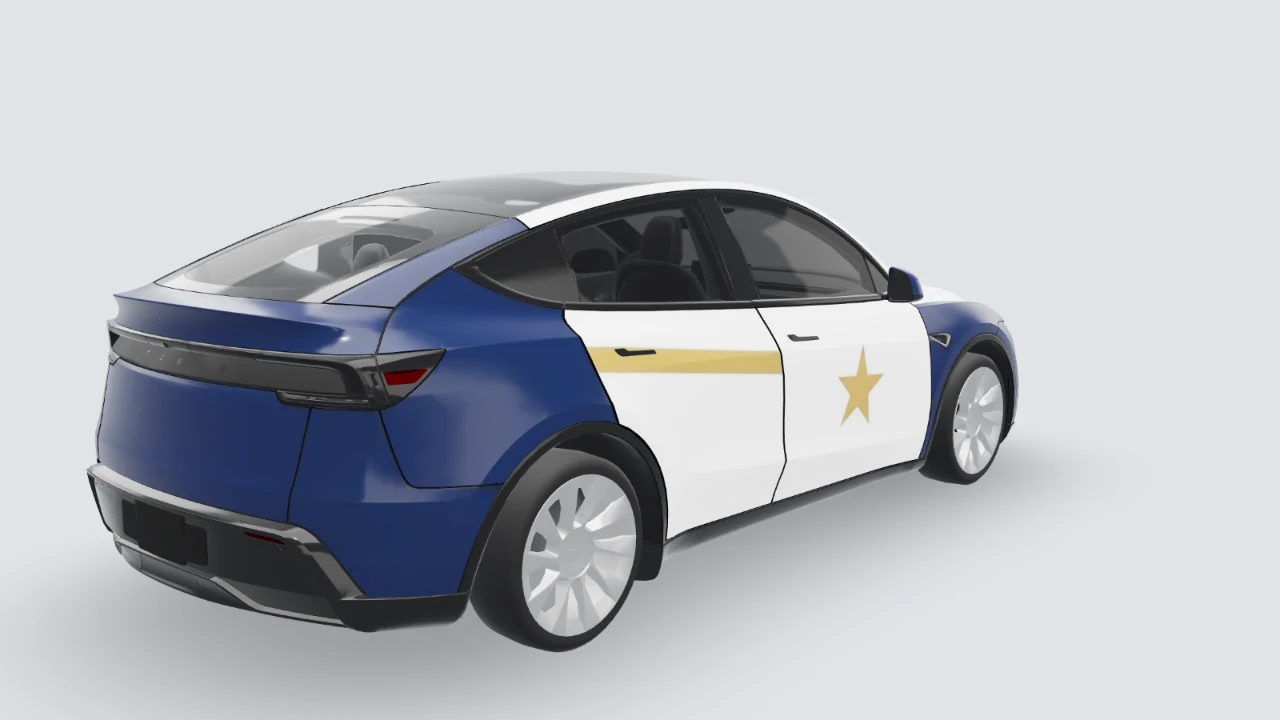
Studio 3D example
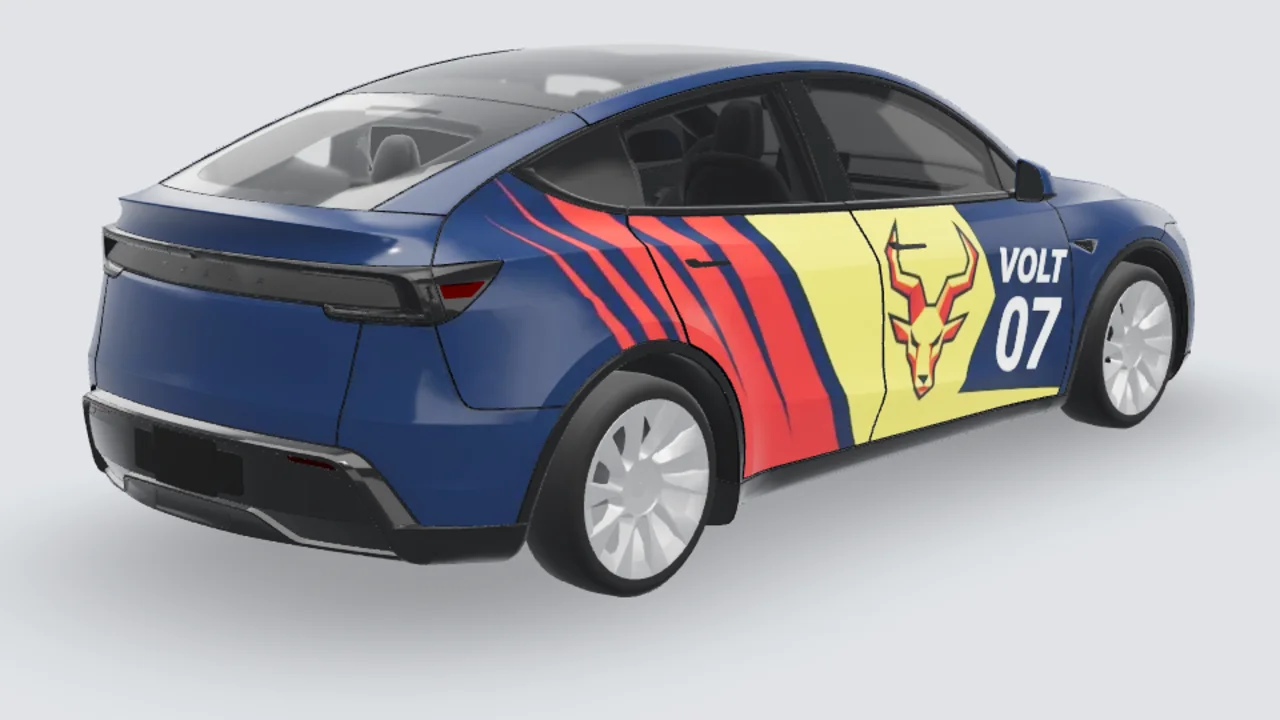
Studio 3D example
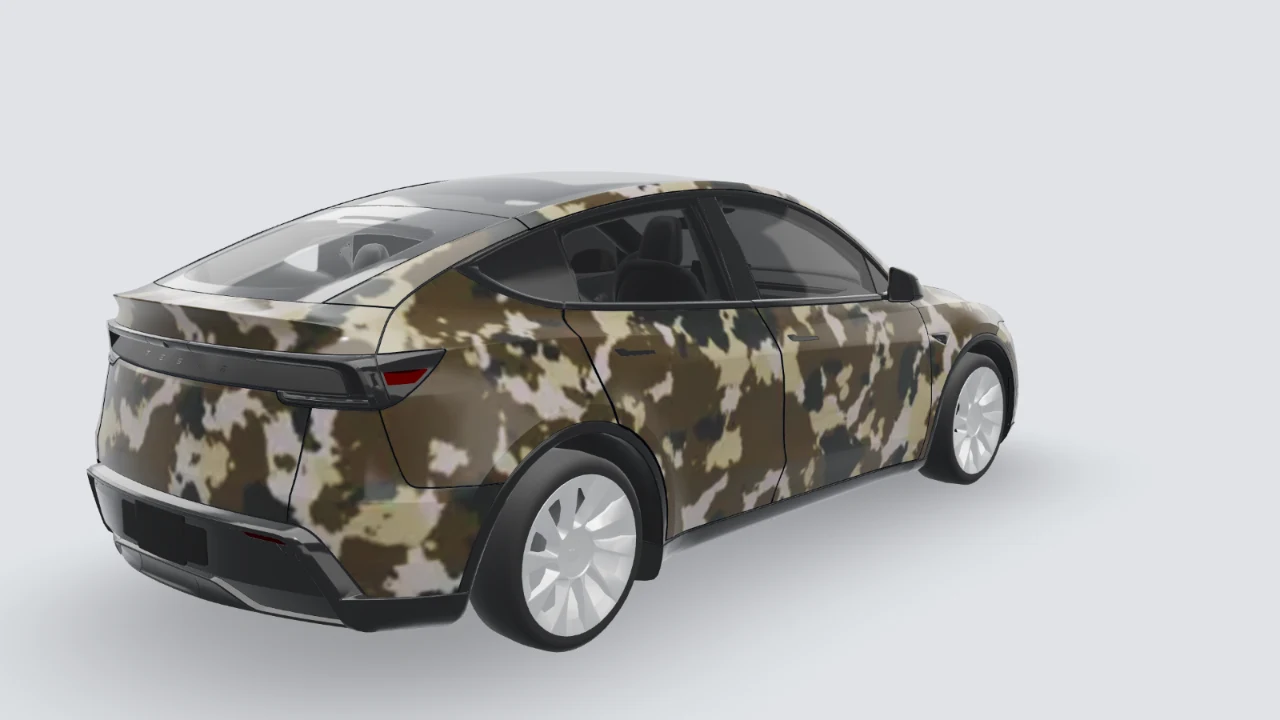
Studio 3D example
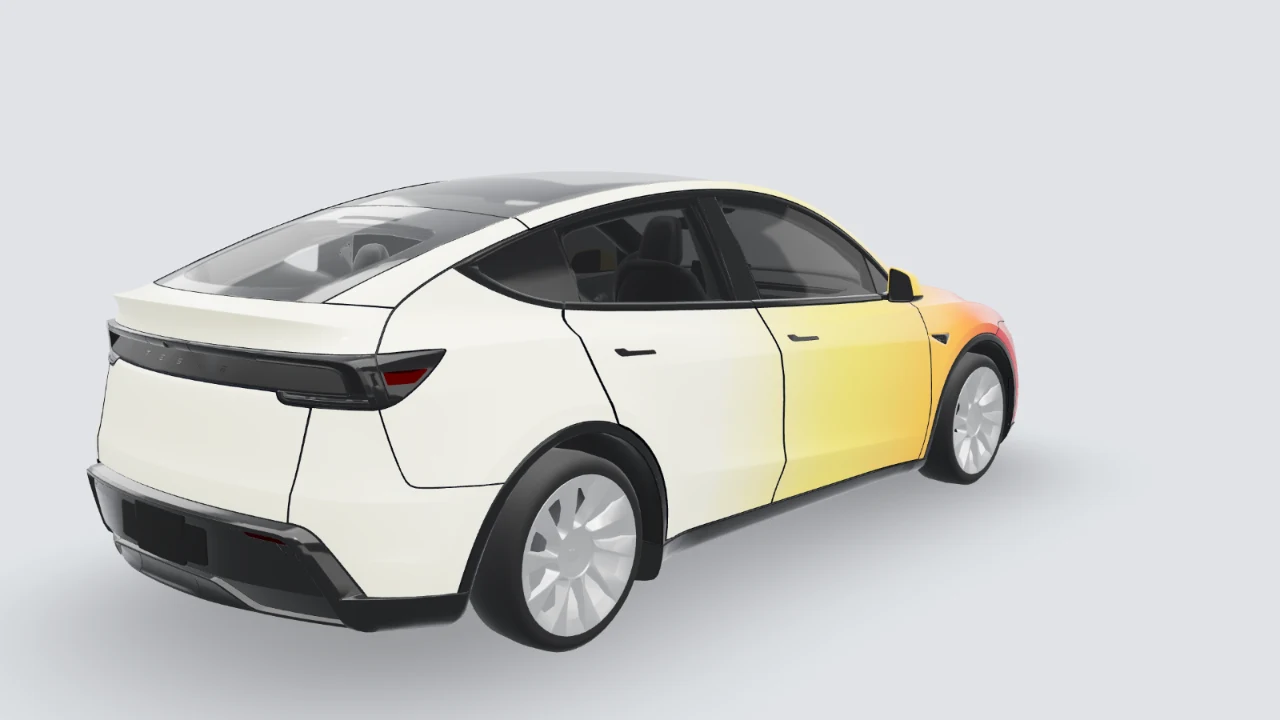
Studio 3D example
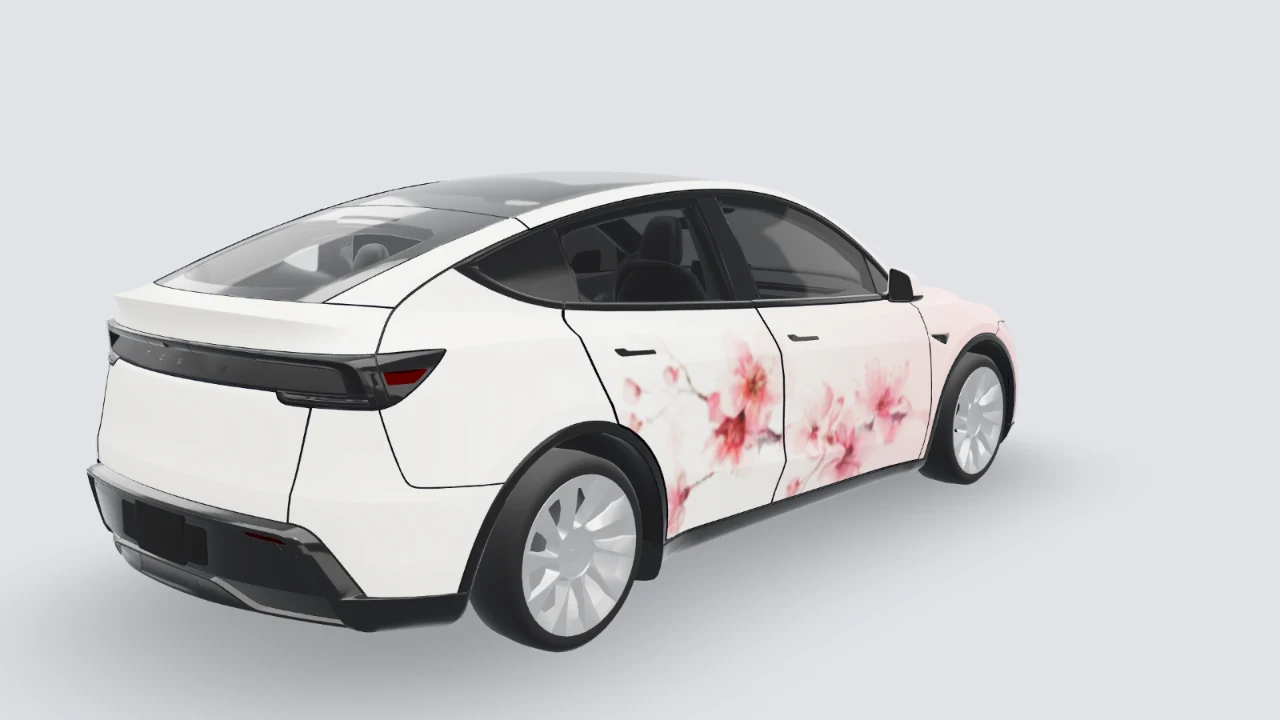
Studio 3D example
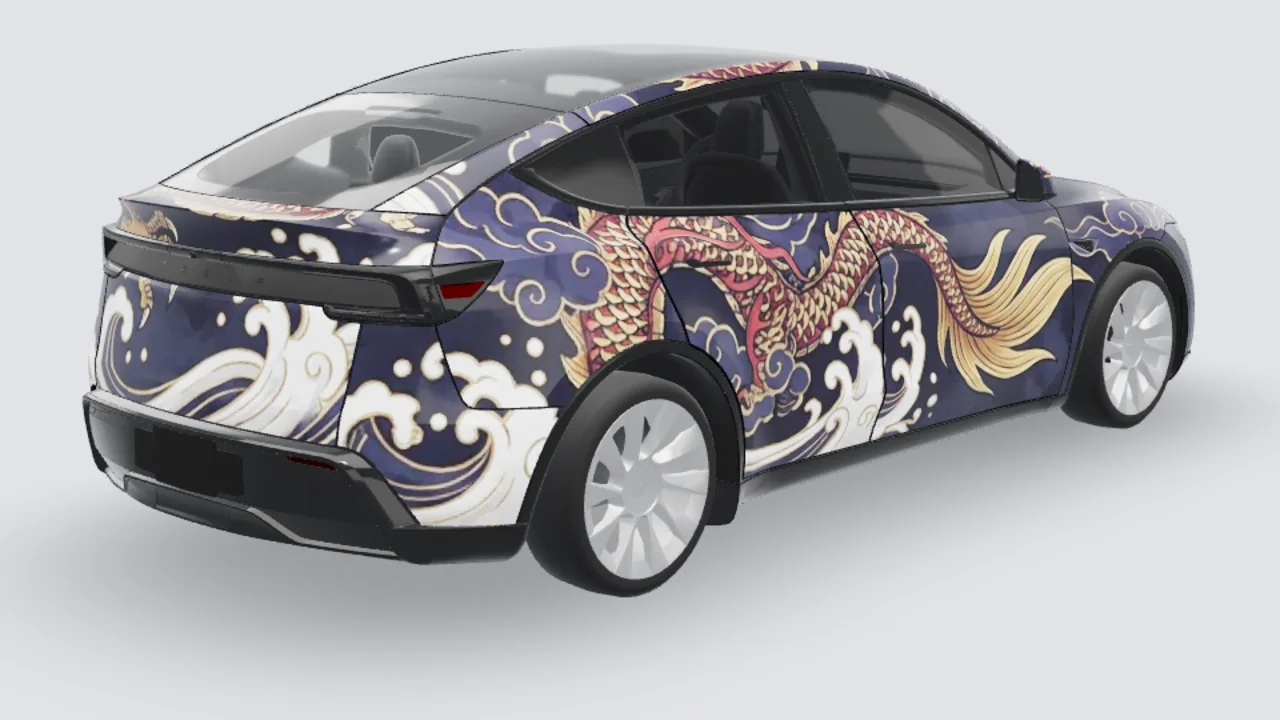
Studio 3D example
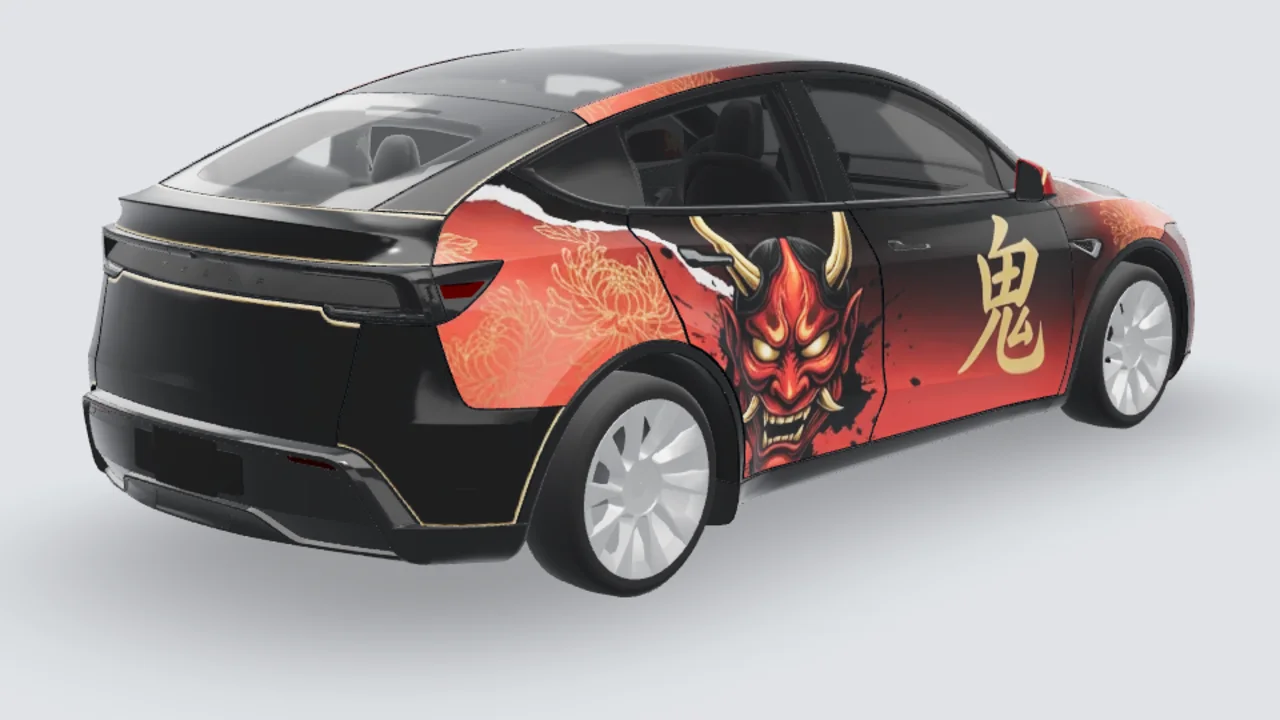
Studio 3D example