Christmas and holiday car wraps
Holiday wraps read best when the lights follow the body lines. Describe where the strands hang (along the beltline, across the doors, around the rear quarter) and keep a dark base so the bulbs glow on screen. Paint Shop swaps take seconds, so a seasonal design can go back to your everyday wrap after the holidays.
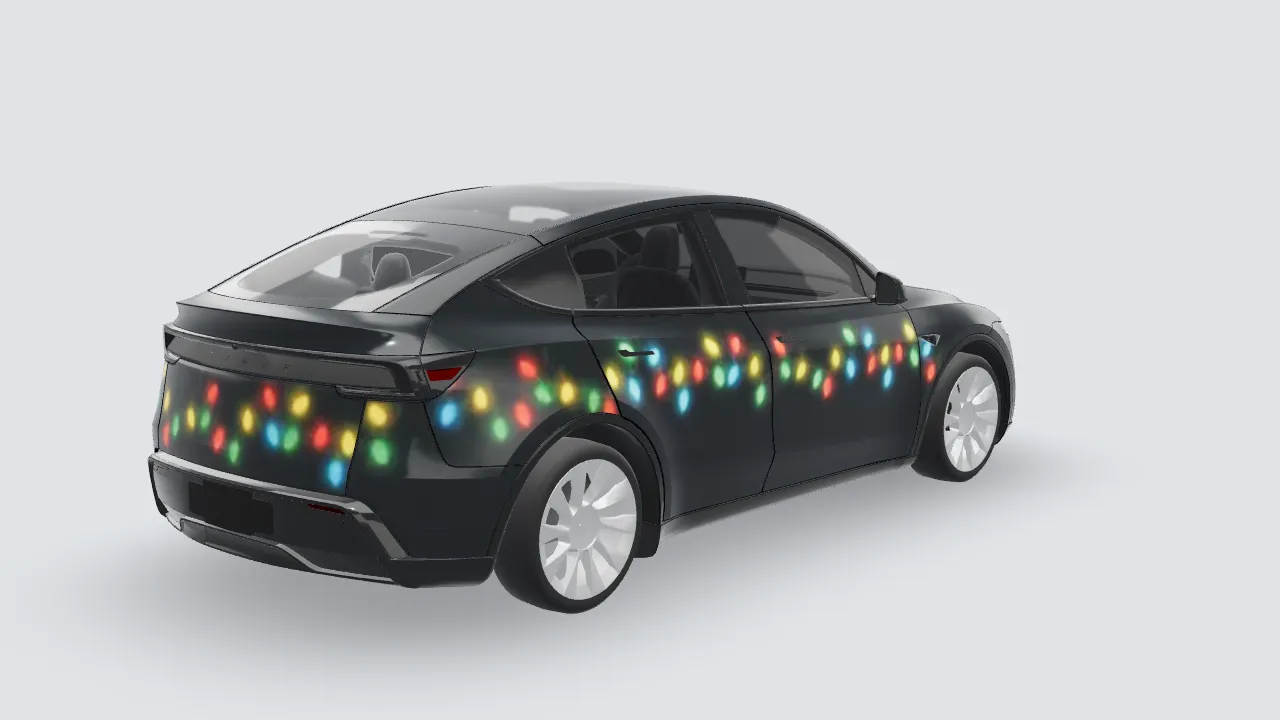
Design → edit layers → review in 3D → download template
Before using it: check both sides, panel seams and text in 3D, then inspect the PNG. This changes the car on your Tesla screen; it is not a physical-wrap print file.
Bring your design to your Tesla
Tesla app 4.59.0 or newer: Creations → Wrap → Upload. Choose the downloaded template PNG, then apply it to your vehicle.
USB alternative: create a Wraps folder at the drive root and place up to 10 PNGs inside. In the car, open Toybox → Paint Shop.
Use the template PNG, not a 3D screenshot. The download keeps a short filename and fits the 1 MB limit. Vehicle software and region availability may differ.
Try this style on
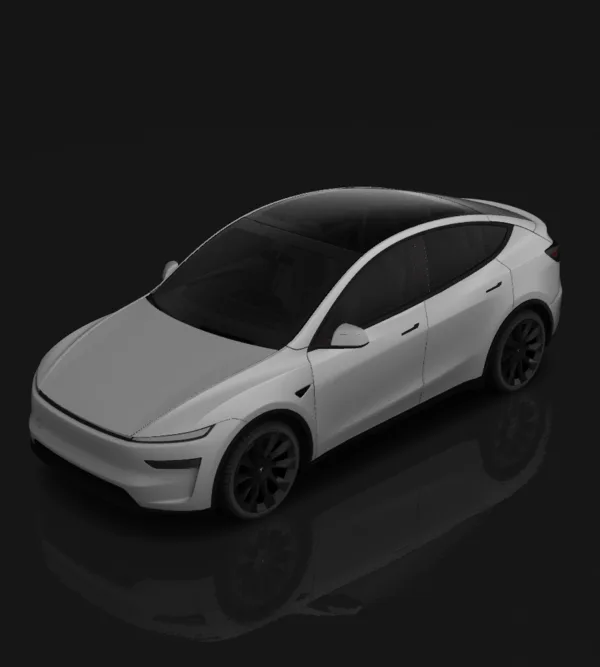
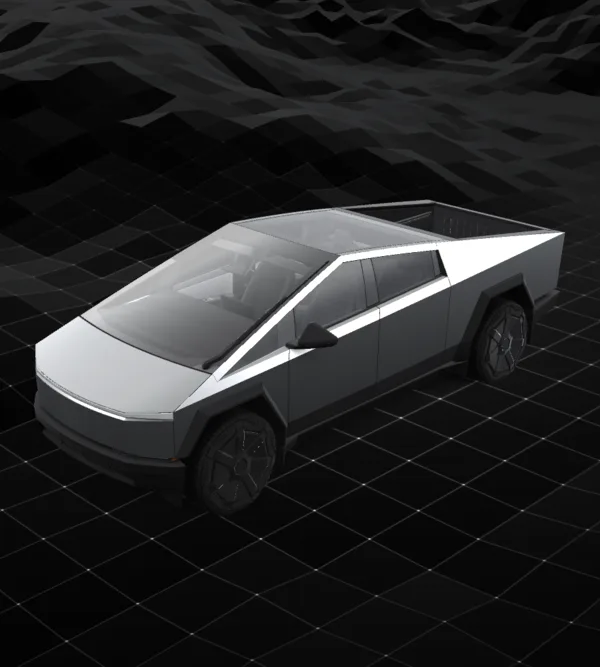
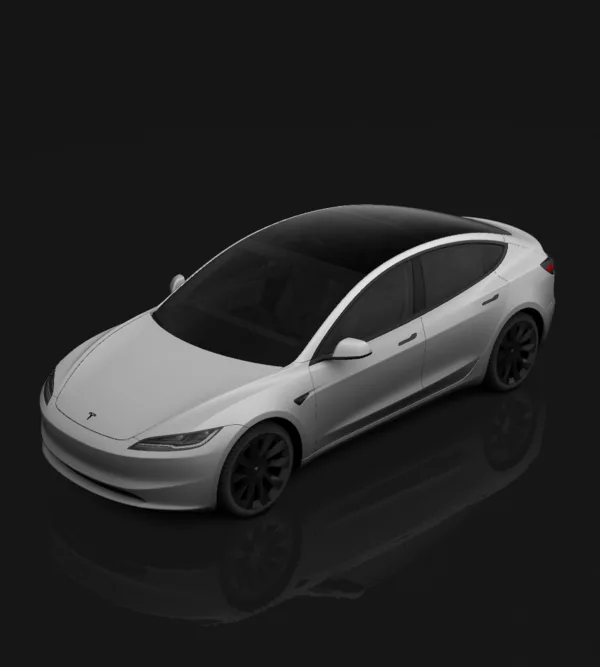
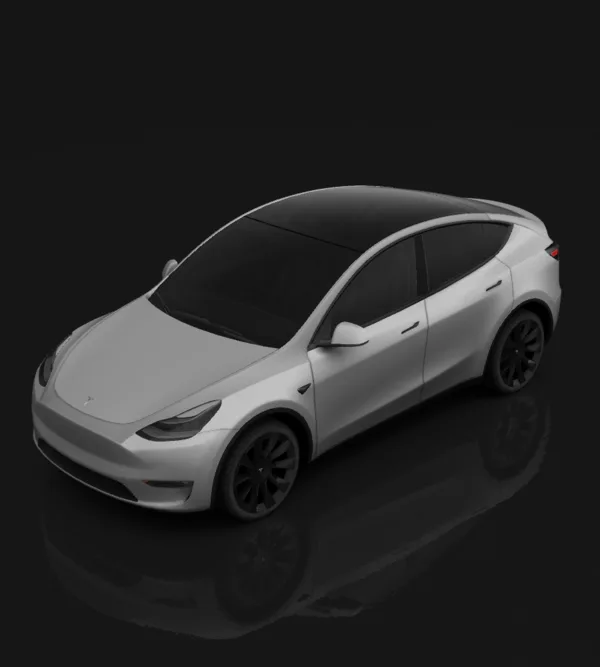
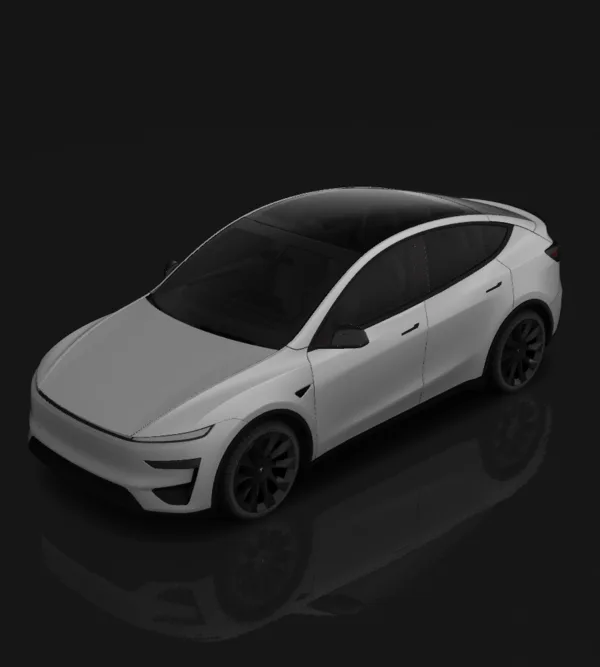
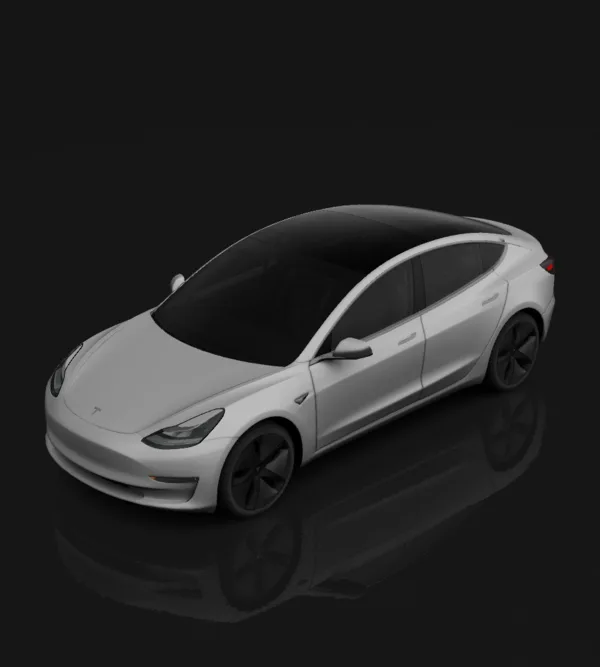
Styles
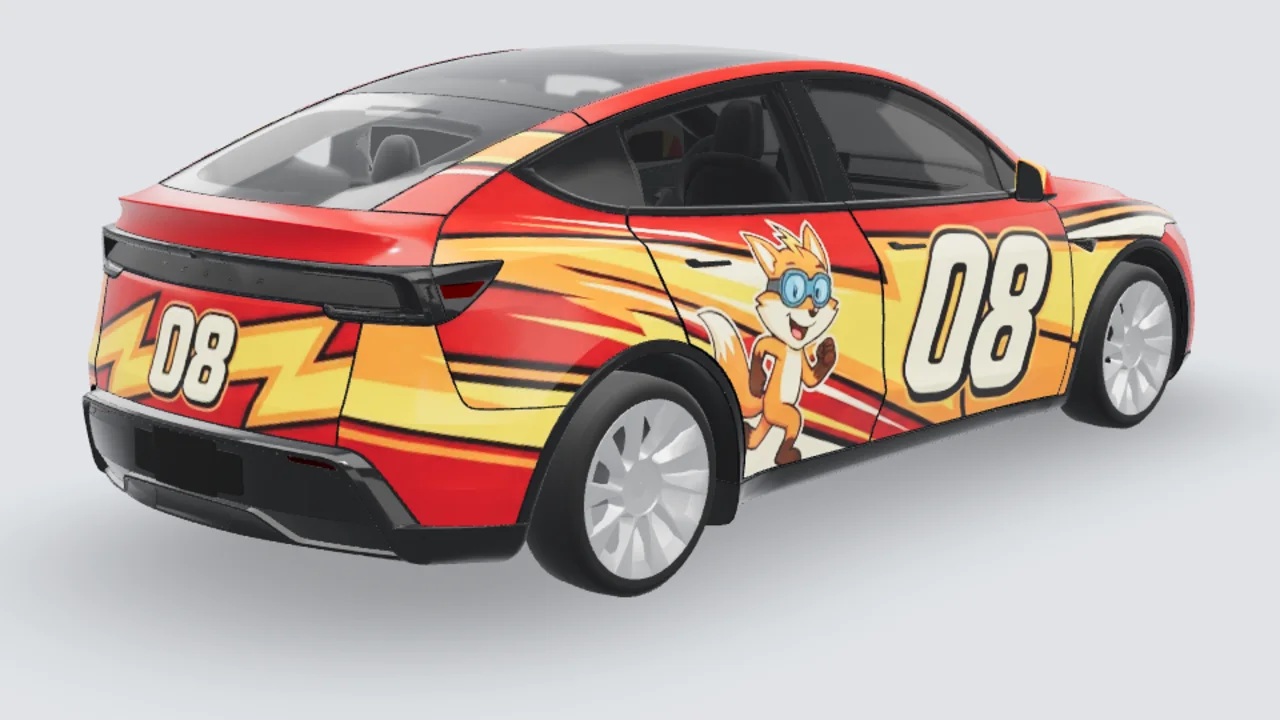
Studio 3D example
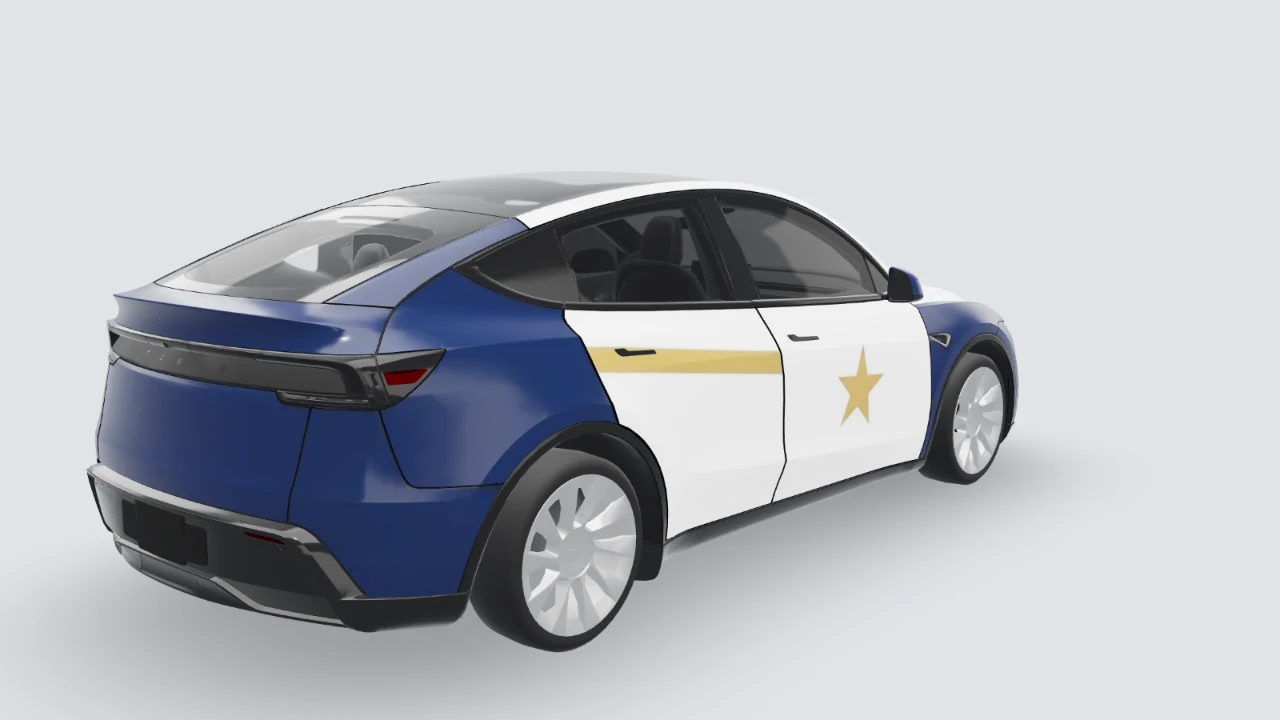
Studio 3D example
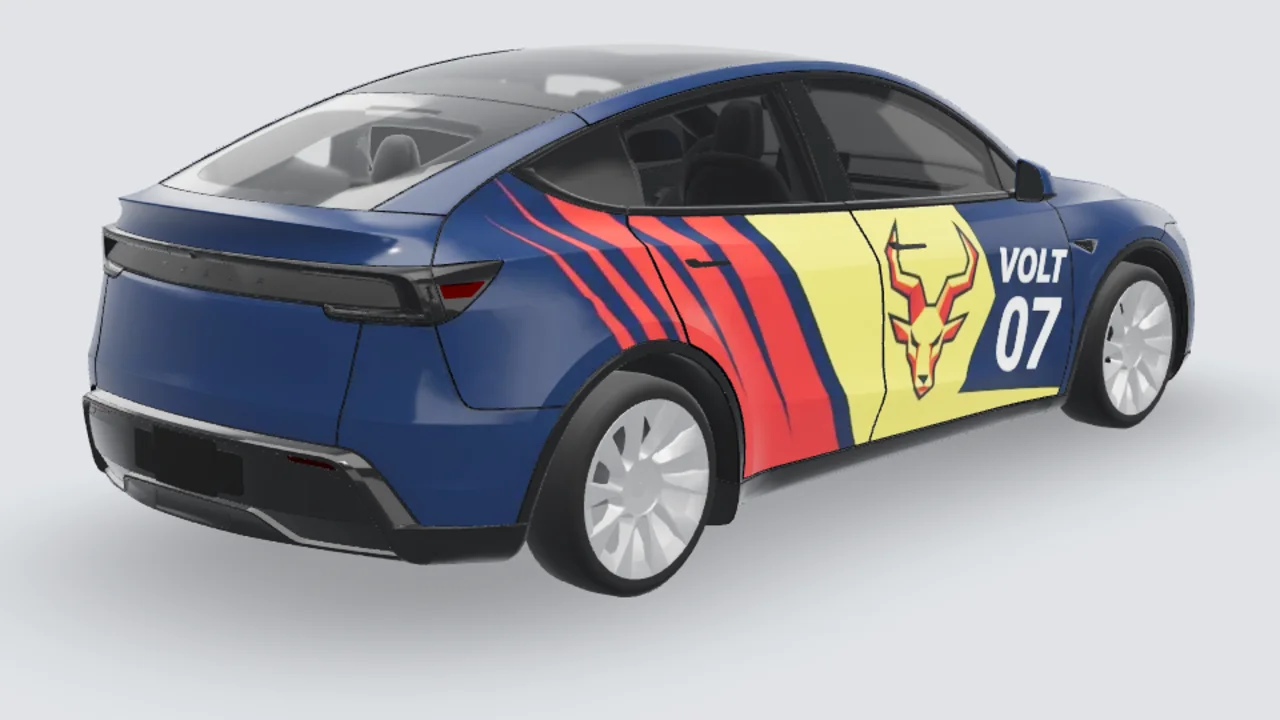
Studio 3D example
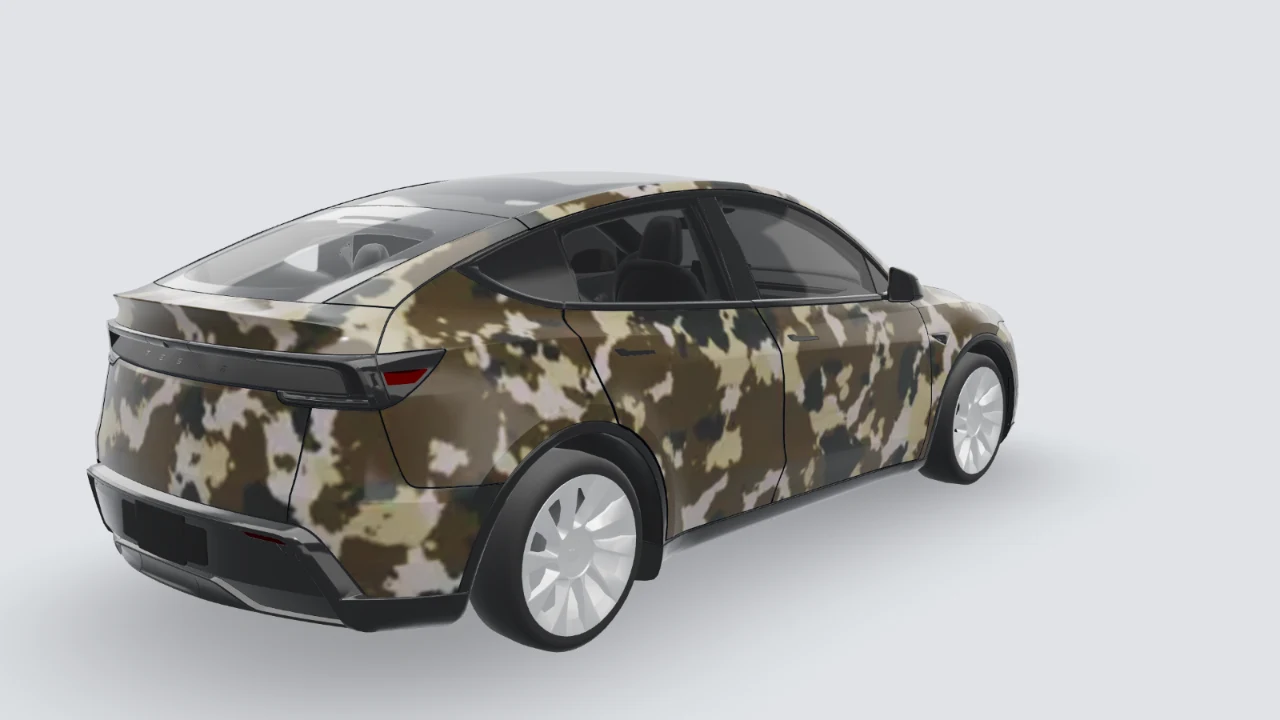
Studio 3D example
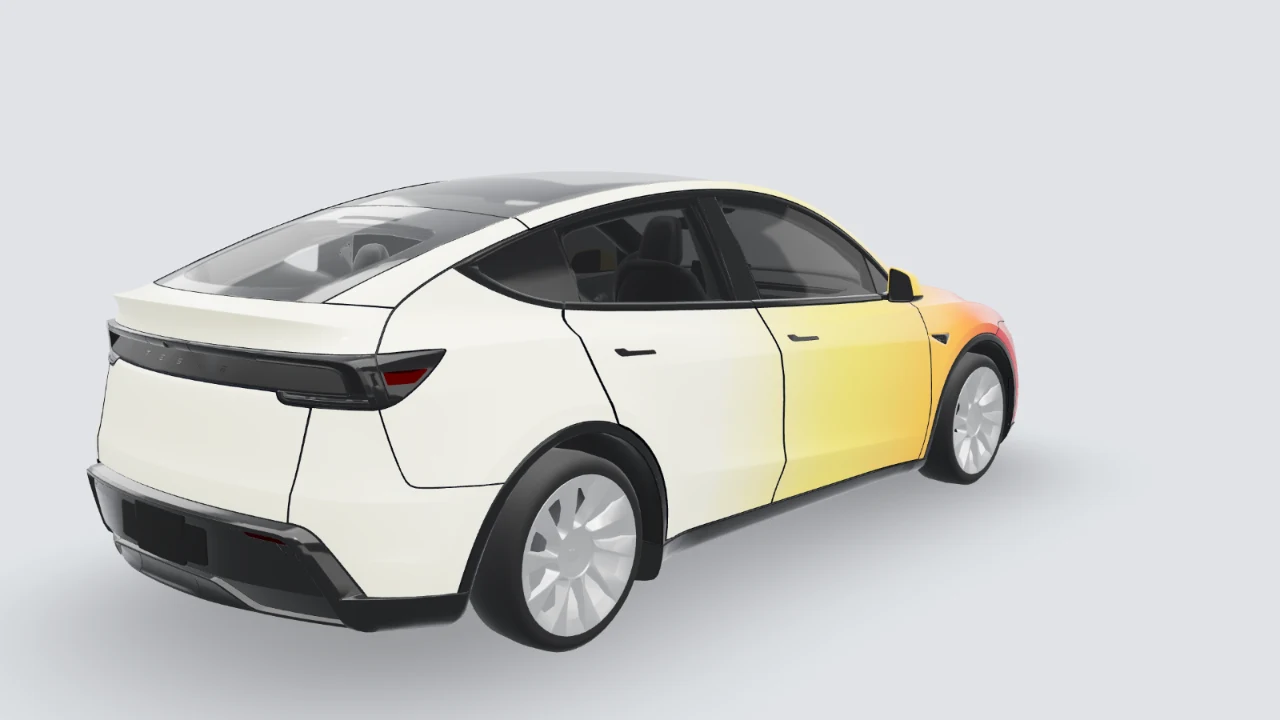
Studio 3D example
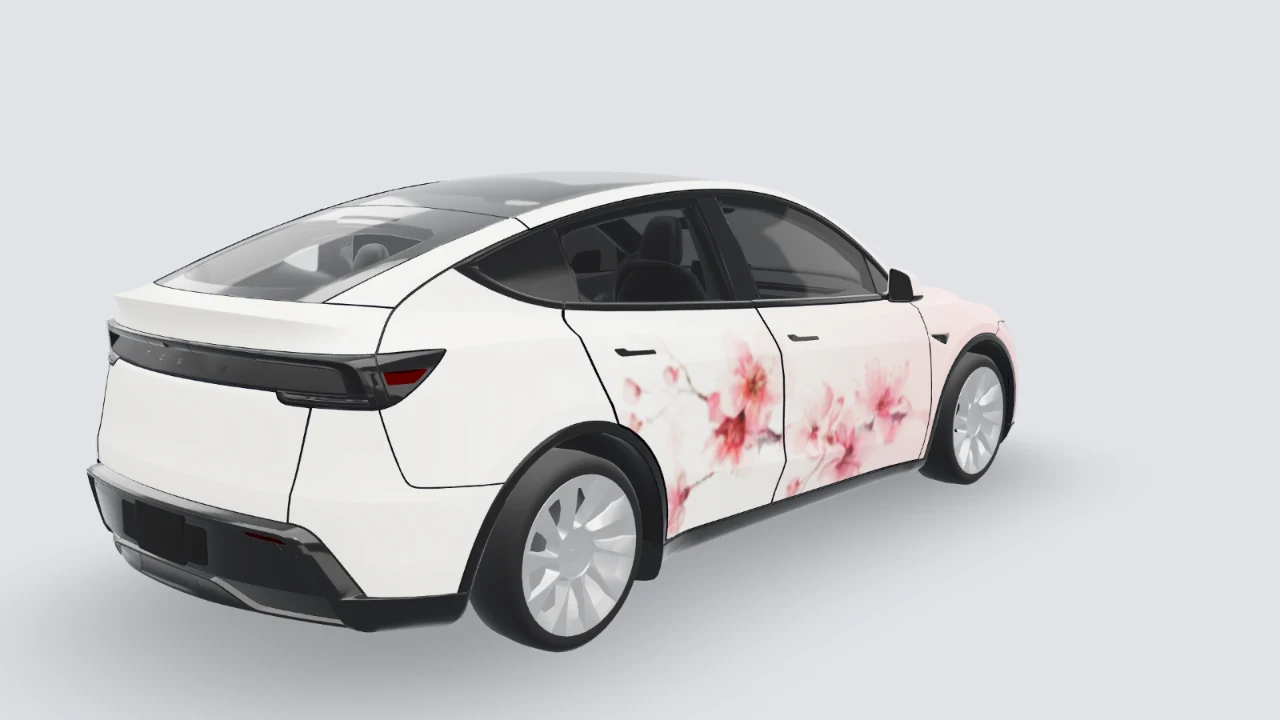
Studio 3D example
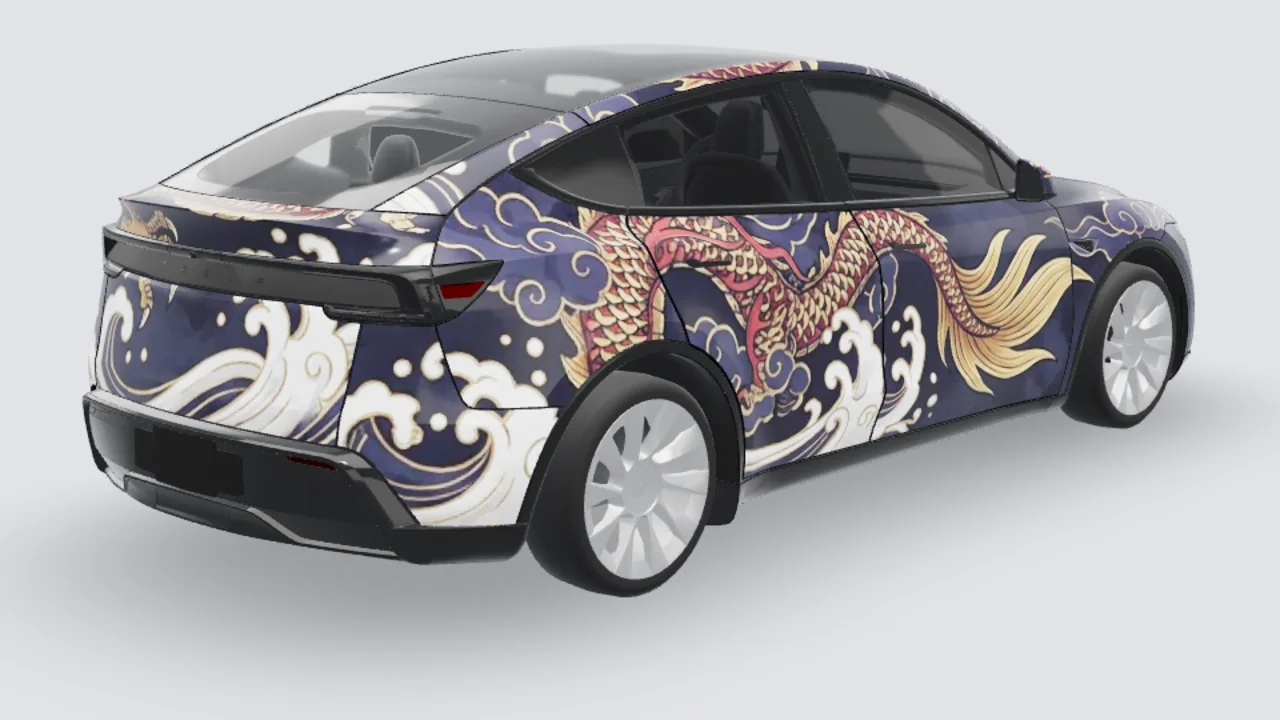
Studio 3D example
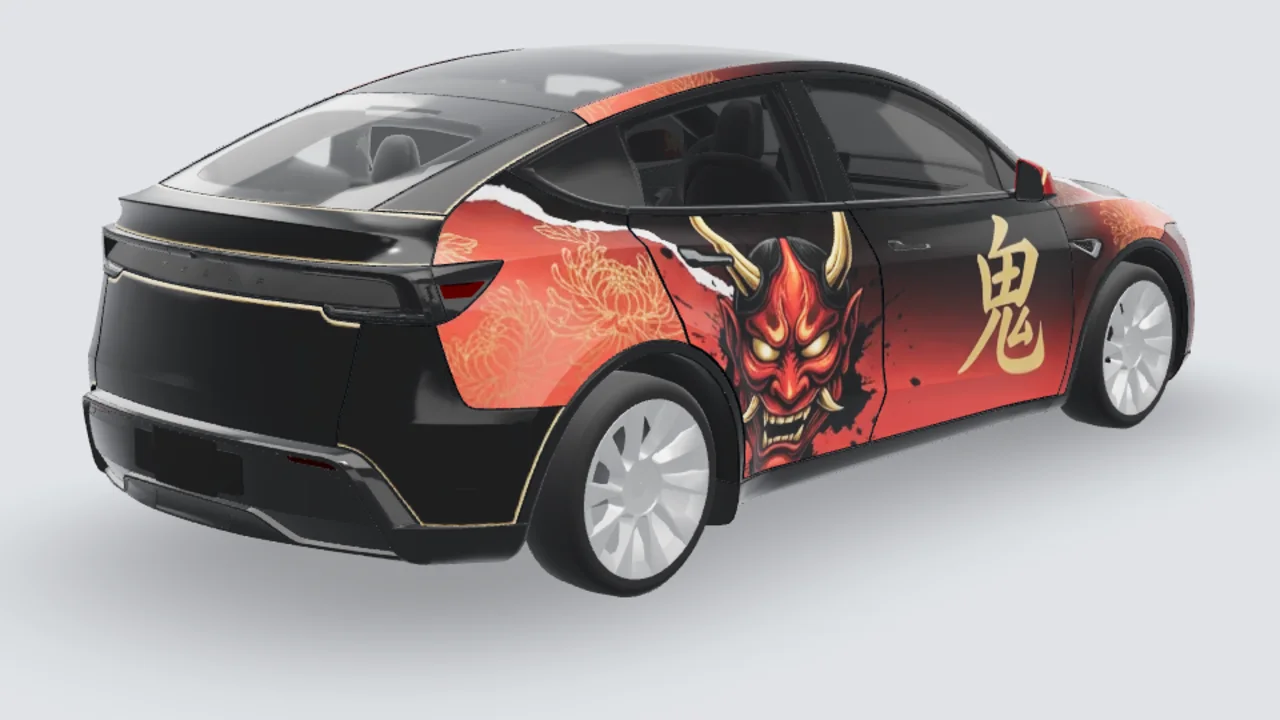
Studio 3D example